
PDF to Video AI: Transform Documents into Engaging Content
Transform static PDF documents into dynamic video content using AI-powered tools. Learn how to create professional videos with digital avatars, voiceovers, and multilingual support.
TL;DR: PDF to video AI converts static documents into engaging video content with digital avatars, voiceovers, and multilingual support in minutes. No filming or editing skills required—upload your PDF, select an avatar and voice, and generate professional videos optimized for marketing, training, and e-commerce.
Static PDF documents serve their purpose, but they don't capture attention the way video content does. According to research from Mootion, video content generates 65% faster engagement compared to traditional document formats. That's where pdf to video ai technology steps in, transforming boring reports, product brochures, and training materials into dynamic videos featuring digital avatars and professional narration.
This guide walks you through everything you need to know about converting PDFs into videos using AI, from understanding how the technology works to choosing the right platform for your specific needs.
What is PDF to Video AI?
PDF to video AI refers to automated platforms that analyze document content and generate video presentations without manual editing. These tools extract text, images, and data from PDFs, then structure the information into video narratives complete with AI avatars, voiceovers, animations, and subtitles.
Unlike basic screen recording or slideshow creators, modern pdf to video ai platforms offer intelligent content analysis. The AI identifies key points, organizes information hierarchically, and creates scene transitions that make sense for your audience.
The conversion process combines natural language processing, computer vision, text-to-speech engines, and avatar synthesis to deliver minute-level production speeds.
How PDF to Video AI Works
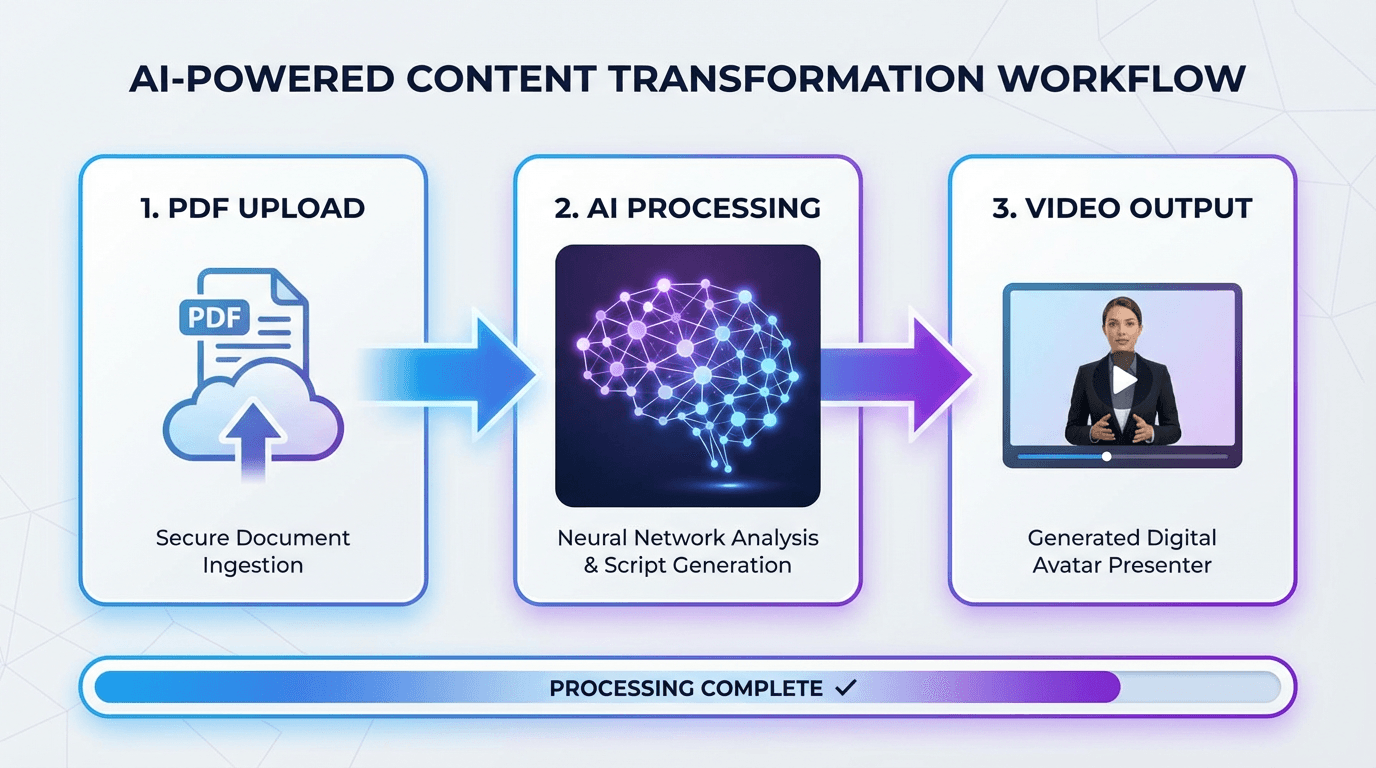
The transformation from static document to dynamic video typically follows three straightforward steps:
Step 1: Upload and Analysis Upload your PDF, Word document, or PowerPoint file. The AI scans the content, identifying headings, body text, images, and data visualizations. Most platforms support files up to 50MB and can process documents with complex layouts.
Step 2: Customization Select your digital avatar from a character library, choose a voice (with options for different languages and accents), and pick a video template that matches your industry. You can edit the auto-generated script, adjust scene timing, and add your brand elements.
Step 3: Generation and Export The platform renders your video, typically completing a 3-minute video in under 2 minutes. Export as MP4 for YouTube, social media, training platforms, or product pages.
Platforms like Keevx transform content ideas into ready-to-use videos with batch generation capabilities, enabling you to convert multiple PDFs simultaneously for scaled content production.
Why Transform PDFs into Videos
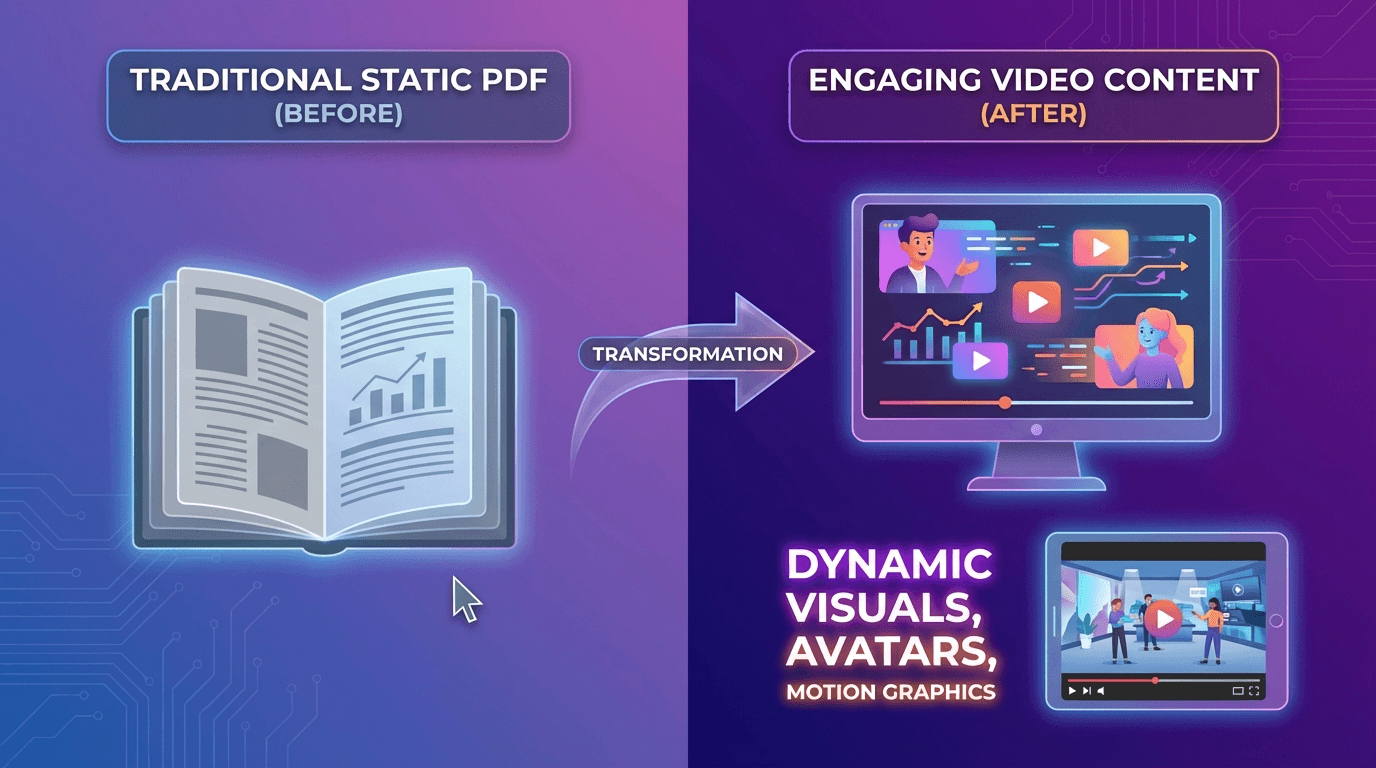
The shift from document to video format delivers measurable benefits across multiple business functions:
Increased Engagement and Retention
Viewers retain 95% of a message when watching video compared to 10% when reading text, according to retention studies. Digital avatars add a human element that keeps audiences engaged longer, while videos play seamlessly across all devices without the zooming and scrolling issues common with PDFs on mobile.
Multilingual Reach Without Extra Production
Traditional video localization requires re-filming or expensive dubbing services. PDF to video AI platforms generate voiceovers and subtitles in 70+ languages from a single source document, enabling cross-border content distribution at a fraction of traditional costs.
Time and Cost Efficiency
Professional video production typically costs $1,000-$5,000 per minute and takes days or weeks. AI-powered conversion delivers similar output quality in minutes at a fraction of the cost, with no need for cameras, studios, or editing expertise.
Essential Features to Look For
Not all pdf to video ai platforms offer the same capabilities. Prioritize these features based on your specific use case:
Digital Avatar Library
Look for platforms offering diverse avatar options representing different ages, ethnicities, and professional styles. Keevx provides 234 diverse digital avatars with 169 voice options supporting regional languages, ensuring you can match presenters to your target audience.
Multilingual Support with Lip-Sync
Basic platforms offer voiceovers in multiple languages, but advanced solutions provide lip-sync technology where the avatar's mouth movements match the spoken language. This creates more authentic viewing experiences for international audiences. Solutions with video translation and dubbing with lip-sync capability handle 70+ languages and 178 dialects.
Template Library and Customization
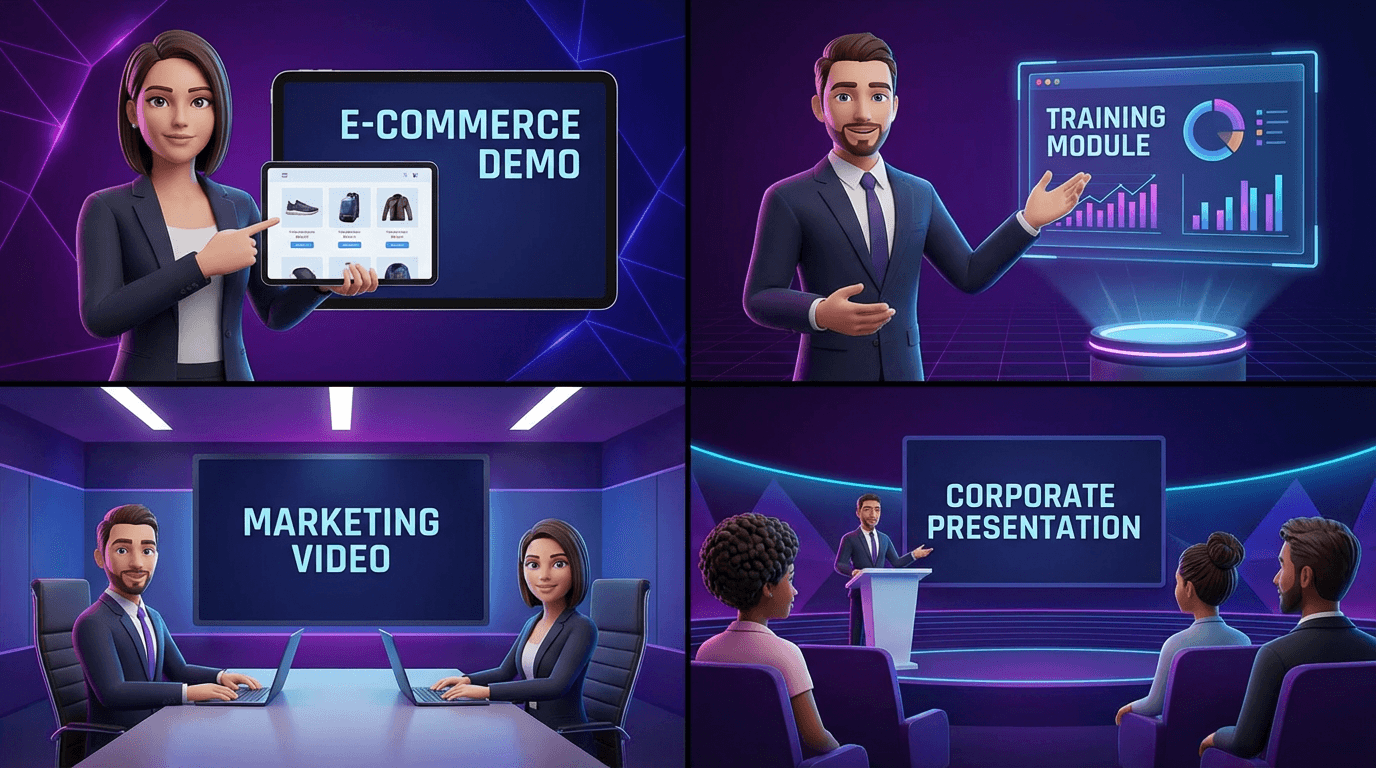
Pre-built templates accelerate production for common use cases like product demos, training materials, and marketing videos. Look for platforms offering 40+ industry-specific templates you can customize with your brand colors, logos, and fonts.
E-commerce Integration
For product-focused businesses, one-click URL-to-video conversion saves significant time. Platforms that integrate directly with Amazon, Shopify, eBay, and Etsy automatically extract product details and generate video content optimized for marketplace listings.
Batch Processing Capabilities
If you're converting multiple documents, batch generation becomes essential. This feature processes dozens of PDFs simultaneously, maintaining consistent formatting and quality across all outputs.
Best PDF to Video AI Tools
Several platforms lead the pdf to video ai market, each with distinct strengths:
Keevx
Best for: Cross-border e-commerce merchants and businesses requiring multilingual video localization
Keevx specializes in minute-level video production without filming or editing requirements. The platform converts product images and URLs into engaging video content with seamless integration for major e-commerce platforms. Key capabilities include 70+ language localization with lip-sync, 234 diverse avatars, batch generation for scaled content production, and cross-platform optimization for YouTube and TikTok.
Keevx stands out for one-click Amazon/eBay/Shopify/Etsy URL conversion and viral content analysis tools that help identify trending formats for replication.
AI Studios (DeepBrain AI)
Best for: Enterprise teams requiring realistic avatars and extensive language support
AI Studios offers 200+ photorealistic digital avatars and supports 150+ languages with natural-sounding voiceovers. The platform provides free access to basic PDF conversion (up to 50MB files, 3-minute videos) making it accessible for testing before committing to paid plans.
Synthesia
Best for: Corporate training and internal communications
Synthesia pioneered the AI avatar video space and maintains strong enterprise features including SSO integration, team collaboration tools, and brand management capabilities. The platform excels at converting training manuals and policy documents into engaging employee onboarding content.
NoteGPT
Best for: Quick conversions without account creation
NoteGPT offers free PDF to video conversion with no sign-up required, providing the fastest path for basic conversions.
Key Use Cases for PDF to Video AI
Different industries apply pdf to video ai technology to solve specific challenges:
E-commerce Product Marketing
Online sellers transform product specification sheets and brochures into video ads for Amazon, Shopify, and marketplace listings. Video product pages convert 80% better than image-only listings according to e-commerce research. Platforms generating AI-powered video ads optimized for cross-platform distribution help sellers compete in crowded marketplaces.
Corporate Training and Onboarding
HR departments convert employee handbooks, compliance manuals, and training documents into video modules. Digital avatars guide new hires through policies and procedures, creating more engaging onboarding experiences than PDF handouts. Videos can be paused, replayed, and consumed at the learner's own pace.
Educational Content and Marketing
Educators transform lecture notes and study guides into video lessons that accommodate diverse learning styles. Marketing teams repurpose whitepapers and case studies into video content for landing pages and social media, where video drives significantly higher engagement rates. Mobile app developers also create preview videos for app stores, showcasing functionality more clearly than screenshots.
Best Practices for PDF to Video Conversion
Follow these guidelines to maximize the quality of your AI-generated videos:
Optimize Your Source Document
Clean, well-structured PDFs with clear headings and high-quality images produce better results. Ensure your text can be highlighted and copied—scanned documents may not process correctly.
Keep Videos Focused
Break longer documents into 3-4 minute videos covering specific topics. This maintains viewer attention while improving searchability and shareability.
Customize for Your Audience
Select avatars that match your demographic and industry. Professional audiences prefer formal presenters, while consumer products benefit from casual, friendly avatars. Edit AI-generated scripts for natural flow and add consistent branding across all videos.
Optimize for Platform Requirements
Export videos in platform-specific formats—16:9 for YouTube, 9:16 for TikTok and Instagram—to ensure optimal display across your target channels.
Frequently Asked Questions
Can PDF to video AI handle scanned documents?
Most platforms require text-based PDFs where content can be selected and copied. Scanned documents that are essentially images of text may not process correctly. Run OCR (optical character recognition) on scanned files before uploading to ensure the AI can extract text properly.
How long does it take to convert a PDF to video?
Processing time varies based on document length and complexity. Most platforms generate a 3-minute video in 2-6 minutes. Mootion benchmarks indicate leading platforms complete conversions in under 2 minutes, while others may take longer for complex documents with many images.
What file size limits apply to PDF uploads?
Common limits range from 20MB to 50MB per file. If your document exceeds this limit, consider splitting it into multiple PDFs or compressing images before uploading. Enterprise plans often provide higher file size limits.
Can I use my own voice instead of AI voiceovers?
Yes, many platforms support custom voice uploads. You can record your own narration and sync it with the generated video. Some advanced tools also offer voice cloning, creating AI versions of your voice for future videos.
Are there watermarks on free plans?
Most platforms include watermarks on videos generated through free tiers. AI Studios offers watermark-free videos on their free plan, while others require paid subscriptions to remove branding. Always check the pricing page for specific details about watermark policies.
How many languages can I convert a single PDF into?
Leading platforms support 70-150+ languages. You can generate multiple versions of the same video with different language voiceovers and subtitles from a single PDF upload. Advanced solutions provide lip-sync capabilities where the avatar's mouth movements match the spoken language, creating more authentic localized content.
Conclusion
PDF to video AI transforms the way businesses create and distribute content. Instead of asking audiences to read through dozens of pages, you can deliver the same information in engaging 3-5 minute videos featuring professional digital avatars. The technology eliminates traditional barriers like filming costs, editing expertise, and localization expenses.
For cross-border e-commerce merchants, marketing agencies, and enterprises producing training materials, platforms like Keevx deliver minute-level production with seamless integration for major e-commerce platforms. The combination of 70+ language support, diverse avatar libraries, and batch generation capabilities makes professional video content accessible to businesses of all sizes.
The shift from static documents to dynamic video isn't just a trend—it's a practical response to changing content consumption patterns. Start with a single PDF conversion to experience the difference, then scale your video production as you identify opportunities across your organization.
