
Best Image to Video AI: Complete Comparison Guide
Transform static images into dynamic videos with AI. Compare leading platforms like Keevx, Google Veo, and Sora 2 to find the best fit for your content needs.
TL;DR: Image-to-video AI transforms static images into animated video clips using deep learning models. The best tools in 2026 include Keevx for e-commerce and multilingual content, Google Veo 3.1 for film-grade quality, and Sora 2 for natural motion. Choose based on your needs: e-commerce integration, motion realism, or creative control.
Static images no longer need to stay still. Image-to-video AI has evolved from experimental technology to a production-ready tool that creates dynamic content in minutes. Whether you're an Amazon seller needing product videos, a marketer scaling ad creative, or a content creator bringing illustrations to life, the best image to video AI can transform your workflow.
This guide compares the leading platforms in 2026, evaluates their capabilities across real-world use cases, and helps you choose the right tool for your specific needs.
What Is Image-to-Video AI and How Does It Work?
Image-to-video AI converts static images into animated video clips using machine learning models trained on millions of video sequences. According to MIT Technology Review, these systems predict motion patterns and generate intermediate frames to create smooth, realistic animations.
The process involves four key stages:
Image Analysis: The AI scans features like edges, textures, faces, and backgrounds to understand what objects are present and how they relate spatially.
Motion Prediction: Based on training data from real videos, the system predicts how elements should move—hair flowing in wind, lips syncing to speech, or camera perspective shifts.
Frame Generation: The AI creates new frames between the original image and predicted motion states, producing smooth transitions that mimic natural movement.
Refinement: Advanced models use diffusion techniques or GANs (Generative Adversarial Networks) to enhance realism, fix artifacts, and ensure temporal consistency across frames.
Most modern tools generate videos in 30-90 seconds, with output quality ranging from social media clips to near-film-grade footage depending on the model architecture.
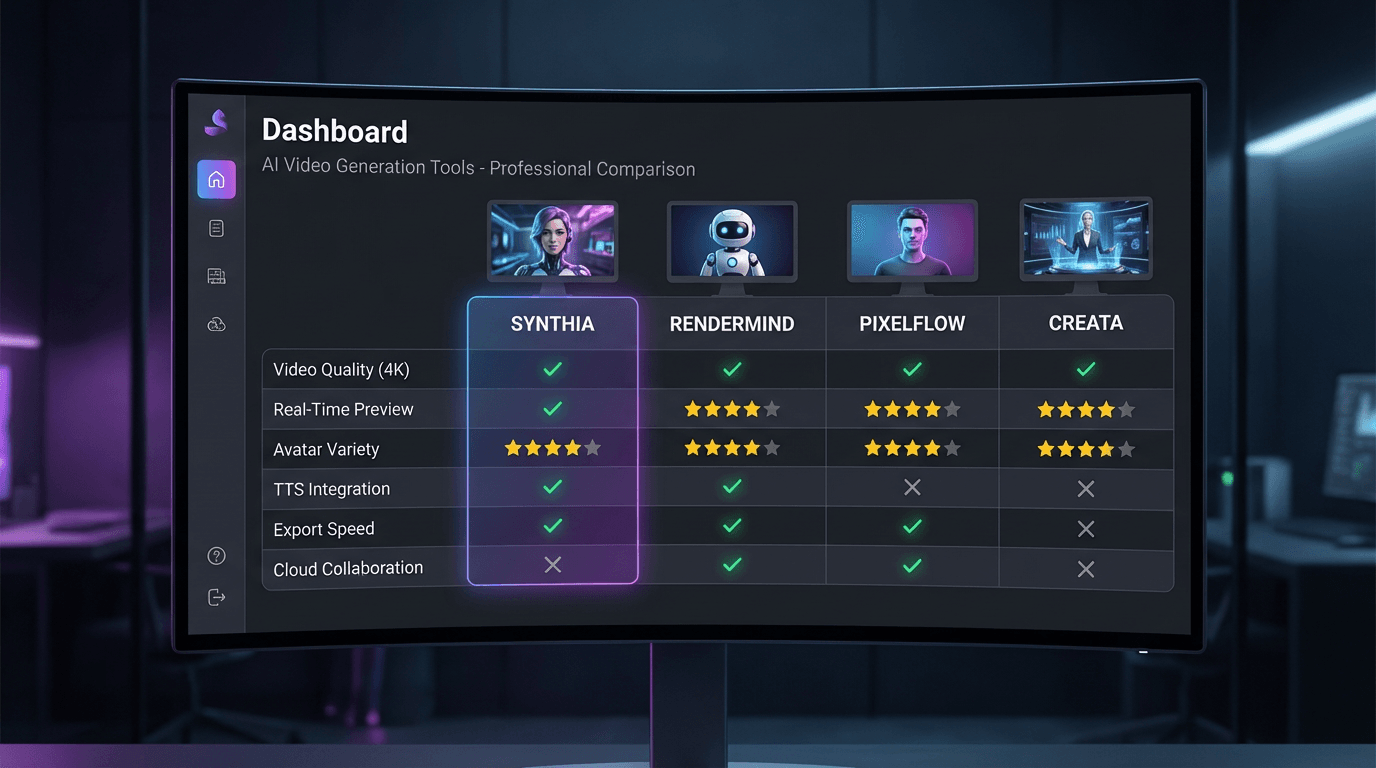
Best Image to Video AI Tools: Complete Comparison
The market has consolidated around several leaders, each optimized for different workflows. Here's how the top platforms compare based on testing across motion quality, speed, and use case fit.
1. Keevx
Best for: E-commerce sellers, cross-border merchants, and multilingual content production
Keevx stands out as an AI-powered platform built specifically for commercial video production without editing skills. The platform's AI Product Video feature converts product images and URLs into ready-to-use videos in minutes.
Key capabilities include one-click conversion from Amazon, Shopify, eBay, and Etsy product URLs to video, batch generation for scaling across product catalogs, and 234 diverse digital avatars with 169 voice options. The Translate & Dub Video feature supports 70+ languages with lip-sync technology, making it simple to localize content for international markets.
The platform automates the entire production pipeline: input a product link or topic, AI generates conversion-ready scripts, select an avatar and voice, and receive platform-optimized videos for YouTube, TikTok, and social channels. With 40+ pre-built templates across industries and AI Video Ads capabilities, Keevx delivers minute-level production speed without filming or technical expertise.
2. Google Veo 3.1
Best for: Film-grade quality and natural-looking motion
Google Veo 3.1, accessible through Gemini, represents the current quality benchmark. According to testing by Beebom, Veo excels at creating contextually relevant footage with superior lighting accuracy and physical coherence. The free tier allows 3 videos per day at 1080p resolution.
3. Sora 2 (OpenAI)
Best for: Character consistency and complex scene dynamics
OpenAI's Sora 2 creates convincing clips with proper sound and dialogue. The model handles multiple characters, maintains consistent appearance across frames, and simulates realistic physics. Output quality rivals professional animation for many use cases.
4. Kling AI
Best for: Creative control and portrait animation
Kling AI offers the most control through Motion Brush technology, letting you specify which parts move and how. According to WhyTryAI, Kling produces the most natural-looking movement for portraits. The standard plan starts at $5 for 660 credits.
5. Hailuo AI (MiniMax)
Best for: Fluid motion and fine detail preservation
Chinese startup MiniMax's I2V-01-Director model delivers excellent motion quality with natural character animation. The free plan includes daily credits, with the base subscription at $9.99 monthly for 1,000 credits.
6. Runway Gen-3
Best for: Balance of quality and ease of use
Runway Gen-3 provides professional-grade output with strong motion control and camera movement options, particularly suited for creative and artistic projects.
7. Luma Dream Machine
Best for: Artistic and visually striking content
Luma creates aesthetically distinctive outputs for promotional content, music videos, and creative projects, with mobile iOS app support for on-the-go creation.
Key Features to Evaluate When Choosing
Not all image-to-video AI tools serve the same purpose. Your choice should align with specific workflow requirements.
Motion Quality and Realism
Top performers like Veo 3.1 and Sora 2 produce movement that respects physics and scene context, while lower-tier options create unrealistic animations. Test platforms with your typical image types—product photos behave differently than portraits.
Speed and Generation Time
Most tools generate 5-second clips in 30-90 seconds, though queue times during peak usage can extend to several minutes. Platforms like Keevx optimize for batch processing, generating multiple videos simultaneously for product catalogs.
Resolution and Output Quality
While most platforms support 1080p output, actual visual quality differs based on model architecture. Film-grade tools like Veo maintain detail better than entry-level options that introduce artifacts.
Camera Control and Motion Parameters
Advanced tools provide control over camera movement—pan, zoom, tilt, orbit—and motion intensity. Kling's Motion Brush offers pixel-level control over which elements animate, while basic platforms generate motion automatically.
Integration and Workflow
E-commerce platforms benefit from tools like Keevx that integrate directly with Amazon, Shopify, and other sales channels. Consider whether the tool offers API access, batch processing, or team collaboration features for scale operations.
Practical Use Cases Across Industries
Different industries leverage image-to-video AI in distinct ways, with tool selection depending on specific content requirements.
E-Commerce and Product Marketing
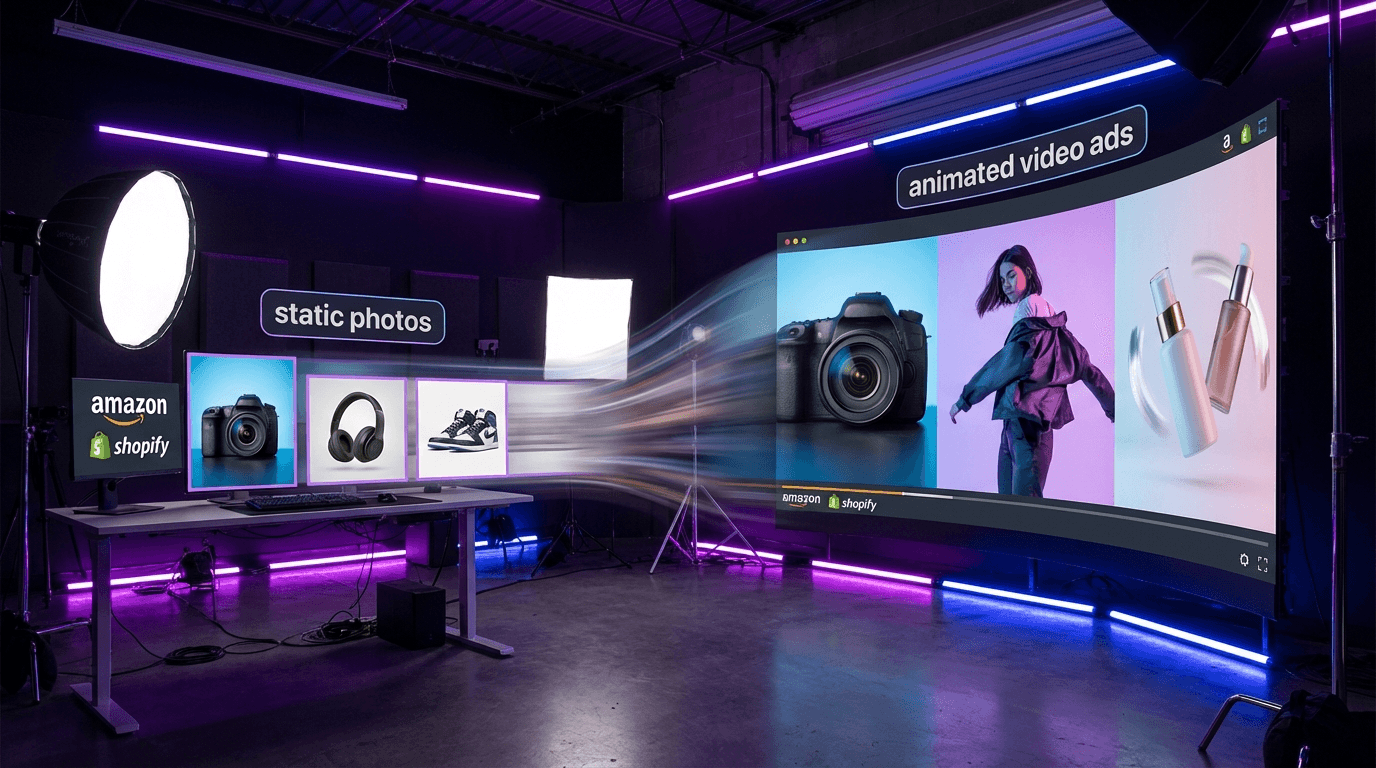
Cross-border merchants and platform sellers use image-to-video AI to scale video content production without filming. Product videos increase conversion rates on Amazon, eBay, and Shopify listings by demonstrating items in use.
Keevx's Ideas to Video feature streamlines this workflow—input product URLs, the AI generates scripts highlighting key features, and videos render with professional avatars and voiceovers. The Market Trends analysis identifies viral content patterns to optimize messaging.
Social Media and Content Creation
TikTok, Instagram, and YouTube creators transform illustrations and photos into engaging clips. Tools like Luma Dream Machine excel with visually striking outputs optimized for social feeds.
Corporate Training and Education
Educational creators convert slide decks and diagrams into video lessons. Keevx's Avatar & Voice Cloning supports 70+ languages with lip-sync, enabling consistent training delivery across regions without re-filming.
Advertising and Marketing Agencies
Agencies produce video variations for A/B testing and multi-platform campaigns. Image-to-video AI enables rapid iteration, compressing creative timelines from weeks to days.
Free vs Paid: What You Actually Get
Almost every major platform offers free trials, but understanding the actual limitations determines whether free tiers work for your needs.
Free Tier Limitations
According to WhyTryAI testing, free plans typically restrict daily credits (2-5 videos), queue priority, resolution (720p or lower), include watermarks, and limit commercial use. Most tools have become increasingly restrictive throughout 2025.
Paid Plan Advantages
Paid subscriptions ($5-50 monthly) unlock higher resolution (1080p or 4K), commercial licensing, faster generation, batch processing, extended duration, and advanced features like motion control and API access. For commercial use, paid plans are essential. Entry tiers ($5-15) work for testing, while $30-50 plans support regular production workflows.
Common Challenges and Limitations
Despite rapid advancement, image-to-video AI still faces practical constraints.
Inconsistent Results
The same image can produce varying quality across generations due to the probabilistic nature of AI models. Expect to generate 2-4 versions before getting usable output, especially with complex images.
Limited Duration and Subject Complexity
Most tools generate 5-10 second clips maximum. Images with multiple subjects or complex backgrounds produce less reliable results than simple compositions. Portraits and single-product images generate more consistent motion.
Text and Fine Detail
Small text and intricate patterns often become distorted in generated videos. Add text as overlays in post-production rather than including it in the source image.
Frequently Asked Questions
How does image-to-video AI actually work?
Image-to-video AI uses deep learning models trained on video sequences to predict motion patterns and generate intermediate frames. The system analyzes objects and spatial relationships, predicts movement based on training data, generates frames for smooth motion, and refines output using diffusion models or GANs. Most tools complete this in 30-90 seconds.
Which image-to-video AI generator is best?
The best tool depends on your use case. Keevx excels for e-commerce with one-click URL conversion and 70+ language support. Google Veo 3.1 delivers film-grade quality. Sora 2 handles complex scenes best. Kling AI offers the most creative control. Luma Dream Machine produces visually striking social media content.
Are free image-to-video AI tools worth using?
Free tiers work for testing but come with limitations: 2-5 videos daily, slower processing, 720p resolution, watermarks, and restricted commercial licensing. According to massive.io testing, paid plans ($5-50 monthly) are necessary for regular commercial use.
Can I use image-to-video AI for commercial purposes?
Commercial use requires paid plans on most platforms. Platforms like Keevx are specifically designed for commercial e-commerce use with appropriate licensing. Always verify license terms before using generated videos in marketing.
What image formats work best for video generation?
JPEG and PNG files with clear subjects and simple backgrounds produce the best results. Use 1:1 or 16:9 aspect ratios. Portraits and single-product photos generate more consistent motion than complex scenes. Avoid small text or fine details.
How long does it take to generate a video from an image?
Generation ranges from 30-90 seconds for 5-second clips, though queue times can extend to several minutes during peak usage. Paid plans offer priority queue access for faster processing.
Conclusion
The best image to video AI in 2026 depends on your workflow. E-commerce sellers benefit from Keevx's platform integration and multilingual capabilities. Creators prioritizing quality should choose Google Veo 3.1 or Sora 2. Those needing motion control will prefer Kling AI.
The technology has matured from experimental novelty to practical production tool, with leading models crossing the threshold into commercial viability.
Start with free tiers to test platforms with your specific image types. The right tool makes static images move naturally—the wrong one creates distracting animations.
Ready to transform your product images into conversion-ready videos? Keevx automates the entire production pipeline with one-click URL conversion, multilingual localization, and batch generation for scaling across your catalog.
