
AI Transcription for Video: Best Tools & Workflows
AI transcription converts video speech to text with 85-99% accuracy. Compare top tools like Keevx, Sonix, and Descript for multilingual video content, editing workflows, and localization.
TL;DR: AI transcription converts video speech to text using artificial intelligence, achieving 85-99% accuracy in ideal conditions. Top tools include Keevx for multilingual video content, Sonix for enterprise features, and Descript for integrated editing. Choose based on your workflow needs—localization, meeting notes, or video editing.
Creating professional video content for global audiences requires more than filming and editing. Transcription transforms spoken words into searchable text, enabling subtitles, translations, and accessibility features that expand your reach across markets and platforms.
AI transcription technology has evolved from basic speech-to-text into sophisticated platforms that understand context, identify speakers, and integrate directly with video editing workflows. According to research from GoTranscript, top AI engines can reach 95-99% accuracy on clean, studio-quality audio—a dramatic improvement from earlier systems that struggled to break 70% in real-world conditions.
For cross-border e-commerce merchants, content creators, and marketing teams, choosing the right ai transcription tool means the difference between hours of manual work and minute-level production. This guide examines the best tools available in 2026 and proven workflows for integrating transcription into your video production pipeline.
How AI Video Transcription Works
AI transcription uses automatic speech recognition (ASR) technology powered by neural networks trained on millions of hours of speech data. When you upload a video, the system separates the audio track, preprocesses it to reduce background noise, then analyzes sound patterns in small segments to match them against trained models.
Advanced systems use language models to predict word sequences based on context and identify speakers through diarization algorithms. According to Ditto Transcripts research, AI transcription platforms average 61.92% accuracy in challenging real-world scenarios, while Rev's analysis shows AI can match 85-86% accuracy in optimal conditions.
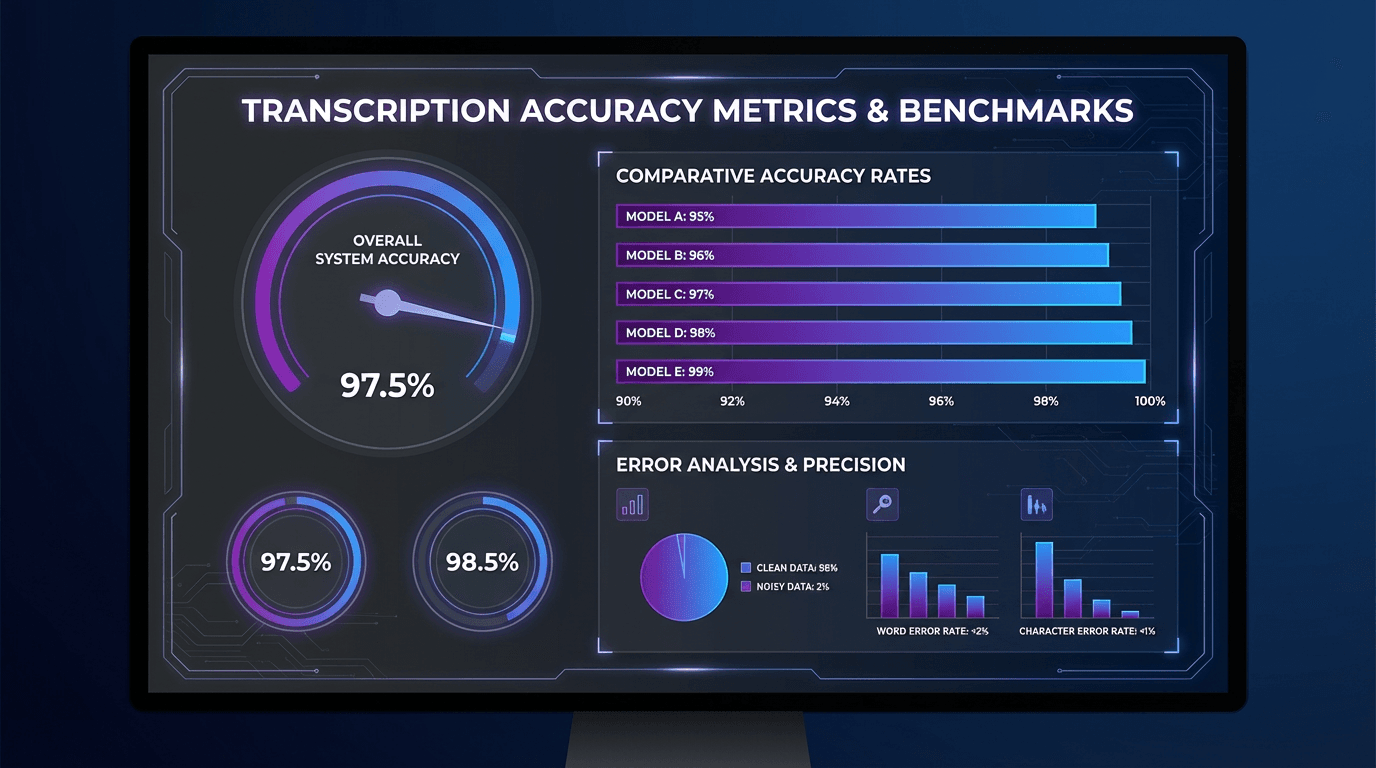
Audio quality remains the primary predictor of accuracy. Clear studio recordings enable AI systems to reach 95-99% accuracy, while real-world audio with multiple speakers, background noise, or heavy accents frequently drops below 80%.
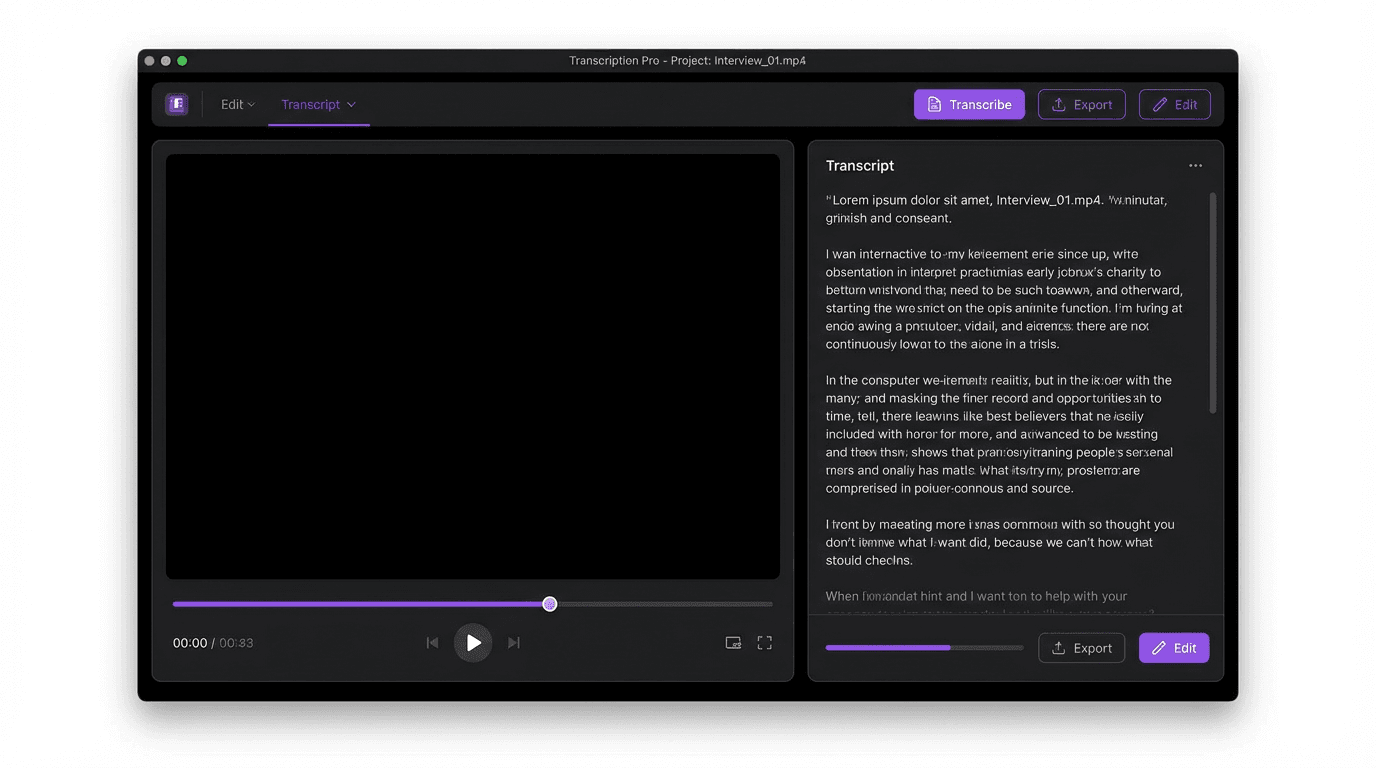
Best AI Transcription Tools for Video in 2026
The transcription tool landscape has shifted dramatically as content creators demand more than basic speech-to-text functionality. Modern platforms integrate editing, translation, and distribution features that streamline entire production workflows.
Keevx: AI-Powered Video Creation with Multilingual Transcription
Best for: E-commerce merchants and marketing teams creating multilingual video content
Keevx delivers an integrated platform for video production featuring AI transcription, translation and dubbing in 70+ languages with lip-sync technology. The platform automatically generates transcripts during video creation, enabling one-click conversion of Amazon, Shopify, or eBay product URLs into ready-to-publish videos with accurate subtitles.
Key capabilities include batch video generation with automated transcripts, 234 diverse digital avatars with 169 voice options, and cross-platform optimization for YouTube and TikTok. The AI video ads feature analyzes viral content patterns and generates conversion-ready scripts with built-in transcription for rapid localization.
Pricing starts with flexible trial options, making it accessible for small merchants testing international markets before scaling to enterprise volumes.
Sonix: Enterprise-Grade Transcription Platform
Best for: Businesses requiring compliance, security, and advanced AI features
Sonix claims up to 99% transcription accuracy across 53 languages. The platform offers AI-generated summaries, sentiment analysis, and topic detection. Integration capabilities span cloud storage, video editing software, communication platforms, and research tools. SOC 2, GDPR, and HIPAA compliance make Sonix suitable for regulated industries.
Descript: Transcript-Based Video Editing
Best for: Video editors seeking seamless editing workflows
Descript revolutionizes video editing by making the transcript the editing interface. Delete a sentence from the transcript, and the corresponding video segment disappears automatically. The platform includes automatic transcription, screen recording, AI voiceovers, studio sound enhancement, and eye contact correction. Pricing starts around $24 per month.
Taption: Code-Switching and Multilingual Specialist
Best for: Bilingual content and Asian language transcription
Taption leads the industry for handling code-switching—when speakers mix languages within the same sentence, common in Chinese, Japanese, and bilingual business contexts. While other AI tools fail when languages switch mid-conversation, Taption's specialized training enables accurate transcription of mixed-language content and professional localization workflows.
Otter.ai: Real-Time Meeting Transcription
Best for: Business meetings, interviews, and live transcription
Otter.ai integrates with Zoom, Google Meet, and Microsoft Teams for automated real-time transcriptions. The AI identifies speakers, generates summaries, and enables collaborative note-taking. Subscription plans start at $8.33 per month after a free tier.
Riverside: High-Quality Recording with Automatic Transcription
Best for: Podcasters and remote video interviews
Riverside combines high-quality remote recording with AI transcription in 100 languages. The platform records locally on each participant's device, ensuring broadcast-quality output. Riverside offers unlimited transcriptions on paid plans, making it cost-effective for high-volume creators.
Optimizing Your Video Transcription Workflow
Effective transcription workflows combine the right tools with process optimization to maximize accuracy while minimizing manual editing.
Pre-Production Best Practices
Audio quality determines transcription accuracy more than any other factor. Use external microphones positioned 6-12 inches from speakers rather than camera-mounted microphones. Record in quiet environments and brief speakers on clear enunciation before recording.
Choosing Based on Content Type
Real-time transcription tools like Otter.ai work best for meeting notes where 85% accuracy suffices. Video content for publication requires higher accuracy—tools like Keevx integrate transcription directly into video creation workflows enabling rapid multilingual localization without platform switching.
Post-Transcription Editing
Even 99% accuracy means 10 errors per 1,000 words. Always review transcripts before publication, focusing on specialized terminology and proper nouns. Create custom vocabulary lists for recurring brand names and industry jargon to improve accuracy on subsequent transcriptions.
Advanced Applications: Translation and Localization
Transcription becomes exponentially more valuable when combined with translation for global market expansion. According to Atlassian's research, creators and marketing teams now prioritize editing speed, multilingual workflows, and the ability to serve global audiences over simple transcription accuracy.
Multilingual Video Strategy
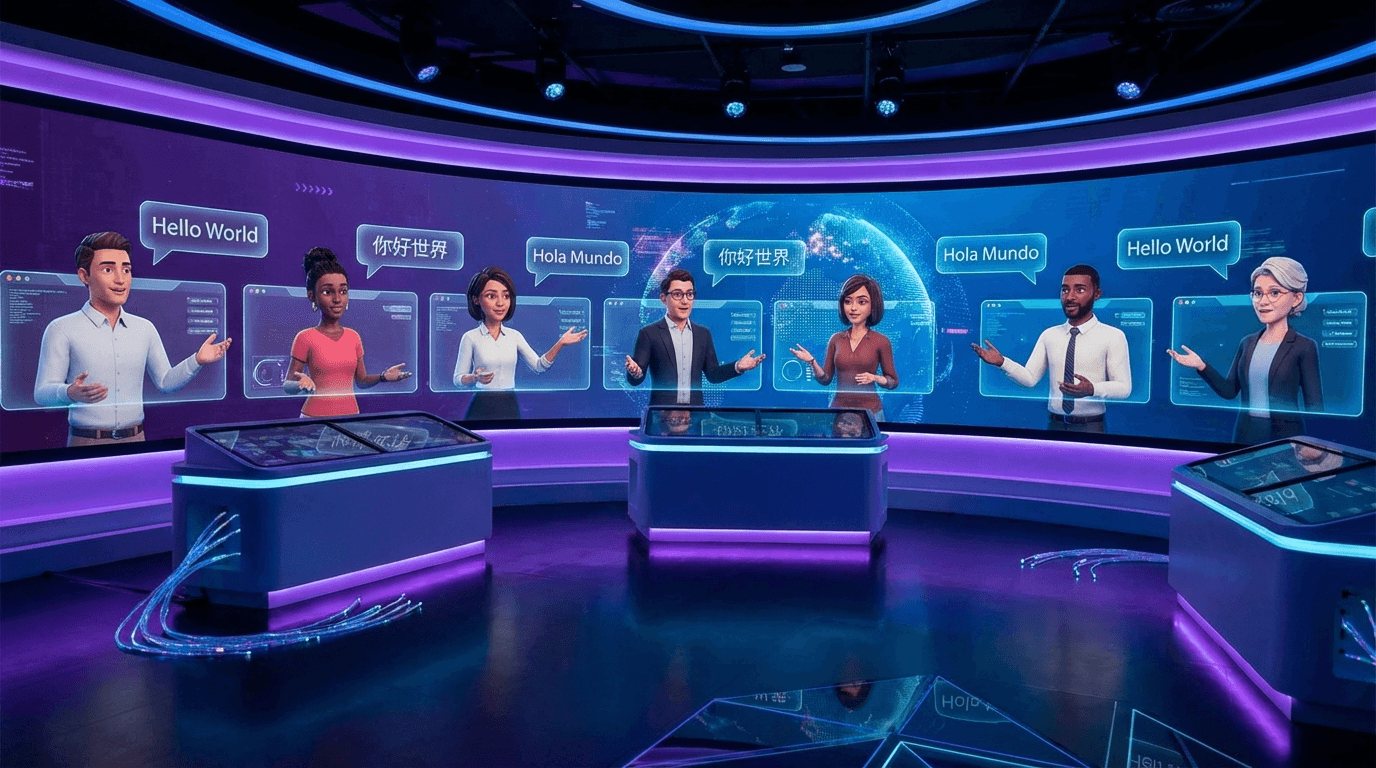
Cross-border e-commerce merchants reach customers speaking dozens of languages. Keevx's video translation and dubbing feature generates accurate transcripts, translates them into 70+ target languages, and creates synchronized voiceovers with lip-sync technology. The platform's avatar and voice cloning capabilities enable consistent brand presentation across languages without hiring actors for each market.
Subtitle Generation and Formatting
Transcripts serve as the foundation for subtitle files. Subtitles should contain 32-40 characters per line, synchronized to appear no longer than 6 seconds per caption. Different platforms require different formats—SRT for YouTube and Facebook, VTT for web players. Choose transcription tools that export to your required formats automatically.
Common Challenges and Solutions
Handling Specialized Terminology
Medical, legal, and technical content often gets misinterpreted by general-purpose AI models. Build custom vocabulary databases within your transcription platform to specify correct spellings for recurring technical terms, improving accuracy across all future transcriptions.
Multiple Speakers and Cross-Talk
Use individual microphones for each speaker when possible to enable audio isolation before transcription. Establish speaking protocols that minimize interruptions. Tools like Riverside that record each participant locally maintain speaker separation even during network issues.
Accent and Dialect Variations
AI systems trained primarily on American English struggle with other variants. Taption's specialized code-switching capabilities extend to improved accent handling. Test multiple platforms with sample audio to identify which performs best for your specific accent profile.
Frequently Asked Questions
How accurate is AI transcription compared to human transcription?
AI transcription achieves 85-99% accuracy in ideal conditions with clear audio and single speakers, but commonly drops to 60-80% accuracy in real-world scenarios with background noise, multiple speakers, or accents. According to Ditto Transcripts research, human transcriptionists consistently deliver 99%+ accuracy. For internal notes and drafts, AI accuracy suffices. For legal, medical, or published content, human verification remains essential.
What is the best AI transcription tool for video content creators?
Keevx leads for content creators requiring multilingual localization and rapid production, offering integrated transcription, translation, and video generation from product URLs. Descript excels for creators prioritizing seamless editing workflows with transcript-based video editing. Riverside suits podcasters and remote interviewers with high-quality recording plus unlimited transcription. Choose based on your primary workflow—localization, editing efficiency, or recording quality.
Can AI transcription handle multiple languages in the same video?
Yes, but capabilities vary significantly. Taption specializes in code-switching, accurately transcribing videos where speakers mix languages mid-sentence—common in Chinese-English and Japanese-English business contexts. Keevx provides comprehensive multilingual support with translation and dubbing across 70+ languages, making it ideal for creating localized versions of the same video. Most general-purpose tools require you to specify a single language before transcription, struggling when languages switch unexpectedly.
How much does AI video transcription cost?
Pricing varies from free tiers to enterprise subscriptions. Riverside offers unlimited transcriptions on paid plans, making it cost-effective for high-volume creators. Otter.ai provides a free tier with limited monthly minutes, then $8.33/month for pro features. Rev charges $0.25 per minute for AI transcription or $1.50 per minute for human transcription. Keevx uses flexible trial pricing that scales based on video production volume. Calculate your monthly transcription minutes and compare per-minute costs across platforms for accurate budgeting.
Should I use AI or human transcription for my videos?
Use AI transcription for internal meetings, rough drafts, content research, and situations where speed and cost matter more than perfection. According to Rev's comparison data, AI transcription delivers results in minutes at a fraction of human transcription costs. Choose human transcription for legal proceedings, medical documentation, published content, and situations where errors create liability or reputational risk. Many Rev customers use a hybrid approach—AI for initial transcription, then human verification for critical content.
Conclusion
AI transcription technology has matured into production-ready tools that enable minute-level video production with multilingual localization. Choose platforms based on your specific workflow—real-time meeting capture, integrated video editing, or comprehensive localization for global audiences.
For cross-border e-commerce merchants and marketing teams, transcription unlocks the ability to create professional video content in dozens of languages. Tools like Keevx integrate transcription directly into video creation workflows, eliminating bottlenecks between production and distribution.
Test multiple platforms with representative samples of your actual content. Measure total time from video upload to final published output, including editing and formatting steps. The best workflow combines quality audio capture, clear speaking techniques, and strategic use of custom vocabulary databases.
Ready to transform your video content workflow with AI-powered transcription and multilingual localization? Discover how Keevx's integrated platform creates studio-quality videos with automatic transcription in 70+ languages—no filming, editing, or technical expertise required.
