
How to Make Your Own AI Avatar: Beginner to Advanced
Discover how to create professional AI avatars for videos, marketing, and training. From simple photo uploads to custom voice cloning, this guide covers every method available in 2025.
TL;DR: Creating your own AI avatar has never been easier. Upload a photo, record a short video, or use text prompts to generate a realistic digital human that can speak in 70+ languages. No filming, editing skills, or expensive equipment required.
Digital humans are transforming how businesses create video content. Whether you need product demos for your e-commerce store, training videos for global teams, or marketing content in multiple languages, AI avatars deliver studio-quality results in minutes. The global AI avatar market is projected to grow from $0.80 billion in 2025 to over $5.93 billion by 2032, reflecting massive adoption across industries. This guide walks you through everything you need to make your own AI avatar, from basic photo uploads to advanced voice cloning techniques.
What Is an AI Avatar?
An AI avatar is a digital human that mimics real human appearance, speech, and gestures. These virtual personas use machine learning, neural language processing, and 3D animation to create lifelike representations that can speak, move, and interact naturally.
Why AI Avatars Matter for Business
Traditional video production requires cameras, lighting, actors, and extensive editing. AI avatars eliminate these barriers:
- Speed: Generate videos in minutes instead of days
- Cost: No studio rental, talent fees, or post-production expenses
- Scalability: Create unlimited variations without reshooting
- Localization: Translate content into 70+ languages with lip-sync
For cross-border e-commerce merchants, advertising agencies, and corporate training departments, this translates to faster time-to-market and significantly lower production costs.
Three Methods to Make Your Own AI Avatar
There are three primary approaches to creating an AI avatar. Your choice depends on how personalized you need the result to be.
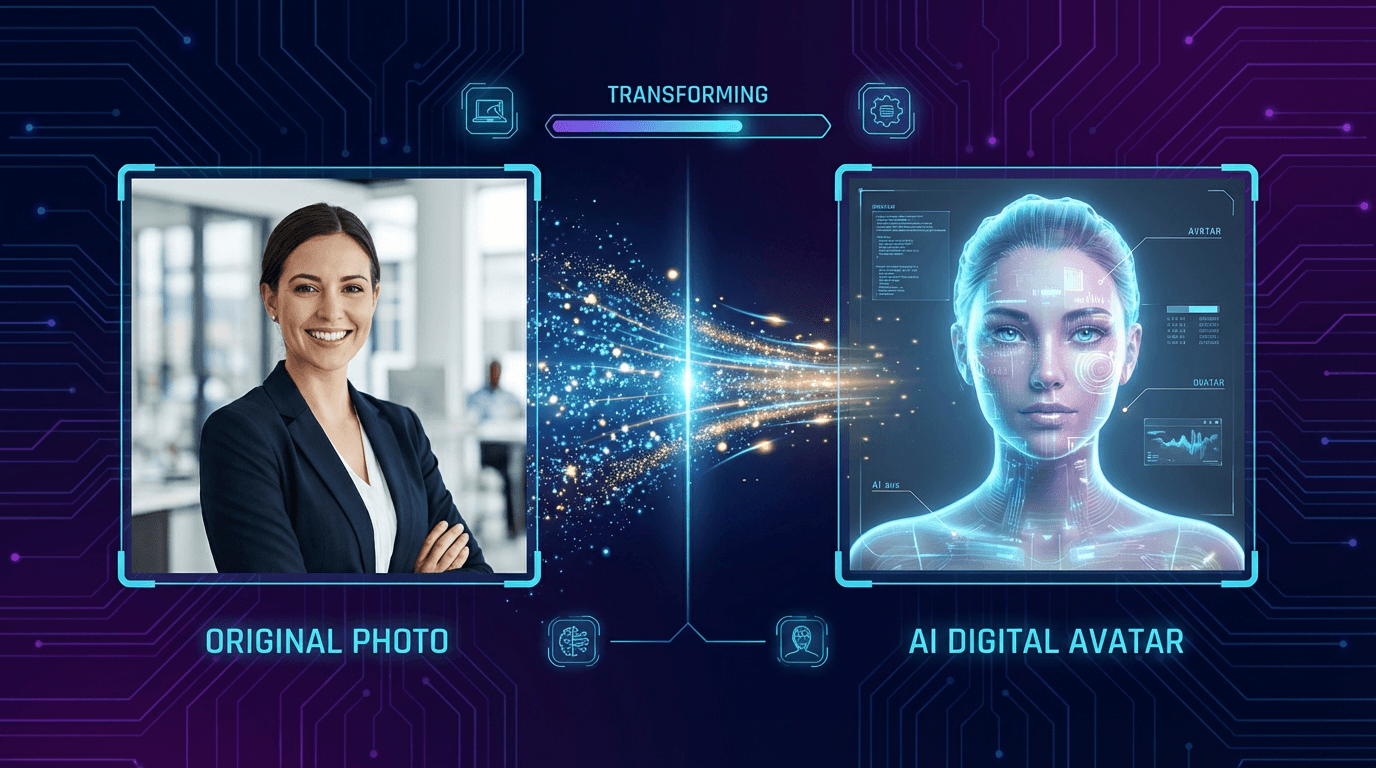
Photo-to-Avatar
The fastest method. Upload a clear, front-facing photo and the AI generates a talking avatar based on your image. Best for quick projects where you need a representative without extensive customization.
Requirements:
- Single-person portrait
- Clean background
- Good lighting on face
- Front-facing position
Video Recording Method
Record a short calibration video (typically 2-5 minutes) where you speak naturally. The AI learns your facial expressions, lip movements, and gestures to create a more accurate digital twin.
Best practices:
- Use a well-lit space
- Position camera at eye level
- Speak at normal pace
- Show natural expressions
Text-to-Avatar
Generate entirely fictional avatars from text descriptions. Describe the appearance, style, and characteristics you want, and the AI creates a custom character. Ideal for brand mascots or when you need diverse representation without using real people.
How to Create an AI Avatar: Step-by-Step
Follow this process to create your first AI avatar in under 30 minutes.
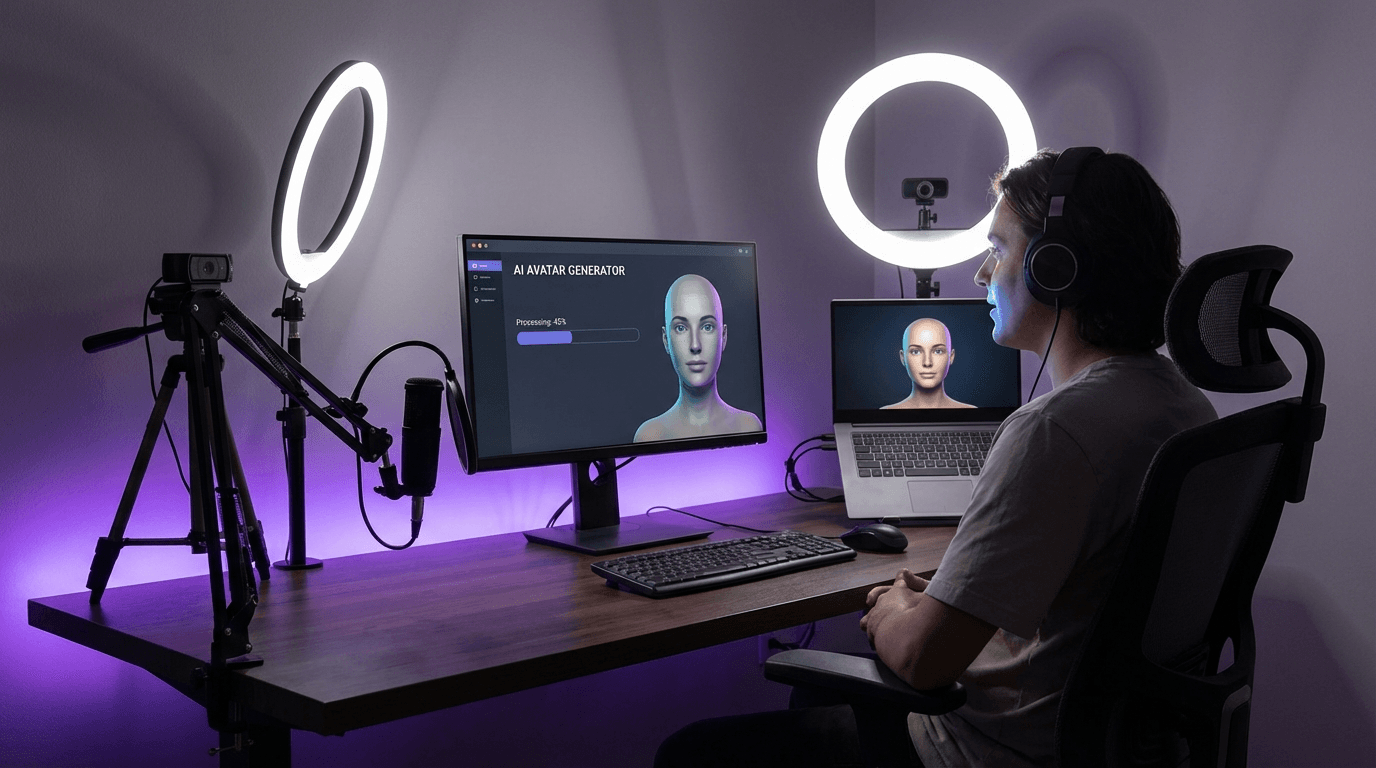
Step 1: Define Your Purpose
Before choosing a platform, clarify what you need:
- Training videos: Consistent presenter across multiple modules
- Product demos: Professional appearance matching your brand
- Marketing content: Diverse avatars for different audiences
- Customer service: Friendly, approachable digital assistant
Step 2: Select Your Platform
Choose based on your specific needs:
| Use Case | Key Features to Look For |
|---|---|
| E-commerce | URL-to-video conversion, product showcase templates |
| Training | Multilingual support, batch generation |
| Marketing | Voice variety, style customization |
| Social media | Quick turnaround, platform-optimized formats |
Step 3: Record or Upload Your Source Material
For video-based avatars:
- Find a quiet, well-lit location
- Use your webcam or smartphone
- Record the provided script naturally
- Submit a consent video confirming your identity
For photo-based avatars:
- Select a high-resolution portrait
- Ensure face is clearly visible
- Upload to your chosen platform
- Select voice and language options
Step 4: Customize and Generate
Most platforms offer customization options:
- Background selection or removal
- Voice selection (or voice cloning)
- Gesture and movement styles
- Output format and resolution
Tip: Start with a simple test video before creating longer content. This helps you refine settings and ensure the avatar meets your expectations.
Advanced Techniques: Voice Cloning and Personalization
Once you've mastered basic avatar creation, advanced features unlock greater personalization and authenticity.
Voice Cloning
Record your voice to create a digital clone that sounds exactly like you. Modern avatar and voice cloning technology requires just a few minutes of audio to capture your unique vocal characteristics, tone, and speaking patterns.
Voice cloning is particularly valuable for:
- Executives who want consistent brand representation
- Content creators scaling their output
- Companies needing authentic multilingual content
Custom Gestures and Expressions
Advanced platforms allow you to train avatars on specific gestures:
- Hand movements that match your speaking style
- Facial expressions that convey appropriate emotion
- Body language suited to your content type
Batch Generation
For e-commerce sellers managing multiple products, batch generation creates dozens of videos from a single setup. Input your product URLs, and the system automatically generates scripts and videos for each item.
Taking Your Avatar Global: Multilingual Localization
One of the most powerful applications of AI avatars is creating content in multiple languages without re-recording.
How Lip-Sync Translation Works
Modern AI doesn't just translate audio—it adjusts lip movements to match the new language. This creates natural-looking videos where your avatar appears to genuinely speak each language.
Platforms supporting video translation and dubbing with lip-sync can convert a single English video into 70+ languages with 178 dialect variations. For Amazon, Shopify, or eBay sellers targeting international markets, this means localizing product videos at scale.
Language Support Considerations
When evaluating platforms for multilingual content:
- Number of supported languages and dialects
- Quality of lip-sync accuracy
- Voice options per language
- Regional accent availability
Business Applications for AI Avatars
AI avatars serve diverse business needs across industries.
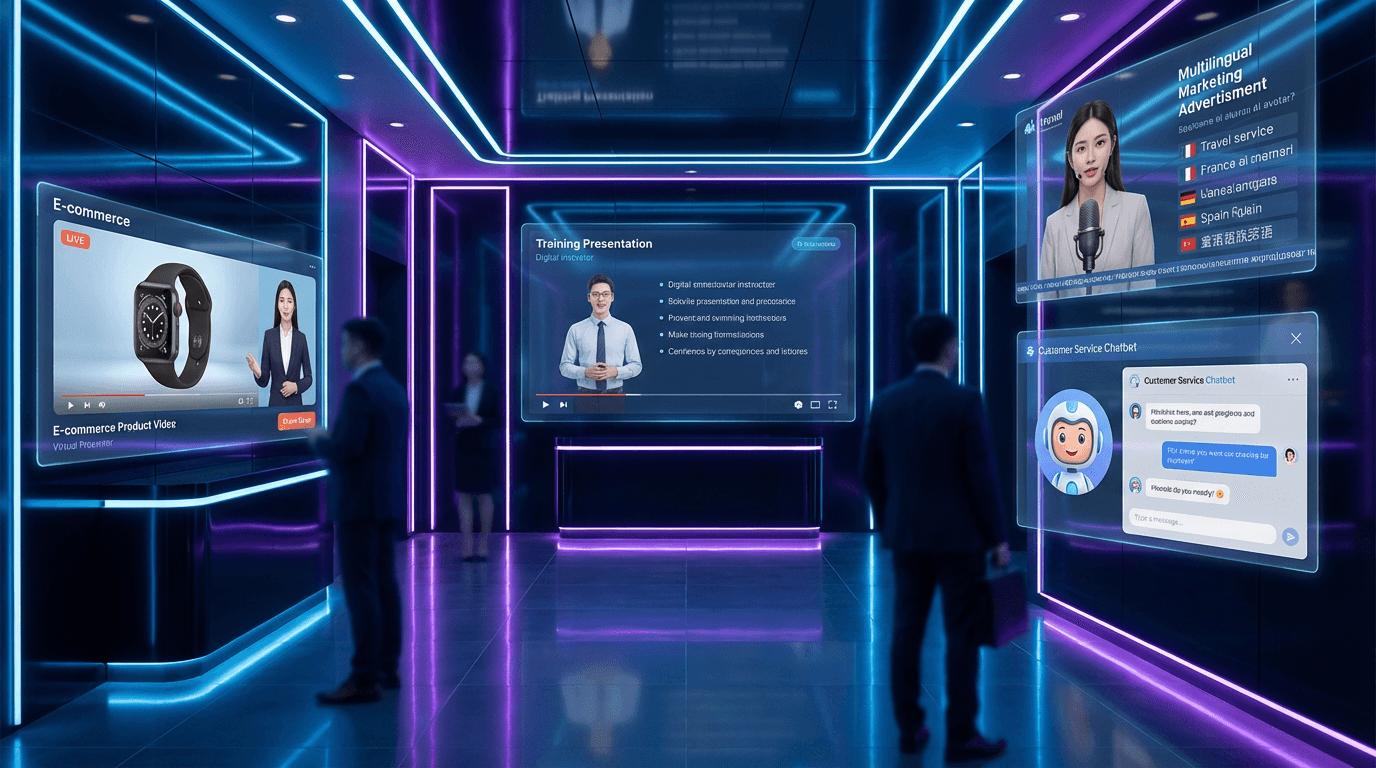
E-Commerce and Product Marketing
Cross-border sellers use avatars for:
- Product demonstration videos from URLs
- AI product video creation for marketplace listings
- AI-powered video ads for social platforms
- Customer FAQ and support content
Corporate Training and Onboarding
HR departments deploy avatars for:
- Multilingual onboarding materials
- Compliance training modules
- Skill development courses
- Company announcements
Educational Content
Institutions create avatars for:
- Online course presentations
- Student recruitment videos
- Administrative communications
- Alumni engagement
Choosing the Right AI Avatar Platform
Not all platforms serve the same needs. Consider these factors when selecting your tool.
Key Evaluation Criteria
Realism: How lifelike are the avatars? Check sample videos before committing.
Language support: Does it cover your target markets? Look for lip-sync quality, not just voice dubbing.
Integration: Can it pull content from your product URLs? Does it export to your preferred platforms?
Pricing: Free tiers often include watermarks or resolution limits. Evaluate paid plans against your volume needs.
Turnaround: Some avatars generate in minutes; custom studio avatars may take 24 hours.
Avoiding Common Mistakes
- Poor source material: Low-quality photos or videos produce low-quality avatars
- Ignoring consent: Always verify you have rights to create avatars of people
- Skipping tests: Generate short samples before committing to long-form content
- Overlooking lip-sync: Translated content with mismatched lip movements looks unprofessional
Frequently Asked Questions
How long does it take to create an AI avatar?
Basic photo-to-avatar conversion takes under 5 minutes. Video-based custom avatars typically require 2-5 hours for processing. Studio-quality custom avatars may need 24 hours for optimal results.
Do I need technical skills to make my own AI avatar?
No technical expertise required. Modern platforms feature intuitive interfaces where you upload source material, select options, and receive finished videos. The AI handles all processing automatically.
Can I create an avatar of someone else?
Only with explicit consent. Reputable platforms require consent verification to prevent misuse. Creating avatars of public figures, celebrities, or others without permission violates terms of service and potentially laws.
How much does AI avatar creation cost?
Free tiers exist with limitations (watermarks, lower resolution, restricted features). Paid plans range from $5-50/month for individual use, with enterprise pricing for high-volume needs and custom features.
What's the difference between AI avatars and deepfakes?
AI avatars are created with consent for legitimate purposes like marketing, training, and communication. Deepfakes typically refer to non-consensual manipulation of existing footage. Ethical platforms enforce consent requirements and usage guidelines.
Conclusion
Creating your own AI avatar has evolved from complex technical process to straightforward workflow accessible to anyone. Whether you choose photo upload, video recording, or text-to-avatar generation, the technology delivers professional results without traditional video production overhead.
For e-commerce sellers, marketers, and content creators, AI avatars offer unprecedented scalability. Create once, localize to 70+ languages, and distribute across platforms—all in minutes rather than weeks. The combination of realistic digital humans, voice cloning, and lip-sync translation makes global video marketing achievable at any budget.
Start with a simple project to learn the workflow, then expand to batch generation and multilingual localization as your needs grow. The tools are ready—your digital human awaits.
