
AI Video Ads: Complete Workflow from Script to Export
Master the complete AI video ads workflow in 2025. From AI-powered script generation to digital avatar selection and multi-platform export, create professional ads without cameras or editing software.
TL;DR: AI video ads transform your product links, ideas, or scripts into professional video content in minutes. The complete workflow covers five steps: script generation, storyboarding, avatar selection, translation, and multi-platform export. No filming, editing skills, or expensive equipment required.
Creating video ads used to mean hiring production teams, renting equipment, and waiting weeks for final delivery. That reality has changed. With AI video ads, marketers and e-commerce sellers now produce studio-quality promotional content in minutes rather than months.
According to research from Zebracat, 63% of businesses using AI-generated video tools reported a 58% reduction in average production costs in 2025. The economics are clear: a video that would cost $40,000-$80,000 through traditional production can now be created for under $1,500. But cost savings only matter if the output works. This guide walks you through the complete workflow—from initial script to final export—so you can create AI video ads that convert across platforms.
Whether you sell on Amazon, Shopify, or run ad campaigns on TikTok and YouTube, mastering this workflow gives your brand a competitive edge. An AI video ads platform handles the heavy lifting while you focus on strategy.
Step 1: AI Script Generation
Every effective video ad starts with a script that persuades. The old rule still applies: if your message cannot convince in text, animation will not fix it. AI script generators analyze your product data, identify buyer personas, and write conversion-focused copy optimized for social media.
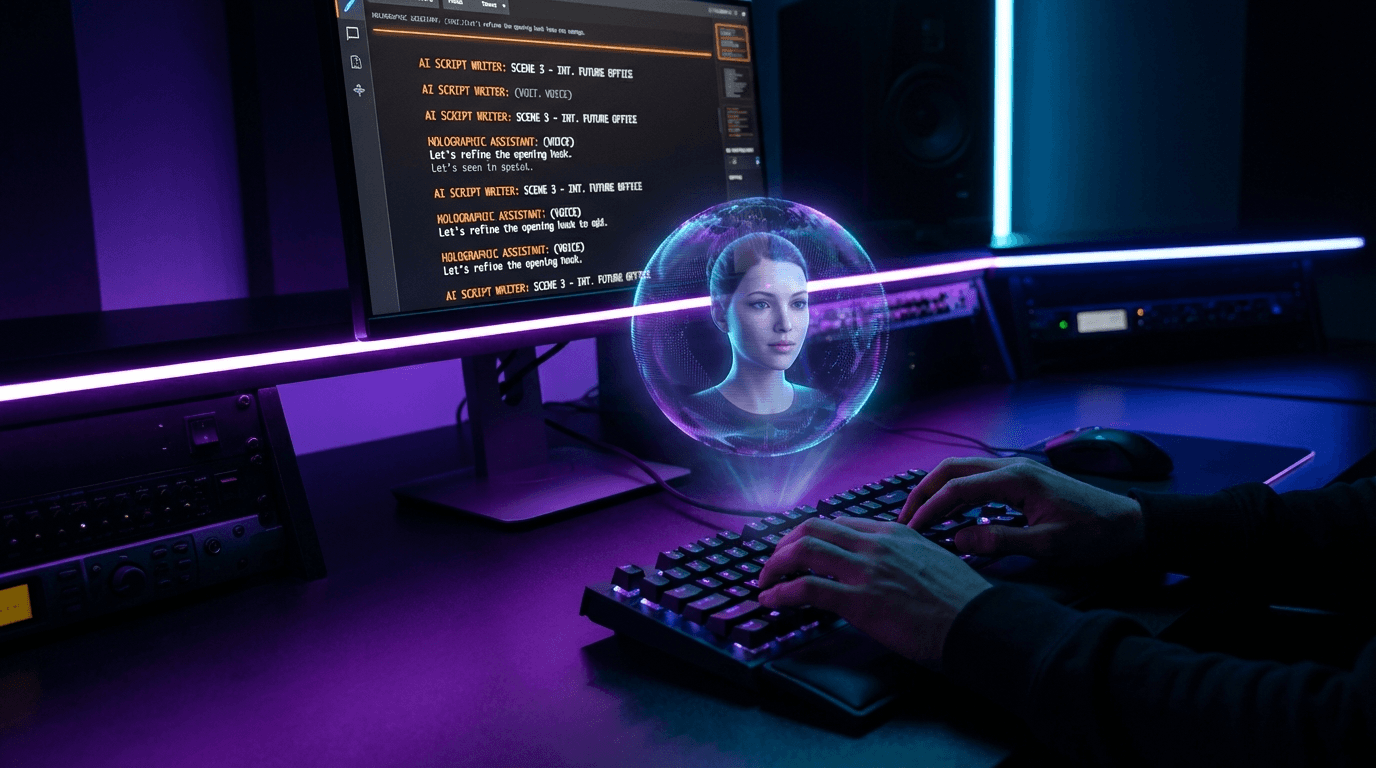
Provide Your Input
You have three options for starting your AI video ad script:
- URL input: Paste your Amazon, Shopify, eBay, or Etsy product link. The AI extracts product details, images, and key selling points automatically.
- Topic input: Describe your product or campaign theme. The AI researches your market and generates relevant angles.
- Manual script: Write your own script or paste existing copy for the AI to refine and optimize.
Platforms like Keevx let you transform ideas into videos by simply entering a product URL or topic. The system handles research, angle development, and script structure.
Script Best Practices
Keep your script between 40-60 words for short-form ads. Front-load your hook—mention your brand or key benefit within the first three seconds. Most viewers decide whether to skip within that window.
Tip: Write multiple script variations. AI makes testing different hooks, benefits, and CTAs affordable. Create three to five versions and let performance data guide your final choice.
Step 2: Visual Planning and Storyboarding
Once your script is locked, the AI breaks it into scenes. Each line of copy becomes a visual beat with corresponding footage, graphics, or avatar shots.
Automated Scene Generation
Modern AI video tools analyze your script and automatically assign:
- Opening shots that grab attention
- Product close-ups and feature highlights
- Benefit demonstrations
- End cards with clear calls to action
The storyboarding process also selects B-roll footage, background music, and transition styles. You maintain full control—rearrange scenes, swap footage, or adjust pacing at any point.
Template Selection
Choose from pre-built video templates optimized for specific industries and platforms. E-commerce templates emphasize product imagery and pricing. Brand awareness templates focus on storytelling and emotional connection. Each template comes with proven structures that match platform best practices.
Step 3: Avatar and Voice Selection
Digital avatars eliminate the need for on-camera talent, studio time, or retakes. Select from diverse character libraries featuring professional presenters across demographics, styles, and settings.
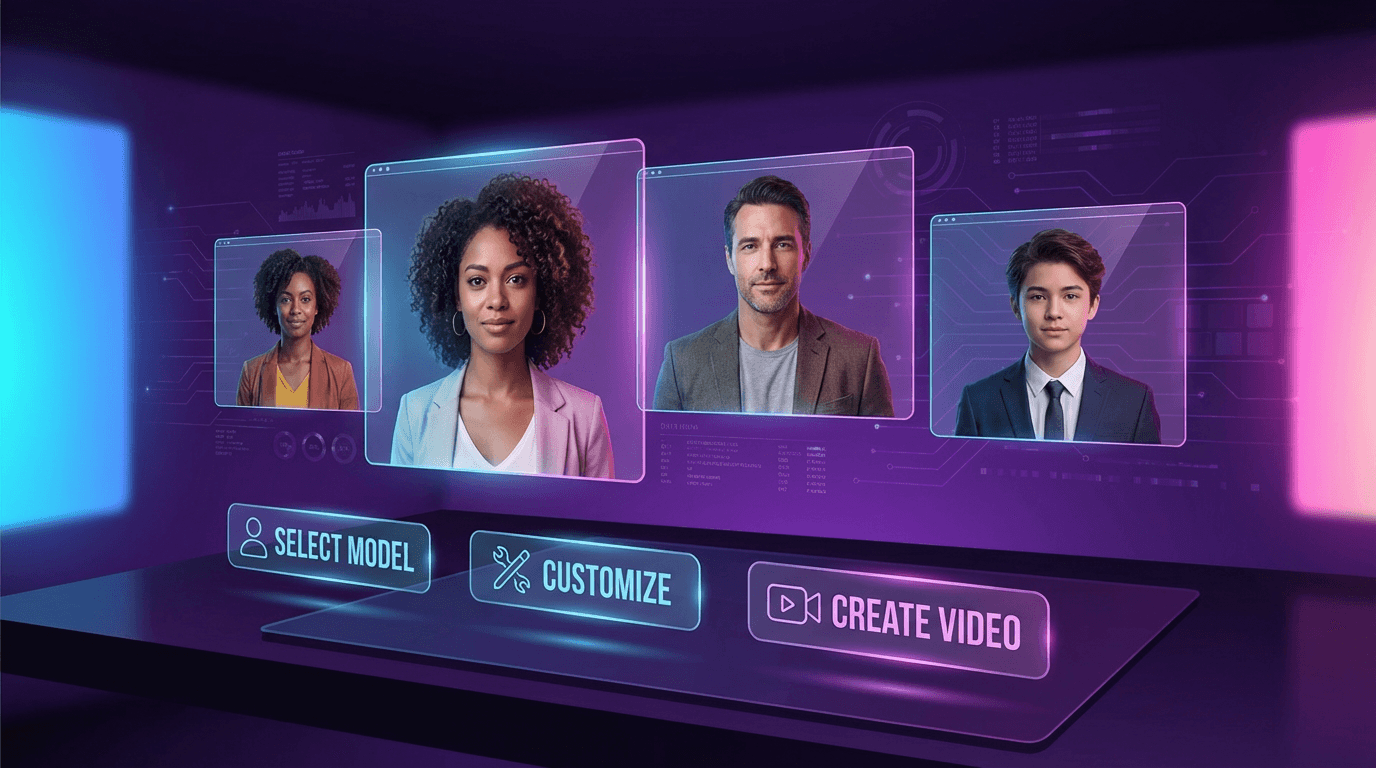
Choosing Your Avatar
Consider your target audience when selecting an avatar. A tech product might benefit from a modern, professional presenter. A lifestyle brand could use a casual, relatable character. Keevx offers 234 diverse avatars across professional and lifestyle settings—explore avatar and voice cloning features to find presenters that match your brand.
Voice Configuration
Pair your avatar with voiceover options that support your messaging. Configure:
- Voice style (professional, conversational, energetic)
- Speaking pace and tone
- Regional accents for localized campaigns
- Voice cloning for brand consistency across campaigns
With 169 voice options supporting multiple regional languages, you can create ads that resonate with specific markets.
Step 4: Video Translation and Localization
Global reach requires localized content. AI-powered video translation and dubbing makes it possible to scale a single video into 70+ languages with accurate lip-sync.
Multilingual Expansion
Cross-border e-commerce sellers benefit most from localization. A product video created in English can be automatically translated with:
- Native-language voiceover generation
- Lip-sync technology matching avatar mouth movements to translated audio
- Localized subtitles in 178 dialects
- Cultural adaptation of messaging
This workflow turns one production into market-ready assets for North America, Europe, Asia, and beyond. The same video ad that performs on YouTube US can run on TikTok Japan or Instagram Germany with proper localization.
Subtitle Generation
Subtitles improve accessibility and engagement. Research shows that 85% of Facebook videos are watched without sound. Auto-generated captions ensure your message reaches viewers regardless of their audio settings.
Step 5: Export and Cross-Platform Optimization
Your finished video needs to work everywhere your audience lives. Export in multiple aspect ratios optimized for each platform.
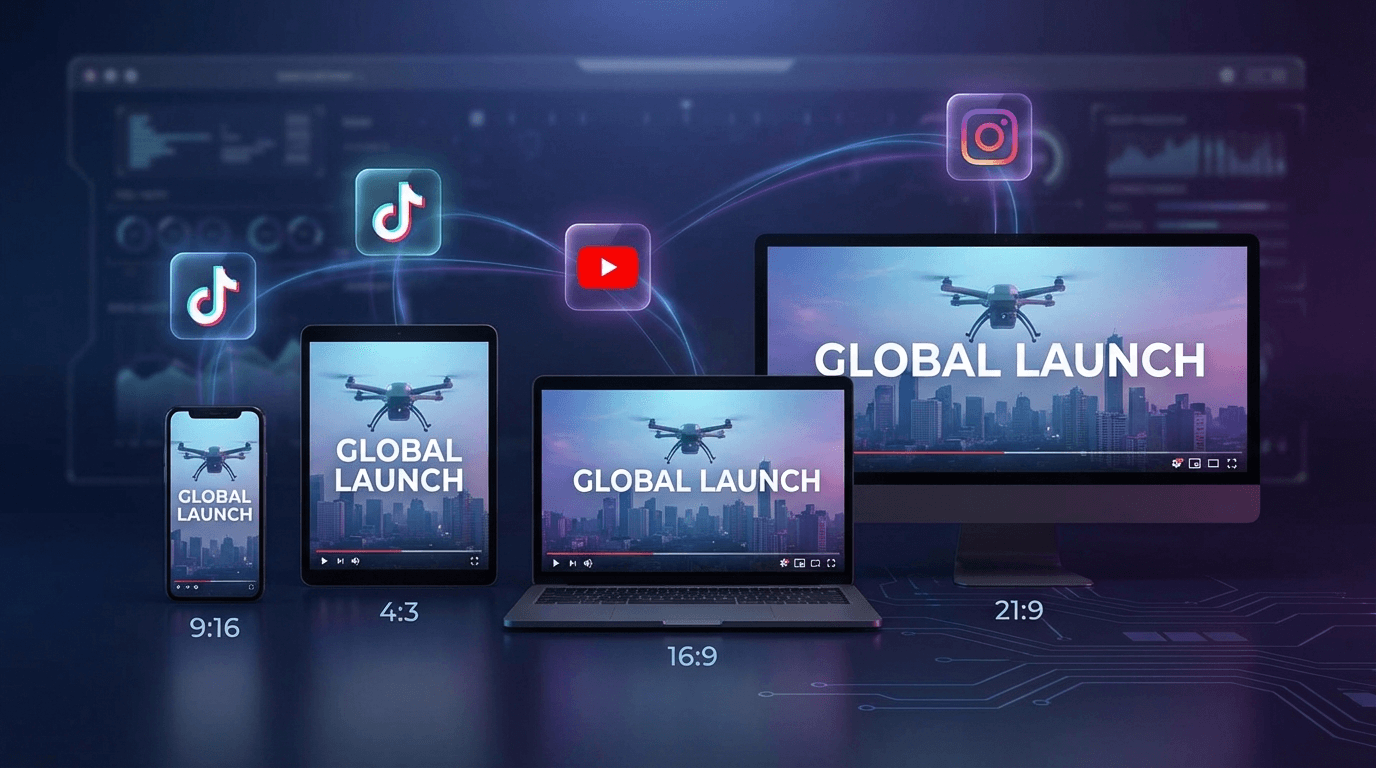
Aspect Ratio Options
- 9:16 vertical: TikTok, Instagram Reels, YouTube Shorts
- 1:1 square: Instagram feed, Facebook feed
- 16:9 landscape: YouTube, LinkedIn, website embeds
Export as MP4 files ready for direct upload, or export project files for further editing in professional software.
Batch Generation
Scale your output with batch video generation. Create multiple ad variations from the same base content by changing hooks, CTAs, or visual elements. This approach supports A/B testing and helps combat creative fatigue—the performance decline that occurs when audiences see the same ad too many times.
E-commerce Integration
E-commerce sellers gain specific advantages from AI video ads. AI product video creation tools connect directly with major marketplaces.
URL-to-Video Conversion
Paste a product listing URL from Amazon, eBay, Shopify, or Etsy. The AI:
- Extracts product images and descriptions
- Generates a conversion-focused script
- Produces a complete video ad ready for use
This workflow reduces video creation from hours to minutes. Launch new products with video content on day one rather than waiting for production schedules.
App Store Marketing
Mobile app developers use the same workflow for Google Play and Apple App Store marketing. Showcase app features, demonstrate functionality, and drive downloads with professional video ads that meet platform specifications.
Frequently Asked Questions
How long does it take to create an AI video ad?
Most platforms produce finished videos in 5-15 minutes after you provide your input. The entire workflow—from product URL to exported video—typically completes within 30 minutes including revisions.
What quality can I expect from AI-generated video ads?
Modern AI produces studio-quality output suitable for professional advertising. Digital avatars feature realistic movements and expressions. However, AI works best for product demonstrations and promotional content rather than emotional brand storytelling that requires human nuance.
How much do AI video ads cost compared to traditional production?
Traditional video production costs range from $2,000 for basic videos to $80,000 for high-quality commercials. AI video platforms typically charge $10-$50 per video or offer monthly subscriptions. This represents a 90%+ cost reduction for most use cases.
Can I use AI video ads on all advertising platforms?
Yes. Export your videos in platform-specific formats for TikTok, Instagram, YouTube, Facebook, LinkedIn, and Google Ads. Each platform accepts standard MP4 files with appropriate aspect ratios.
Conclusion
The AI video ads workflow has fundamentally changed content production economics. What once required production teams, expensive equipment, and weeks of timeline now happens in minutes with browser-based tools.
The five-step workflow—script generation, storyboarding, avatar selection, localization, and export—delivers professional results without technical expertise. E-commerce sellers gain particular advantage through direct marketplace integration and multilingual expansion capabilities.
Start creating AI video ads that convert. The tools exist, the workflow is proven, and the cost barrier has essentially disappeared.
