
How to Make Videos Without Equipment Using Only AI
Discover how to create professional-quality videos without cameras or editing software. Use AI avatars, voice generation, and automated production to make videos in minutes.
TL;DR: You can make professional videos without cameras, microphones, or editing software using AI tools. Simply input your script or idea, select an AI avatar and voice, and generate ready-to-use videos in minutes. Platforms now support 70+ languages with lip-sync, making global video production accessible to anyone.
Creating professional video content used to require expensive equipment, studio space, and technical expertise. That reality has changed completely. Today, you can make video with AI tools that handle everything from scriptwriting to final production—no filming required.
Whether you're an e-commerce seller creating product demos, a marketing team producing multilingual ads, or a trainer developing onboarding materials, AI video generation eliminates the traditional barriers. This guide walks you through exactly how to create studio-quality videos using only AI tools, with practical steps you can follow immediately.
Why Make Video with AI Instead of Traditional Methods
Traditional video production involves cameras, lighting, microphones, actors, and editing software. A single promotional video can take days to produce and cost thousands of dollars. AI video generation compresses this entire process into minutes.
Cost and Time Savings
According to industry data, AI video production reduces costs by 80-90% compared to traditional filming. A video that once required a full production crew now needs only your input and an internet connection. Most AI platforms generate finished videos in under 10 minutes.
No Technical Skills Required
You don't need to understand video editing, lighting setups, or audio mixing. AI tools handle the technical complexity. You focus on what you want to say, and the platform handles how to present it.
Scalability for Global Markets
Need the same video in 20 languages? Traditional production would require 20 separate shoots with different voice actors. AI platforms offer multilingual localization with automatic video translation and dubbing, complete with lip-sync accuracy across 70+ languages.
Step-by-Step Guide to Make Video with AI
The process is straightforward once you understand the workflow. Here's how to turn ideas into videos without touching any equipment.
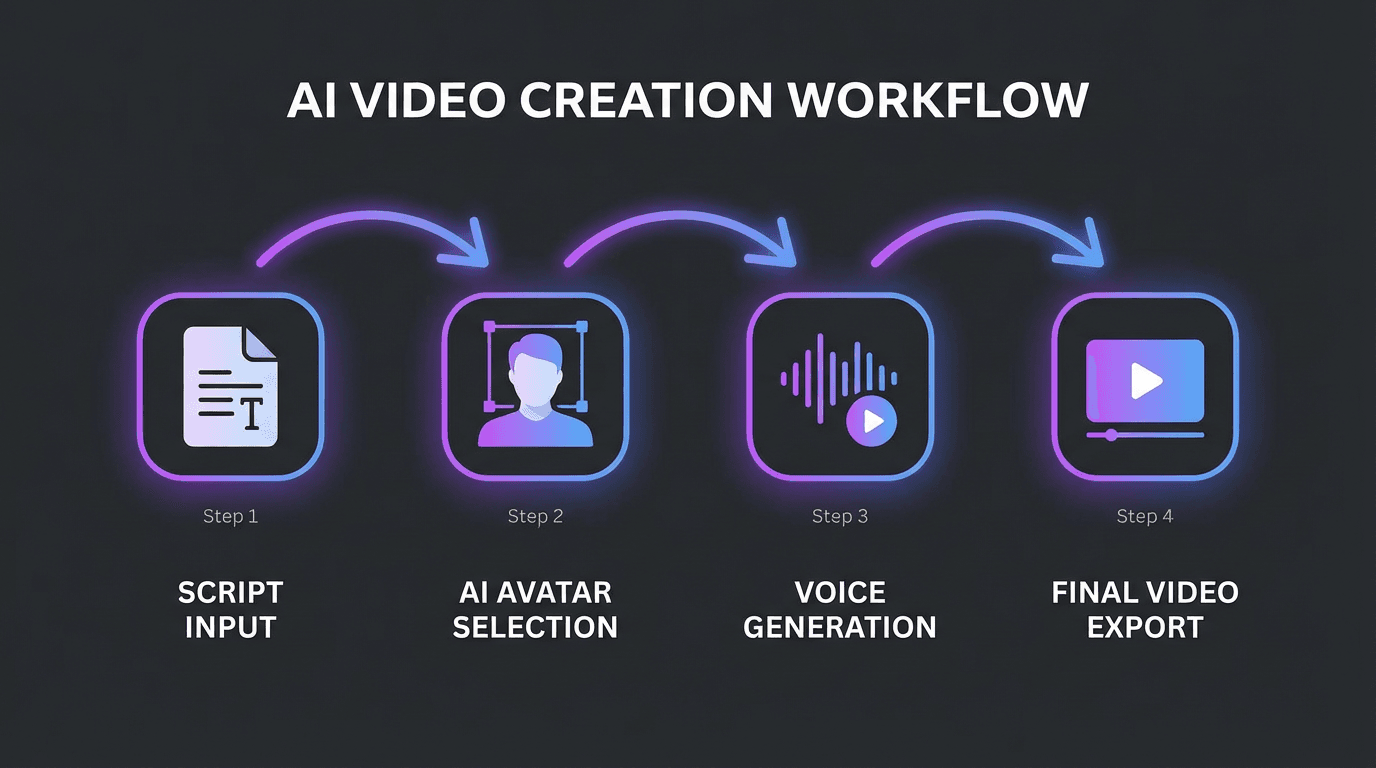
Step 1: Prepare Your Content
Start with what you want to communicate. You have several input options:
- Write a script: Draft your message directly
- Paste a URL: Many platforms convert webpage content into video scripts
- Upload documents: PDF, PowerPoint, or Word files work as source material
- Describe your idea: AI scriptwriting tools generate scripts from brief prompts
For e-commerce sellers, platforms like Keevx offer one-click URL-to-video conversion for Amazon, eBay, Shopify, and Etsy product pages. Simply paste your listing URL, and the AI generates a conversion-ready script.
Step 2: Let AI Generate or Refine Your Script
Most AI video platforms include script generation. Input your topic or paste your content, and the AI creates a structured video script. You can edit and refine the output before proceeding.
Tip: Keep scripts concise. Aim for 150-200 words per minute of video. Social media videos perform best between 30-90 seconds.
Step 3: Select Visual Style and Template
Choose from pre-built templates designed for specific use cases:
- Product demonstrations
- Training and onboarding
- Social media ads
- Explainer videos
- Corporate communications
Templates handle layout, transitions, and visual elements automatically. Select one that matches your content type and brand aesthetic.
Choose Your AI Avatar and Voice
The digital presenter is where AI video creation truly shines. Instead of hiring actors or appearing on camera yourself, you select from libraries of realistic AI avatars.
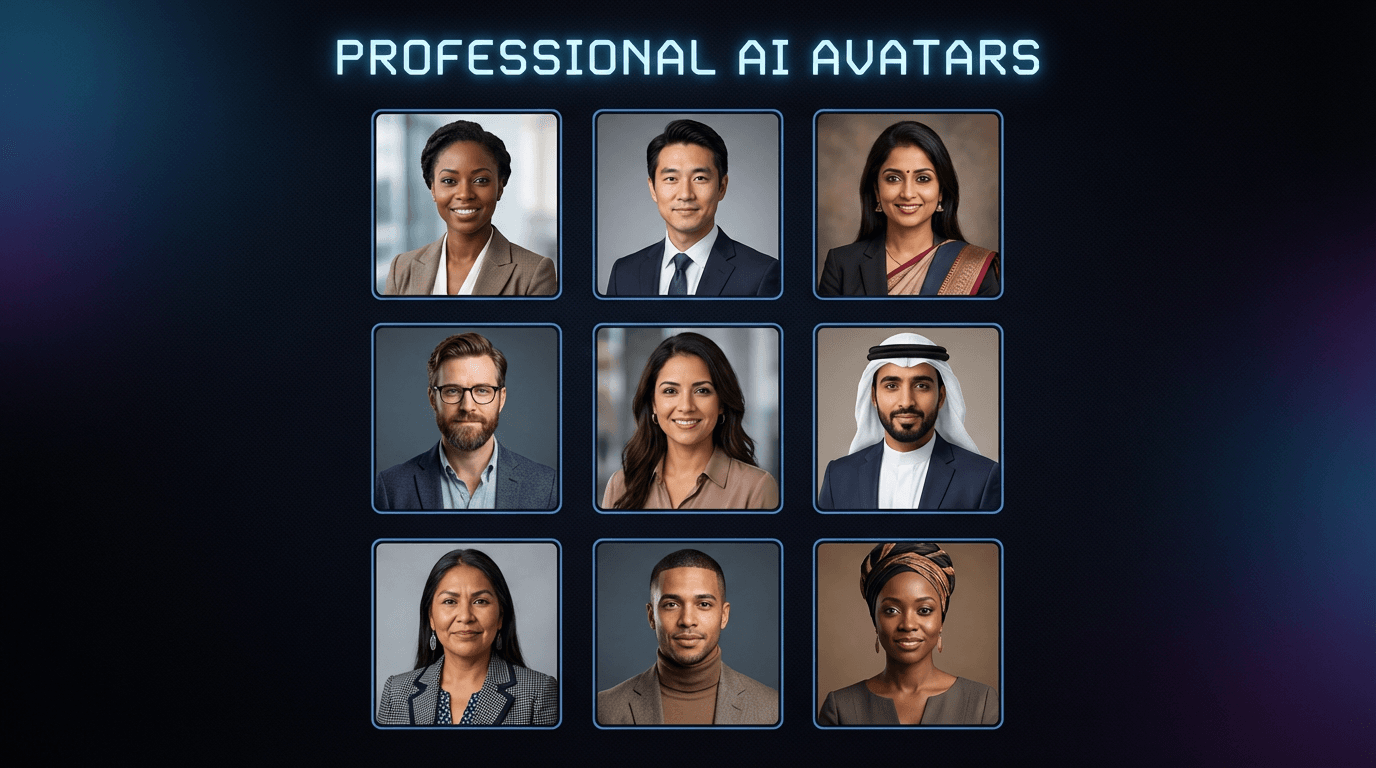
AI Avatar Options
Modern platforms offer 200+ digital humans representing diverse ethnicities, ages, and professional appearances. These aren't robotic animations—they feature natural expressions, gestures, and lip movements synchronized to speech.
With AI avatars and voice cloning, you can even create a custom digital version of yourself. Upload reference footage, and the AI generates an avatar that looks and sounds like you.
Voice Selection
Pair your avatar with AI-generated voiceover. Options typically include:
- 150+ voice options across genders and styles
- Regional accents and dialects
- Adjustable tone (professional, friendly, energetic)
- Multiple languages with native pronunciation
The AI handles lip-sync automatically, matching mouth movements to the audio regardless of language.
Multilingual Video Production
Global businesses need content in multiple languages. AI makes this practical without reshooting anything.
Automatic Translation and Dubbing
Upload a video in English, and AI generates versions in Spanish, German, Mandarin, Japanese, Arabic—70+ languages total. The translation preserves context and tone while the lip-sync feature adjusts the avatar's mouth movements to match the new audio.
Subtitle Generation
AI automatically generates subtitles in any language. For platforms where viewers watch without sound (Instagram, LinkedIn), subtitles are essential for engagement.
Dialect Support
Beyond major languages, AI platforms support regional variations. Spanish speakers in Mexico hear different voiceover than those in Spain. This localization level was previously impossible without massive production budgets.
Use Cases for AI-Generated Videos
AI video generation serves specific business needs particularly well.
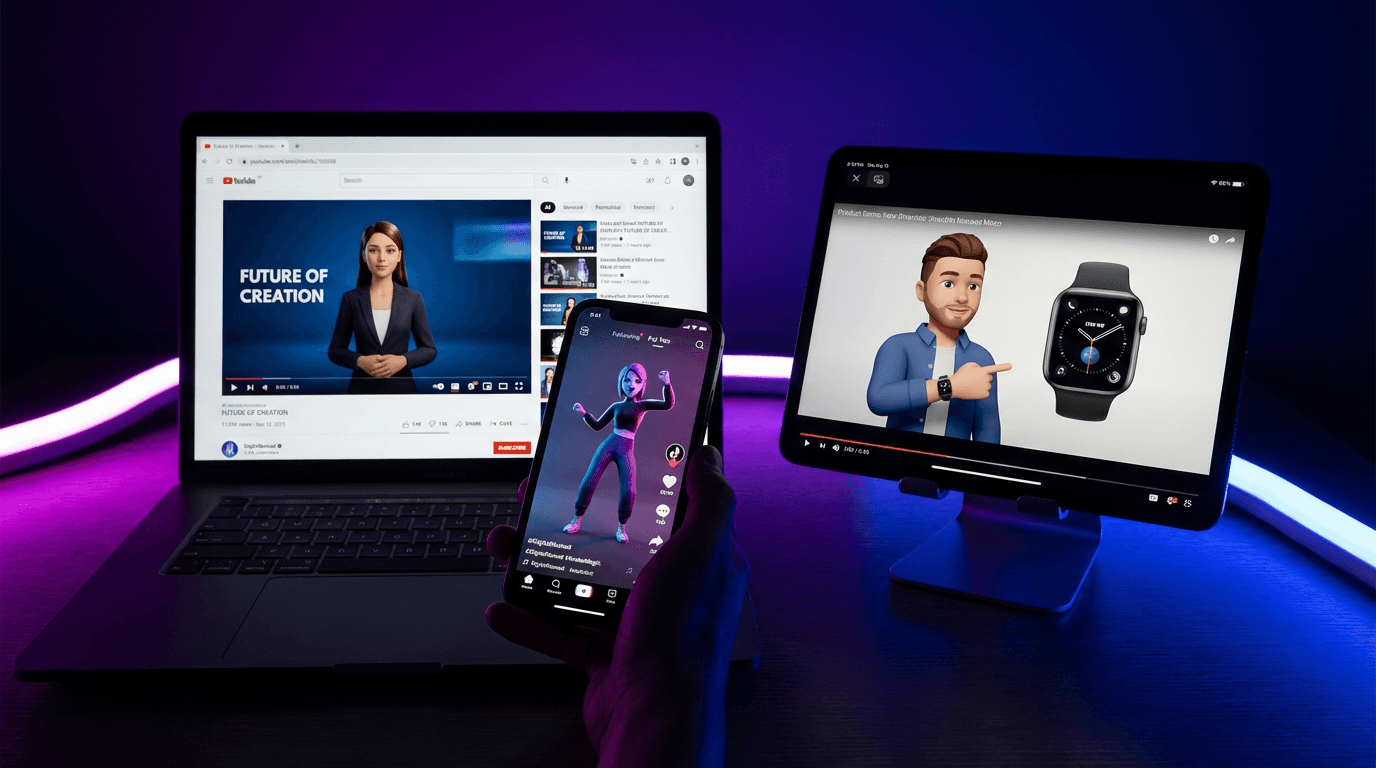
E-commerce Product Videos
Cross-border sellers benefit most from AI video creation. Convert product listings into product videos from images automatically. Generate variations for different marketplaces and languages from a single source. Batch production enables creating hundreds of product videos without individual filming.
Marketing and Advertising
Create AI video ads optimized for YouTube, TikTok, Instagram, and Facebook. AI platforms offer format presets for each platform's requirements. Test multiple versions quickly by changing scripts, avatars, or languages.
Training and Onboarding
HR departments use AI videos for consistent, scalable training content. Create once, deploy globally with automatic translation. Updates require only script changes—no reshooting.
Educational Content
Course creators and educators produce lecture content without studio equipment. AI avatars present material while screen recordings, slides, and graphics supplement the presentation.
Quality Considerations and Limitations
AI video generation has improved dramatically, but understanding its boundaries helps set realistic expectations.
Where AI Excels
- Talking-head presenter videos
- Product demonstrations with screen recordings
- Explainer and educational content
- Multilingual localization
- High-volume batch production
Current Limitations
- Complex physical actions and movements
- Emotional nuance in dramatic content
- Consistency across extended scenes
- Custom backgrounds and environments
For most business applications—product demos, training, marketing—AI handles the requirements effectively. Creative projects requiring cinematic storytelling may still benefit from traditional production elements.
Frequently Asked Questions
How much does it cost to make video with AI?
AI video platforms typically range from free tiers with limited features to $20-50/month for professional use. This compares favorably to traditional video production costs of $1,000-10,000+ per video. Most platforms offer free trials to test capabilities before committing.
Can I monetize AI-generated videos on YouTube?
Yes. YouTube allows monetization of AI-generated content as long as it complies with community guidelines and copyright policies. Original scripts, proper disclosures, and quality content are key factors for success.
How realistic are AI avatars?
Current AI avatars feature natural expressions, accurate lip-sync, and professional appearance. While not indistinguishable from human actors in all contexts, they meet professional standards for business, educational, and marketing content.
Can I create videos in languages I don't speak?
Absolutely. AI translation handles the language conversion while maintaining meaning and tone. Native speakers verify that translations sound natural rather than machine-generated. This capability is essential for cross-border e-commerce and global marketing.
How long does it take to generate an AI video?
Most platforms generate finished videos in 2-10 minutes depending on length and complexity. This represents a dramatic improvement over traditional production timelines of days or weeks.
Conclusion
Making professional videos without equipment is now a practical reality. AI video tools handle scriptwriting, avatar presentation, voice generation, and multilingual localization—all without cameras, microphones, or editing software.
For e-commerce sellers, marketers, trainers, and content creators, this shift eliminates traditional barriers to video production. You can create content that previously required full production teams, deliver it in 70+ languages, and scale output to match your business needs.
The technology continues improving rapidly. Platforms now offer minute-level production, one-click URL-to-video conversion, and batch generation capabilities that make high-volume video creation practical for businesses of any size.
Ready to create your first AI-generated video? The process takes minutes, not days.
