
Animate Image AI: Best Tools to Bring Photos to Life
Transform static photos into dynamic videos using AI. Compare the best animate image AI tools for e-commerce, marketing, and social media content creation in 2026.
TL;DR: Animate image AI transforms static photos into dynamic videos using artificial intelligence. Top tools like Keevx, AnimateImg, and Mootion offer fast, user-friendly solutions for creating engaging animated content without technical expertise, perfect for e-commerce, marketing, and social media.
Static images no longer cut it in today's fast-paced digital landscape. With attention spans shrinking and video content dominating social platforms, businesses and creators need tools that can transform still photos into captivating animations quickly. Animate image AI technology makes this possible, turning ordinary pictures into dynamic videos that grab attention and drive engagement.
This guide explores the best AI tools to bring your photos to life in 2026, comparing features, capabilities, and use cases to help you choose the right solution for your needs.
What Is Animate Image AI?
Animate image AI leverages artificial intelligence to convert static images into dynamic animations or videos. These tools analyze your photos, identify key elements, and generate smooth motion effects without requiring manual animation skills or video editing expertise.
According to research from leading AI platforms, modern image animation tools use advanced deep learning technology to understand image composition, recognize objects and faces, and create natural movement patterns. The AI generates intermediate frames automatically, producing fluid transitions that make static content come alive.
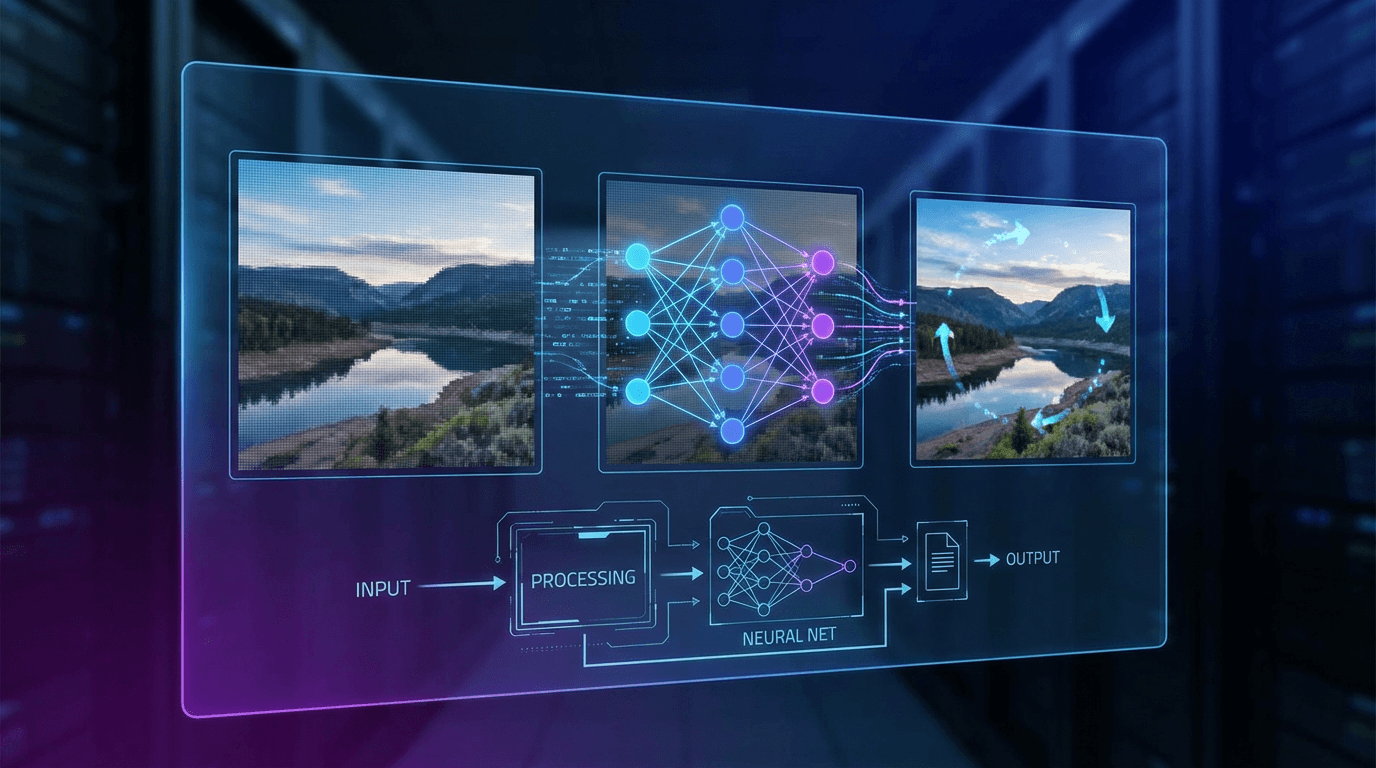
The technology handles everything from subtle movements like flowing hair or rippling water to complex character animations and full scene transformations. Most platforms generate videos in standard formats like MP4, with durations typically ranging from 5 to 10 seconds.
How AI Image Animation Works
The animation process follows a straightforward workflow across most platforms:
Upload Your Image: Support for standard formats including JPG, PNG, and JPEG files. Most tools accept portraits, landscapes, product photos, and artwork.
Add Text Prompts: Describe the motion you want to see. Popular prompts include "flowing hair," "moving clouds," "rippling water," or specific actions like "dancing" or "walking."
AI Processing: The platform analyzes your image and prompt, identifying elements to animate and generating motion paths. Processing typically takes 1-3 minutes depending on complexity.
Generate and Download: Preview your animated video and download in MP4, GIF, or other formats optimized for different platforms.
The AI understands context, ensuring movements look natural rather than artificial. For example, if you animate a portrait with "smiling," the facial features move realistically while maintaining the person's appearance.
Best Animate Image AI Tools for 2026
Keevx
Best for: E-commerce merchants and cross-border businesses needing multilingual product videos
Keevx stands out as an AI-powered platform designed specifically for creating studio-quality videos featuring digital avatars without editing skills. While primarily focused on avatar-based video production, Keevx offers powerful image to video capabilities that transform product photos into engaging promotional content.
Key features include:
- One-click URL to video conversion for Amazon, Shopify, eBay, and Etsy listings
- 70+ language video translation with lip-sync technology
- 234 diverse digital avatars and 169 voice options
- Minute-level production with batch generation capabilities
- Pre-built templates optimized for e-commerce categories
The platform excels at producing conversion-ready product videos from static images, making it particularly valuable for online sellers who need to create multilingual content at scale. With AI video ads functionality and cross-platform optimization for YouTube and TikTok, Keevx delivers professional results without filming or editing requirements.
AnimateImg
Best for: Users wanting precise motion control with plain language descriptions
AnimateImg offers an intuitive image to video AI generator that understands natural language prompts. Simply describe the movement you want to see, and the AI brings your vision to life instantly.
Standout capabilities:
- Motion control AI that transfers dance moves or actions to photos
- Plain language processing for easy animation descriptions
- Support for various animation styles from subtle to dramatic
- Fast processing for quick turnaround times
The platform makes complex animations accessible through conversational prompts, eliminating the learning curve typically associated with animation software.
Mootion AI
Best for: Speed-focused projects requiring rapid production
In recent benchmarks, Mootion outperformed competitors by 65% in processing speed, generating fully animated videos in under 2 minutes compared to the industry average of 6 minutes. This makes it the fastest option for high-volume production needs.
Key advantages:
- Under 2-minute generation time for most animations
- Full scene animation with characters and effects
- Story-driven output that goes beyond simple motion
- Professional-grade results despite rapid processing
For businesses creating multiple animations daily, Mootion's speed advantage translates to significant productivity gains.
YouCam Online Editor
Best for: Quick social media content and AI hug videos
YouCam Online Editor ranks as a top AI photo animator for 2026, specializing in bringing old photos to life and creating trending AI hug videos. No app download required, everything works directly in your browser.
Notable features:
- Browser-based operation with no installation
- Specialized templates for viral social media trends
- Old photo restoration combined with animation
- One-click AI hug video creation
Perfect for casual users and social media managers who need quick, shareable content without technical complexity.
DomoAI
Best for: High-resolution output and quality-focused projects
DomoAI's video upscaler ensures smooth motion in resolutions up to 4K or higher, making it ideal when output quality matters most. The platform offers flexible duration options and detailed style controls.
Premium features:
- 4K+ resolution output with smooth motion
- Flexible 5 or 10-second duration options
- Text prompt customization for animation style
- Advanced upscaling technology for crisp results
Commercial projects and professional productions benefit from DomoAI's emphasis on visual quality.
Additional Notable Tools
Monica AI: Free quotas after signup for landscapes, portraits, and selfies.
PowerDirector: Mobile solution with animation templates and effects.
Kaiber: Extensive artistic style control for creative animations.
Motionleap: Realistic motion effects like flowing water and clouds.
Practical Use Cases for Animate Image AI
E-Commerce and Product Marketing
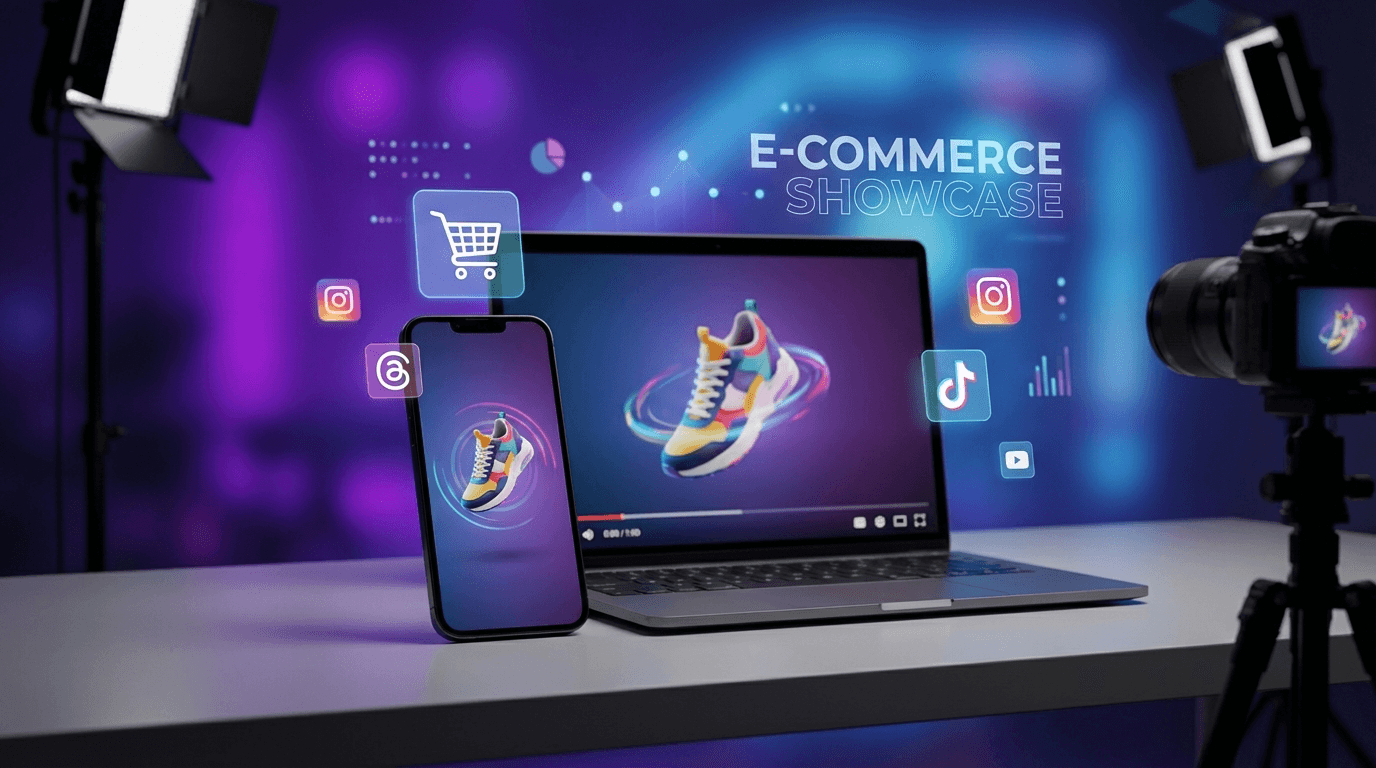
Animated product photos consistently outperform static images in conversion rates. Online sellers use animate image AI to create dynamic product demonstrations that showcase features and build buyer confidence.
With platforms like Keevx offering direct integration with e-commerce platforms, merchants can transform entire product catalogs into video content automatically. The AI product video functionality converts listing photos into engaging demos that highlight product benefits across multiple languages.
Social Media Content
Social platforms prioritize video content in their algorithms, making animation essential for visibility. Creators use these tools to repurpose existing photos into fresh video content without new photoshoots.
Trending formats like AI hug videos, animated selfies, and moving portraits gain significantly more engagement than static posts. The ability to batch-generate content allows consistent posting schedules without constant content creation.
Marketing and Advertising
Video ads capture attention faster than static banners. Marketing teams transform campaign images into animated ads optimized for different platforms and audiences.
The video translation capabilities enable running localized campaigns across multiple markets simultaneously, maximizing ad spend efficiency while maintaining consistent messaging.
Key Features to Consider
Processing Speed: Tools like Mootion offer sub-2-minute generation, while others take 5-10 minutes per animation.
Output Quality: Consider whether you need 4K output for professional work or standard HD for social media.
Customization Options: Advanced tools let you specify exact movements, camera angles, and style elements through text prompts.
Format Support: Verify exports to required formats (MP4, GIF, MOV) and aspect ratios for different platforms.
Language and Localization: Multilingual support and voice cloning capabilities expand content reach for global audiences.
Integration: Direct platform connections save time for e-commerce sellers.
Pricing Model: Compare free tiers and subscription costs against your production volume.
Getting Started with Image Animation
1. Start with High-Quality Source Images: Use well-lit images with clear subjects and minimal blur for better results.
2. Write Clear Prompts: Be specific. Instead of "animate this," try "gentle wind blowing hair to the right with soft movement."
3. Test Different Tools: Compare 2-3 platforms using free trials to find the best match.
4. Optimize for Platform: Create vertical videos for TikTok and Instagram Stories, horizontal for YouTube.
5. Batch When Possible: Use batch generation to maintain consistent style and save time.
The ideas to video workflow helps brainstorm animation concepts when you're unsure what motion to apply.
Frequently Asked Questions
Is AI image animation free?
Many animate image AI tools offer free tiers with limited monthly generations. Platforms like Monica AI and EaseMate provide free quotas after signup. Premium features typically require subscriptions ranging from $10-50 monthly.
How long does it take to animate an image with AI?
Fast platforms like Mootion generate animations in under 2 minutes, while others take 3-5 minutes. Most tools complete within 1-10 minutes, significantly faster than manual animation requiring hours or days.
What image formats can I animate?
Standard formats work across all platforms: JPG, JPEG, and PNG files up to 10-20MB. Some platforms support GIF inputs. Output typically comes in MP4 format, with GIF, MOV, or WebM alternatives available.
Can I control exactly how the image animates?
Yes, through text prompts and style controls. Advanced tools let you specify movement direction, speed, intensity, and focus areas. Platforms like AnimateImg and Kaiber offer detailed customization, while simpler tools provide preset animation styles.
Do I own the rights to animated videos created with AI?
Most commercial tools grant full usage rights to content you generate with your own source images. Always review the platform's terms of service regarding content ownership. Some free tools may have attribution requirements or restrict commercial use.
Conclusion
Animate image AI transforms how businesses and creators produce video content, eliminating technical barriers while delivering professional results in minutes. These tools make dynamic content accessible for e-commerce, social media, and marketing campaigns.
Keevx leads for e-commerce with multilingual capabilities and platform integrations, while AnimateImg and Mootion excel at speed and ease of use. The right choice depends on your needs: output quality, processing speed, customization options, or language support.
Start with free tiers to discover which platform matches your workflow. As AI technology advances, now is the time to incorporate animated content into your strategy.
Transform your static images into engaging videos that capture attention and drive results.
