
AI Video Generator Workflow: Complete Guide for 2025
Learn how to build an efficient AI video generator workflow that transforms ideas into professional videos in minutes. Covers digital avatars, multilingual localization, and automated batch generation.
TL;DR: An AI video generator workflow automates video production from script to finished content in minutes. By combining AI avatars, automated scripting, and multilingual localization, businesses can create professional videos at scale without filming, editing skills, or expensive equipment.
Video content drives results. According to Wyzowl's 2025 report, 82% of consumers have purchased a product after watching a brand video. Yet traditional video production remains slow, expensive, and difficult to scale. Enter the AI video generator workflow—a systematic approach that transforms how businesses create video content. Whether you're an e-commerce seller producing product demos or an enterprise team building training materials, mastering this workflow means producing professional videos in minutes instead of weeks.
This guide breaks down each stage of an effective AI video generator workflow, from initial concept to cross-platform distribution.
Understanding the AI Video Generator Workflow
An AI video generator workflow integrates artificial intelligence tools across the entire video production process. Instead of coordinating cameras, actors, editors, and studios, you orchestrate AI-powered systems that handle each stage automatically.
The workflow follows four core stages:
- Input: Scripts, URLs, images, or topic briefs
- Processing: AI generates scripts, selects visuals, and creates voiceovers
- Generation: The platform assembles your video with avatars and media
- Distribution: Optimized export for YouTube, TikTok, and other platforms
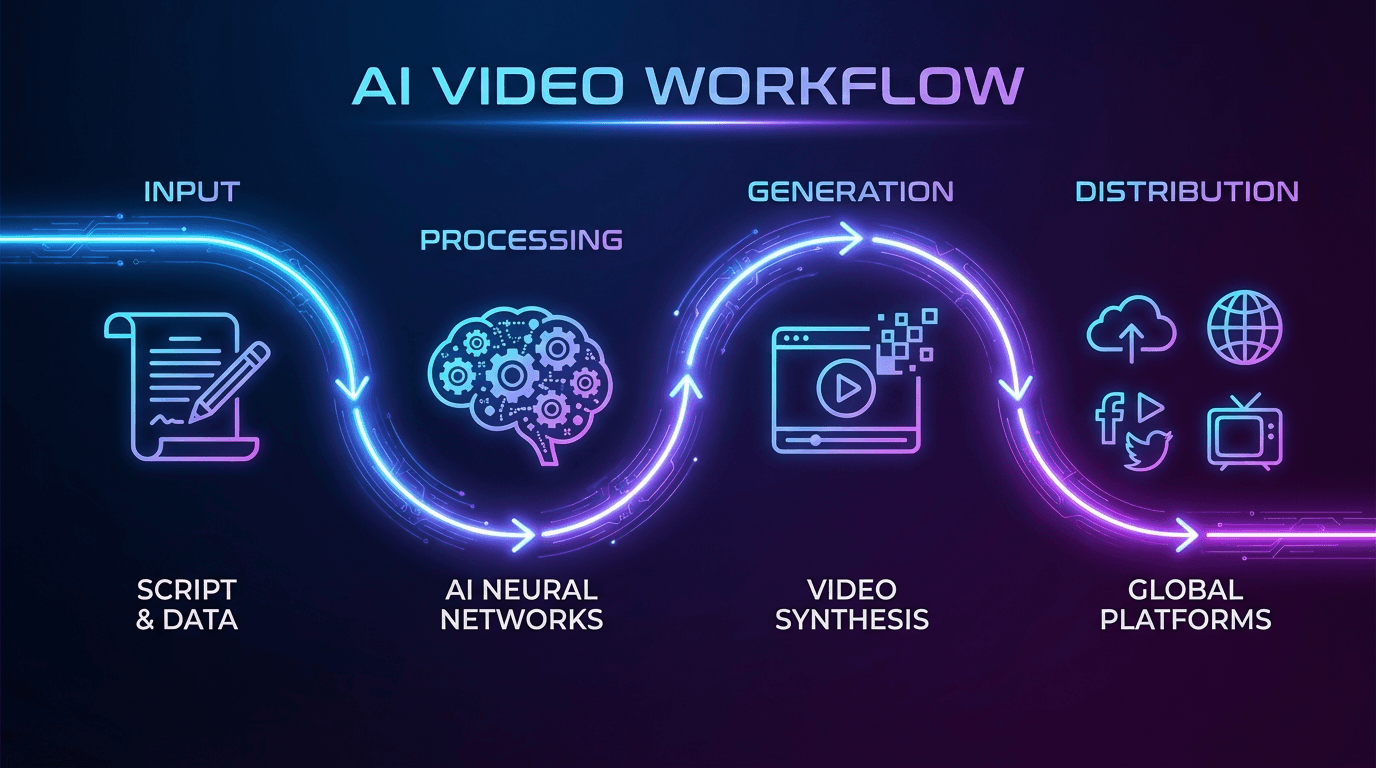
Modern platforms like Keevx handle this entire pipeline. You provide the input—a product URL, topic idea, or script—and the AI delivers ready-to-publish AI-powered video ads with avatars, voiceovers, and professional editing.
Why Workflows Matter More Than Tools
Individual AI tools solve specific problems. A workflow connects them into a repeatable system. The difference matters because:
- Consistency: Every video follows the same quality standards
- Speed: Minute-level production replaces week-long timelines
- Scale: Batch generation produces dozens of videos from one input
- Cost: Companies using AI workflows create 5-10x more videos with the same budget
Building Your Workflow Step by Step
Setting up an efficient workflow requires planning before you touch any tools. Start with these foundations.
Define Your Video Goals
What problem does each video solve? Product demos convert browsers into buyers. Training videos onboard employees faster. Ad creatives drive clicks and conversions. Your goals determine which workflow components you need.
For e-commerce sellers, the goal often centers on converting product listings into video content. For enterprise teams, it might mean transforming documentation into visual training materials.
Map Your Input Sources
Identify where your content originates. Common input sources include:
- Product page URLs (Amazon, Shopify, eBay, Etsy)
- Blog posts and articles
- Presentation decks
- Raw scripts or outlines
- Topic keywords or briefs
Platforms with ideas to video feature capabilities can work from minimal input, generating complete scripts from just a topic or URL.
Choose Your Production Approach
Two main approaches exist for AI video generation:
Avatar-based videos use digital humans to present your content. These work well for tutorials, product explanations, and any content that benefits from a human presenter.
Media-based videos combine stock footage, images, and graphics with AI-generated voiceovers. These suit product showcases, social ads, and content where visuals matter more than a presenter.
Many workflows combine both approaches depending on the content type.
Working with AI Avatars and Voice Cloning
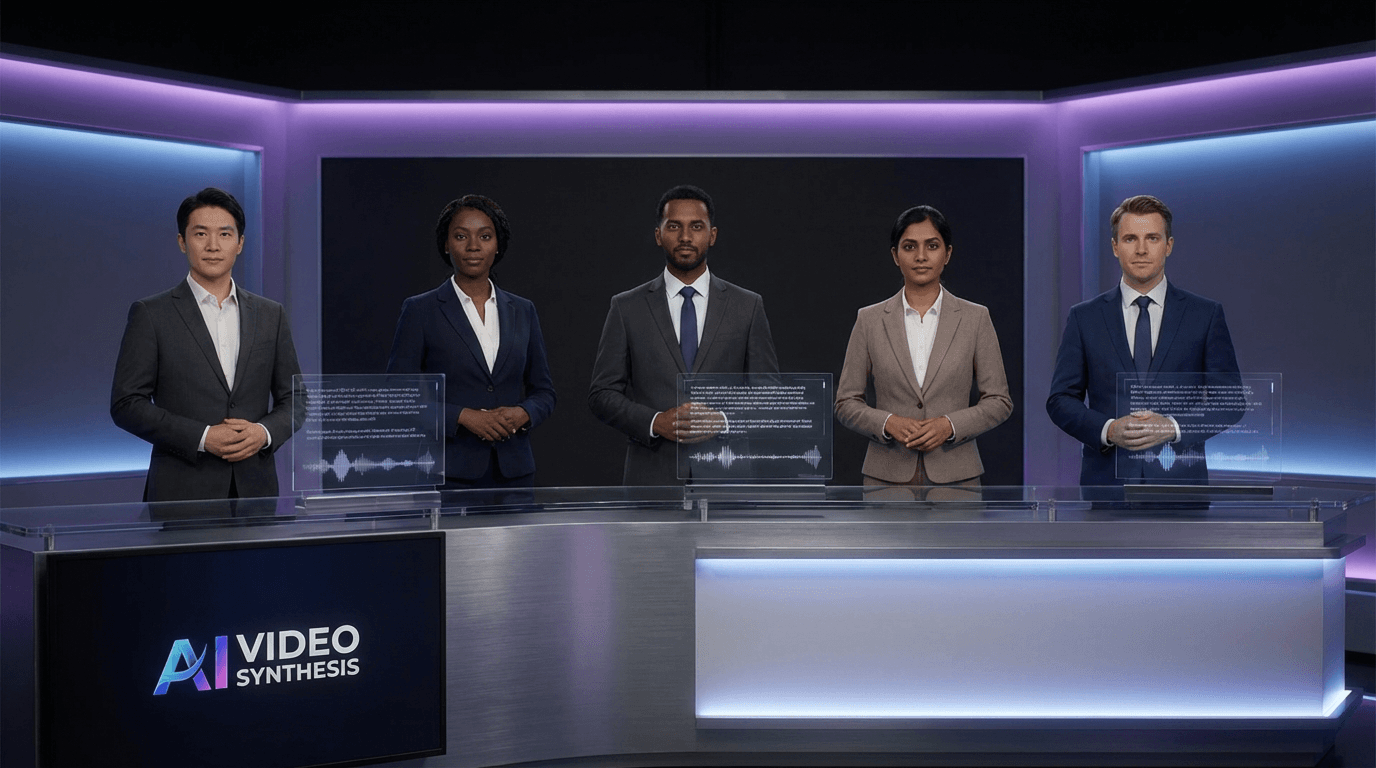
Digital avatars represent a major shift in video production. Instead of scheduling talent, you select an AI avatar that delivers your script with natural movements and expressions.
Selecting the Right Avatar
Character libraries now include hundreds of options across demographics, styles, and settings. Key selection criteria include:
- Audience alignment: Match your avatar to your target demographic
- Brand consistency: Choose avatars that reflect your brand personality
- Content type: Professional settings for corporate content, casual for social media
Keevx offers 234 diverse avatars across professional and lifestyle categories. Using avatar and voice cloning tools, you can also create custom digital humans that represent your brand uniquely.
Voice Selection and Customization
Voice options have expanded dramatically. Modern platforms offer 100+ voice options spanning languages, accents, and speaking styles. Consider:
- Regional dialects for local market appeal
- Speaking pace appropriate to your content
- Tone matching your brand voice (professional, friendly, authoritative)
Tip: Test multiple voice options with the same script before committing to a final choice. Small differences in voice selection significantly impact viewer engagement.
E-Commerce Integration and URL-to-Video Conversion
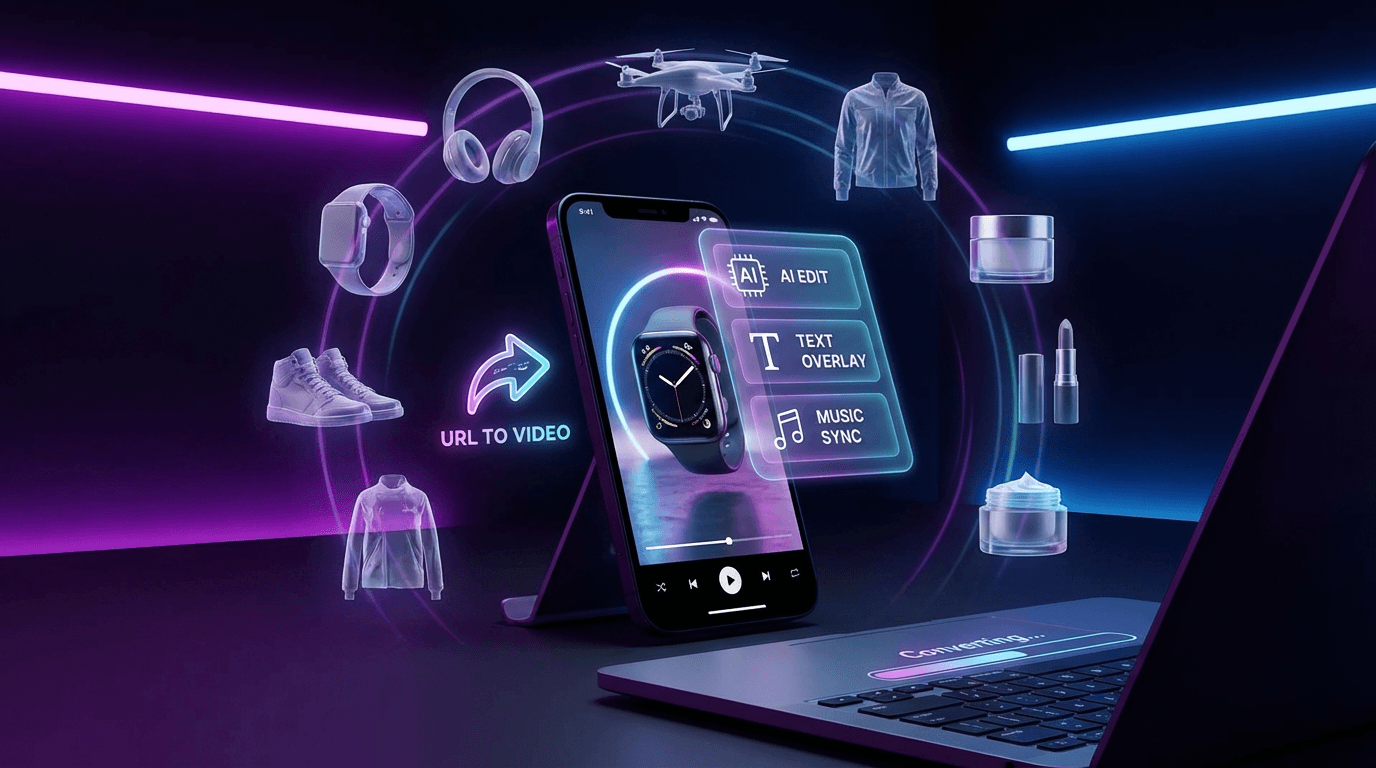
For cross-border e-commerce merchants, the fastest workflow starts with product URLs. One-click conversion transforms existing listings into video content.
How URL-to-Video Works
The process extracts product information automatically:
- Paste your Amazon, Shopify, eBay, or Etsy product URL
- AI pulls product titles, descriptions, images, and specifications
- Platform generates a conversion-ready script
- Select avatar and voice preferences
- Receive finished video optimized for your target platform
This approach eliminates manual script writing for product content. The AI understands what makes product videos convert and structures content accordingly.
Image-to-Video Conversion
Product images can also drive video creation. With image-to-video conversion, static product shots become dynamic video content with motion, transitions, and professional effects.
This works particularly well for:
- Product catalogs requiring batch video creation
- App store screenshots needing video demonstrations
- Fashion and cosmetics showcasing multiple angles
Multilingual Localization at Scale
Global e-commerce demands content in multiple languages. Traditional localization requires separate productions for each market. AI workflows handle this through automated translation and dubbing.
Translation and Lip-Sync Technology
Modern video translation and dubbing maintains the original speaker's appearance while delivering content in new languages. The technology includes:
- Translation across 70+ languages and 178 dialects
- Lip-sync that matches mouth movements to translated audio
- Voice preservation that maintains speaker characteristics
A single source video becomes dozens of localized versions without reshooting or hiring voice talent for each market.
Regional Optimization
Beyond translation, effective localization considers:
- Cultural references: Adapting examples and analogies for local audiences
- Platform preferences: Different regions favor different social platforms
- Regulatory requirements: Some markets have specific disclosure requirements
Automation and Batch Generation
Scale requires automation. Manual video creation hits limits quickly. AI workflows enable batch generation where one input produces multiple outputs.
Setting Up Automated Pipelines
Automated workflows connect your content sources directly to video generation:
- New blog post published → Generate video summary
- Product added to catalog → Create product video
- Training document updated → Produce updated training video
These automations run continuously, keeping video content synchronized with your other content.
Multi-Platform Optimization
Each platform has different requirements. TikTok wants vertical 9:16 content. YouTube prefers 16:9. Instagram accepts both plus square formats.
Advanced workflows automatically generate platform-optimized versions:
- Aspect ratio adjustments
- Duration optimization (shorter for TikTok, longer for YouTube)
- Caption styling appropriate to each platform
- Thumbnail generation
Frequently Asked Questions
How long does AI video generation take?
Most AI video platforms generate finished content in 2-10 minutes depending on length and complexity. Batch generation processes multiple videos simultaneously, often producing 10+ videos in the time traditional methods take for one.
What quality can I expect from AI-generated videos?
Professional-quality output is standard with current AI video tools. Resolution options include 1080p and 4K. Avatar movements appear natural, and voice synthesis sounds realistic. The main quality considerations involve script quality—AI can only generate compelling videos from compelling input.
Do I need technical skills to use AI video workflows?
No. Modern platforms eliminate technical barriers entirely. If you can type a prompt or paste a URL, you can create videos. Advanced features exist for users who want more control, but they're optional.
How much does AI video generation cost compared to traditional production?
AI video generation typically costs 80-95% less than traditional production when accounting for equipment, talent, editing, and studio time. Subscription platforms offer predictable monthly costs regardless of output volume, making budgeting straightforward.
Conclusion
The AI video generator workflow transforms video from a specialized production challenge into an accessible content format for any business. By combining AI scripting, digital avatars, automated assembly, and multilingual localization, you can produce professional videos in minutes rather than weeks.
The key is building a systematic workflow that matches your content needs. Start with your goals, identify your input sources, and select tools that handle your specific requirements—whether that's e-commerce product videos, training content, or marketing campaigns.
For cross-border sellers and marketing teams ready to scale video production, platforms like Keevx provide the complete workflow: URL-to-video conversion, 234 avatars, 70+ language support, and batch generation capabilities. No filming. No editing skills. Just professional video content, ready to use.
