
How to Repurpose Long-Form Content into 30+ Short Videos with AI
Turn one webinar into dozens of viral clips in minutes
TL;DR: AI video repurposing tools can transform a single webinar, podcast, or training video into 30+ platform-ready short clips in minutes. The key is combining intelligent curation (finding the best moments) with automated editing (captions, reframing, optimization) to maximize ROI from every piece of long-form content you create.
Creating long-form video content takes significant effort—filming, editing, scripting, and production can consume hours or even days. Yet most businesses publish that content once and move on. The problem? Short-form video now dominates social media engagement. According to industry data, short videos generate 2.5x more engagement than long-form content, and platforms like TikTok, Instagram Reels, and YouTube Shorts are where audiences spend their time.
The solution is to repurpose video with AI. Instead of manually clipping and editing dozens of short videos from a single source, AI tools can analyze your content, identify the most engaging moments, and automatically generate platform-optimized clips. This guide walks you through the exact workflow to turn one long-form video into 30+ short clips—ready for cross-platform distribution.
Why Manual Video Repurposing Falls Short
Before diving into the AI-powered workflow, it's worth understanding why traditional approaches struggle to scale.
The Time Problem
Manually reviewing a 60-minute webinar to find clip-worthy moments takes 2-3 hours minimum. Add editing time for captions, reframing for vertical formats, and platform-specific adjustments, and you're looking at 15-20 hours of work for meaningful output. Most marketing teams simply don't have that bandwidth.
The Consistency Challenge
Human editors have varying standards for what makes a "good" clip. One editor might prioritize entertainment value; another focuses on educational depth. This inconsistency makes it difficult to maintain quality across dozens of clips.
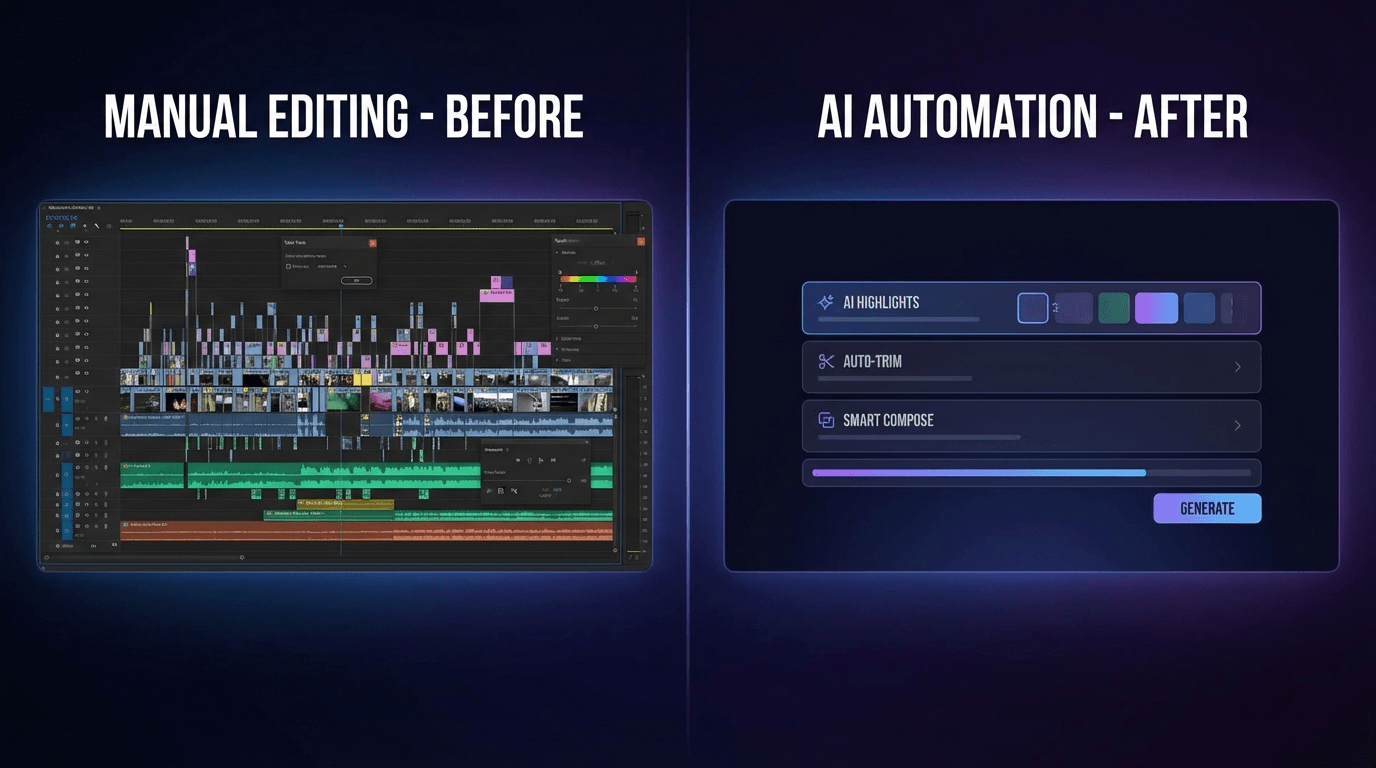
The Scale Limitation
E-commerce brands selling across Amazon, Shopify, eBay, and Etsy need product videos in multiple languages and formats. Corporate training teams need onboarding content localized for global offices. Manual repurposing simply cannot deliver the volume required for modern content strategies.
The AI-Powered Repurposing Workflow
AI video repurposing works by combining two core capabilities: intelligent curation and automated editing. Here's the step-by-step process.
Step 1: Upload Your Source Content
Start with your long-form video—webinars, podcasts, interviews, training sessions, or product demos all work well. Most AI tools accept direct uploads or can pull from YouTube URLs. Ensure your source has clear audio, as this significantly improves transcript accuracy and clip identification.
Step 2: AI Analysis and Moment Detection
The AI scans your entire video, analyzing speech patterns, engagement indicators, topic transitions, and visual cues. It identifies "highlight moments"—segments with high potential for standalone value. These typically include:
- Key insights or actionable advice
- Emotional peaks or compelling stories
- Clear problem-solution explanations
- Quotable statements or memorable phrases
Platforms like Keevx can transform ideas into ready-to-use videos by analyzing content structure and generating optimized clips automatically.
Step 3: Review and Select Clips
AI typically generates 15-40 potential clips from a single long-form video. Review these suggestions and select the ones that align with your content goals. Quality matters more than quantity—10 excellent clips outperform 30 mediocre ones.
Tip: Look for clips that can stand alone without context. Viewers scrolling TikTok or Reels won't have seen your full video, so each clip needs a clear hook and complete thought.
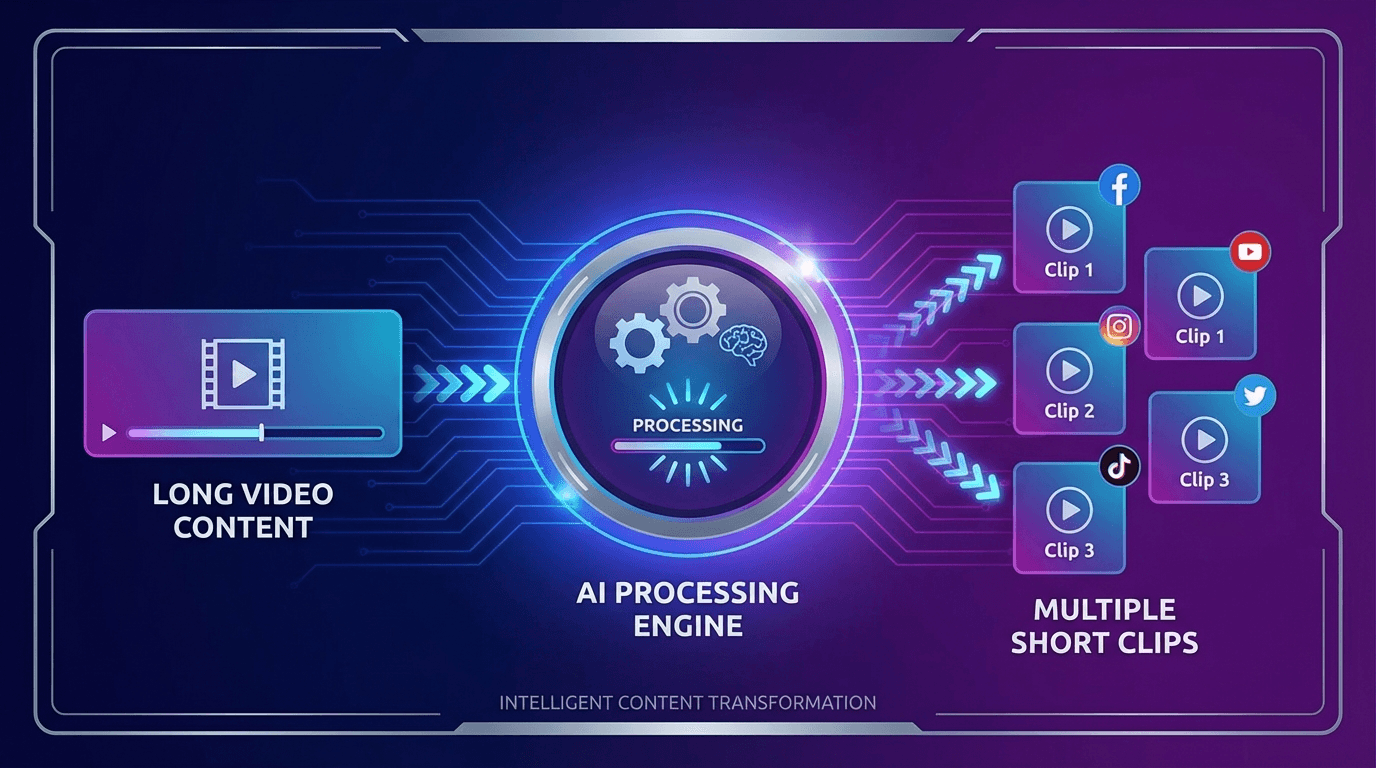
Step 4: Automated Editing and Enhancement
Once you've selected clips, AI handles the tedious editing work:
- Auto-captions: Accurate subtitles in 30+ languages with 97%+ accuracy
- Smart reframing: Converting landscape video to vertical (9:16) while keeping speakers centered
- Filler word removal: Cutting "um," "uh," and awkward pauses
- Visual enhancements: Adding transitions, overlays, and branded elements
Step 5: Batch Export for Multiple Platforms
Export your clips in platform-specific formats—TikTok, Instagram Reels, YouTube Shorts, LinkedIn, and more. Each platform has different optimal lengths, aspect ratios, and engagement patterns. AI tools handle these specifications automatically.
Types of Long-Form Content Worth Repurposing
Not all content delivers equal repurposing value. Focus on these high-yield formats.
Webinars and Live Events
A 60-minute webinar typically contains 8-12 standalone insights perfect for short clips. Q&A segments are particularly valuable—real questions from real audiences make authentic, engaging content.
Podcast Episodes
Audio-first content with video recording (or AI-generated visuals) repurposes exceptionally well. Interview-style podcasts offer natural conversation clips, while solo episodes provide concise expert takes.
Product Demonstrations
E-commerce sellers can turn lengthy product walkthroughs into punchy feature highlights. A 10-minute Amazon product demo might yield 6-8 clips, each showcasing a specific benefit or use case. Consider combining these with AI-generated video ads for maximum impact.
Training and Educational Content
Corporate training videos, course modules, and educational content contain dense, valuable information. AI can identify the most instructive segments and repackage them for social learning or internal knowledge sharing.
Optimizing Short Videos for Each Platform
Each social platform has unique characteristics. Here's how to optimize your repurposed content.
TikTok and Instagram Reels
- Optimal length: 15-60 seconds
- Format: Vertical (9:16)
- Hook timing: First 3 seconds must capture attention
- Captions: Essential—many users watch without sound
YouTube Shorts
- Optimal length: 30-60 seconds
- Format: Vertical (9:16)
- Discovery: Algorithm favors content that drives watch time
- Strategy: Use Shorts to drive viewers to full-length videos
LinkedIn Video
- Optimal length: 30-90 seconds
- Format: Square (1:1) or vertical performs well
- Tone: Professional insights, industry commentary, thought leadership
- Captions: Critical for mobile feed viewing
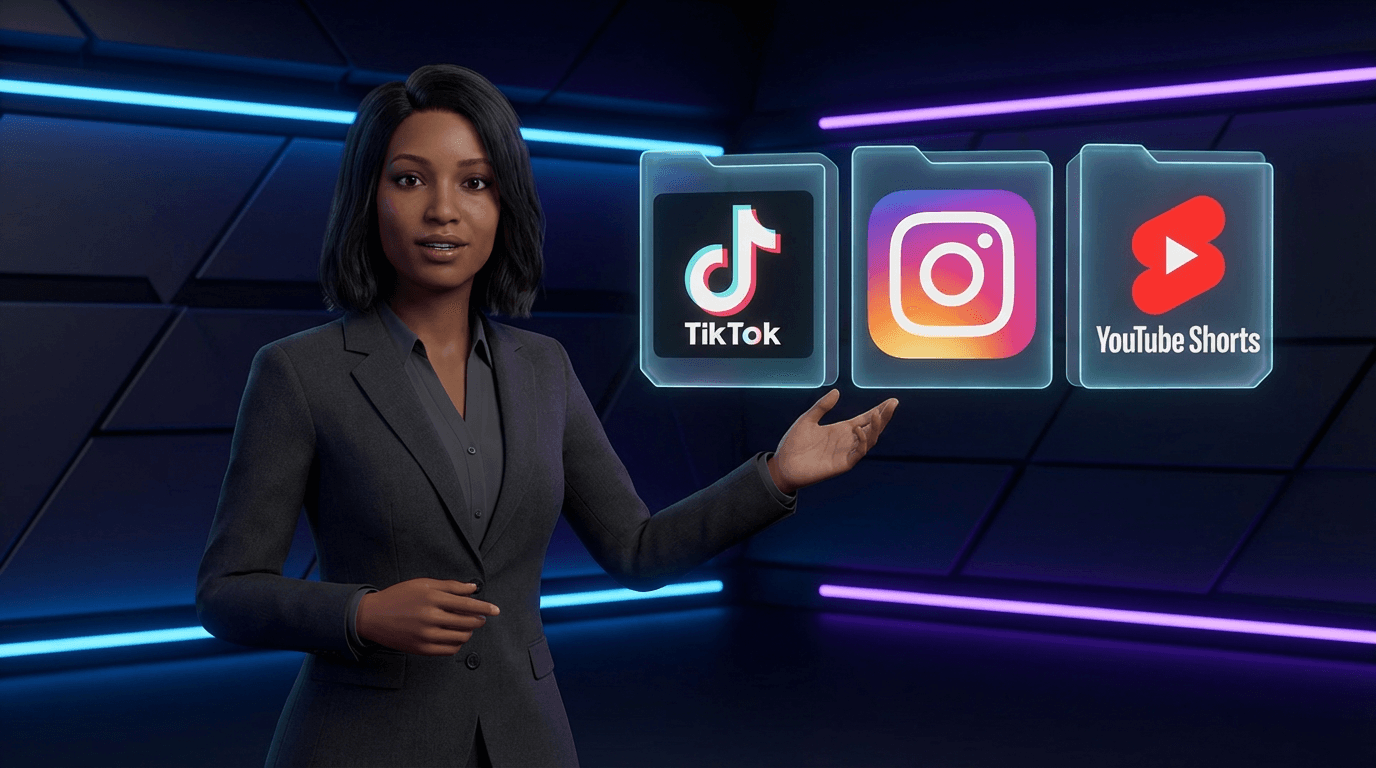
For brands looking to maintain consistent presence across platforms, AI avatar and voice cloning technology enables creating presenter-led content without repeated filming sessions.
Scaling Your Content Across Languages and Markets
Global businesses face an additional challenge: localizing video content for international audiences. This is where AI truly shines.
Multilingual Localization
Modern AI platforms offer video translation and dubbing in 70+ languages with lip-sync technology. A single English webinar can become localized content for Spanish, German, Japanese, Portuguese, and Arabic markets—each with natural-sounding voiceovers and synchronized lip movements.
Regional Platform Optimization
Different markets favor different platforms. While TikTok dominates in the West, Douyin serves China, and regional platforms serve other markets. AI batch generation allows creating platform-specific versions without manual duplication.
E-Commerce Applications
Cross-border sellers on Amazon, Shopify, and eBay can transform product listings into localized video content. Paste a product URL, and AI generates videos ready for international storefronts—complete with translated scripts and regional voice options.
Measuring Results and Iterating
Repurposing video with AI is not a set-and-forget process. Track performance and refine your approach.
Key Metrics to Monitor
- View completion rate: Are viewers watching clips to the end?
- Engagement rate: Likes, comments, shares relative to views
- Click-through rate: Traffic driven to full content or landing pages
- Conversion impact: Sales or sign-ups attributed to short-form content
Continuous Improvement
Use performance data to inform future repurposing decisions. If certain clip types consistently outperform others, prioritize similar content. If specific hooks drive higher engagement, apply those patterns to new clips.
Frequently Asked Questions
How many short clips can I realistically create from one long video?
A typical 60-minute webinar or podcast can yield 15-40 potential clips, with 10-20 being high quality. Industry tools like Taja AI report generating up to 27 shorts, clips, and text outputs from a single video. Focus on quality over quantity—10 excellent clips deliver more value than 30 mediocre ones.
Is AI video repurposing actually free?
Many tools offer free tiers with limitations. SendShort, Kapwing, and others provide basic repurposing features at no cost. Premium features like multilingual translation, advanced editing, and batch generation typically require paid plans. The ROI calculation is compelling: a repurposed piece can cost 10-25% of creating new content while delivering comparable quality.
What types of videos work best for AI repurposing?
Webinars, interviews, podcasts, product demonstrations, and training videos repurpose exceptionally well. The key is clear audio and structured content with distinct topics or insights. Highly visual content without clear verbal narrative (like music videos or B-roll compilations) is less suitable for AI clip identification.
How accurate are AI-generated captions?
Leading platforms achieve 97%+ accuracy for clear audio in supported languages. Quality degrades with background noise, multiple speakers talking simultaneously, or heavy accents. Always review auto-generated captions before publishing, especially for professional or branded content.
Conclusion
The ability to repurpose video with AI has fundamentally changed content economics. What once required a dedicated video team working for days now takes minutes. A single webinar becomes 30+ platform-ready clips. A product demo transforms into multilingual marketing assets. Training content scales across global offices without proportional effort.
The workflow is straightforward: upload your long-form content, let AI identify highlight moments, select the best clips, apply automated editing enhancements, and export for each platform. Add multilingual localization for global reach.
For e-commerce sellers, marketing teams, educators, and content creators, AI video repurposing isn't optional—it's the foundation of efficient content strategy. Start with your existing library of long-form content, and watch one video become dozens.
