
How to Dub YouTube Videos in 170+ Languages Using AI
Discover how AI dubbing transforms your YouTube videos into multilingual content. This guide covers voice cloning, lip-sync technology, and step-by-step workflows to reach global audiences.
TL;DR: AI dubbing lets you translate and dub video content into 170+ languages automatically—complete with voice cloning and lip-sync. Upload your video, select target languages, and generate studio-quality dubbed versions in minutes without hiring voice actors.
Creating videos for a global audience used to require expensive voice actors, recording studios, and weeks of production time. Today, you can dub video with AI in minutes, reaching viewers in 170+ languages while preserving your original voice and brand identity. Whether you're selling products on Amazon, creating YouTube tutorials, or building training content, AI-powered video dubbing opens doors to markets you couldn't reach before.
According to research shared by CAMB.AI, creators using AI dubbing have seen 22% to 113% subscriber growth by expanding into new language markets. This guide walks you through exactly how AI video dubbing works, the step-by-step process to dub your content, and practical use cases for e-commerce, education, and marketing.
How AI Video Dubbing Works
AI video dubbing combines three core technologies to transform your content: automatic speech recognition (ASR), neural machine translation, and voice synthesis with lip-sync.
The Technical Process
First, AI transcribes your original audio using speech recognition technology like OpenAI's Whisper. The system identifies speakers, detects timing, and generates accurate text from your video's dialogue.
Next, machine translation converts your script into target languages while preserving meaning, tone, and context. Unlike basic word-for-word translation, neural translation understands idioms and cultural nuances.
Finally, voice synthesis generates new audio tracks using video translation and dubbing technology. Advanced platforms clone your voice to maintain brand consistency across all languages.
Voice Cloning Technology
Modern AI dubbing platforms need just 2-3 seconds of reference audio to clone your voice. The AI analyzes your pitch, cadence, emotional range, and speech patterns to create a voice profile. This profile generates speech in multiple languages while keeping your distinctive sound.
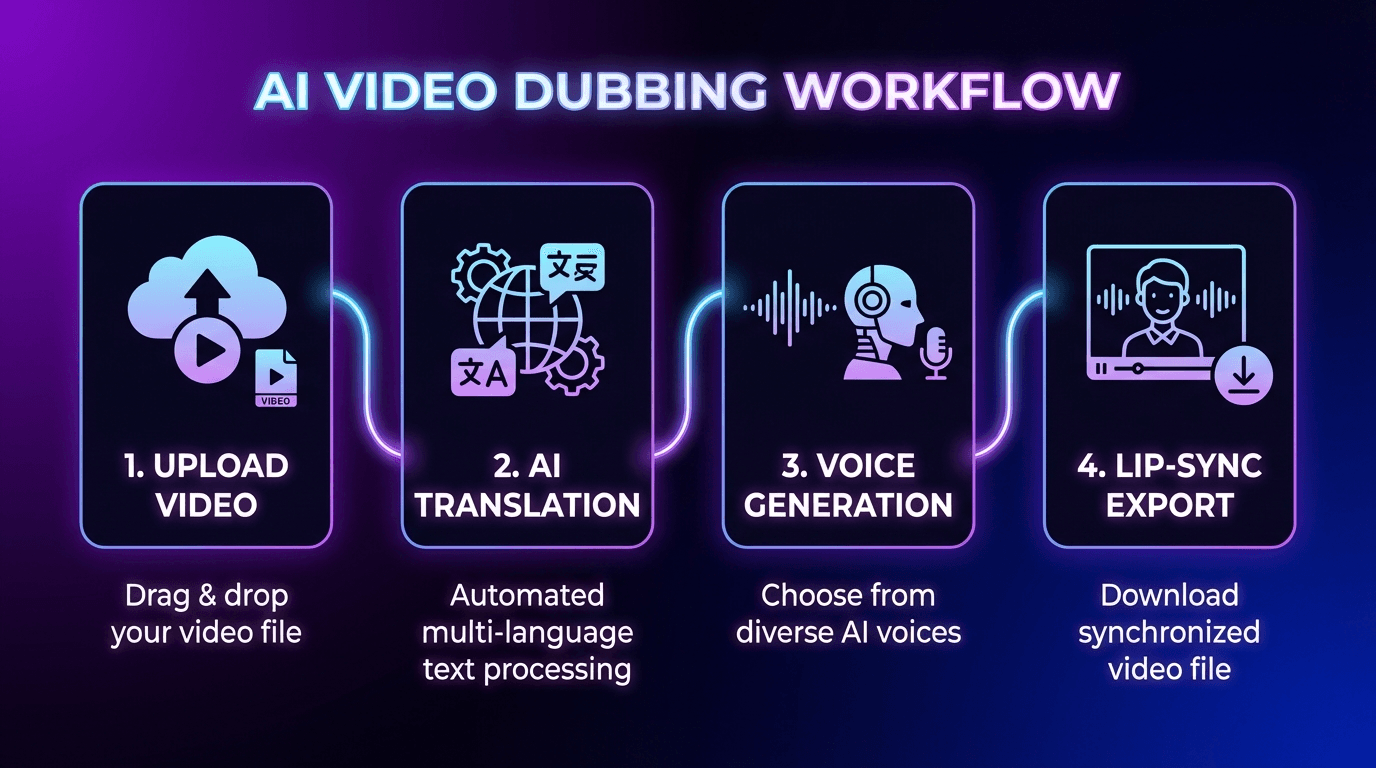
Step-by-Step Guide to Dub Video with AI
Follow these five steps to create multilingual versions of your videos:
Step 1: Upload Your Video
Start by uploading your video file to your chosen AI dubbing platform. Most tools support MP4, MOV, WEBM, and MKV formats. You can typically upload from your computer, cloud storage, or paste a YouTube URL directly.
Step 2: Generate and Review Transcript
The AI automatically transcribes your video's audio. Review this transcript for accuracy—correct transcription ensures better translation quality. Pay attention to technical terms, brand names, and numbers that the AI might misinterpret.
Step 3: Select Target Languages
Choose which languages you want for your dubbed versions. High-ROI languages for global reach include Spanish (559 million native speakers), Mandarin Chinese, Hindi, Portuguese, French, and German. For e-commerce sellers, prioritize languages matching your target marketplaces.
Step 4: Choose Voice Settings
Select from the platform's voice library or use voice cloning to maintain your original voice across languages. Enable lip-sync if you want the speaker's mouth movements to match the translated audio—essential for talking-head videos and product demonstrations.
Step 5: Generate and Export
Click generate and let the AI process your video. Depending on length, this takes minutes rather than the weeks traditional dubbing requires. Preview each language version, make adjustments if needed, and export your dubbed videos.
Tip: Always preview dubbed videos before publishing. Check that translations sound natural and lip-sync aligns properly with on-screen speakers.
Advanced Features That Improve Quality
The best AI dubbing tools offer features beyond basic translation that significantly improve output quality.
Lip-Sync Technology
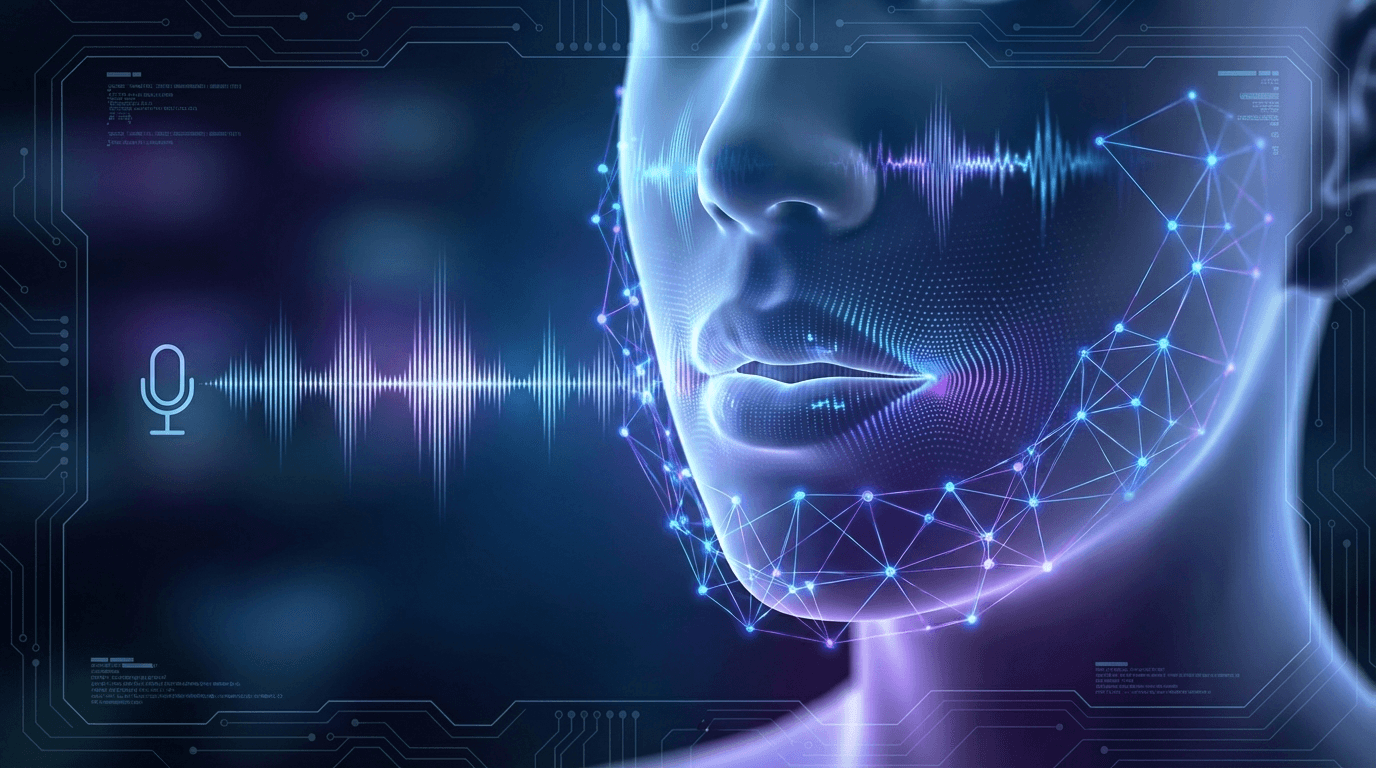
Lip-sync AI adjusts your mouth movements frame-by-frame to match translated audio. This creates a natural viewing experience where the speaker appears to actually speak the dubbed language. For AI avatar and voice cloning applications, this technology ensures digital humans look authentic across all language versions.
Multi-Speaker Detection
AI can identify multiple speakers in your video and apply different voices to each. This matters for interviews, podcasts, and training videos featuring conversations between multiple people.
Background Audio Preservation
Quality dubbing platforms separate speech from background music and sound effects. The AI replaces only the dialogue while preserving your video's original soundtrack, ensuring professional-quality output.
Best Use Cases for AI Video Dubbing
AI dubbing delivers the strongest ROI for specific content types and business applications.
E-Commerce Product Videos
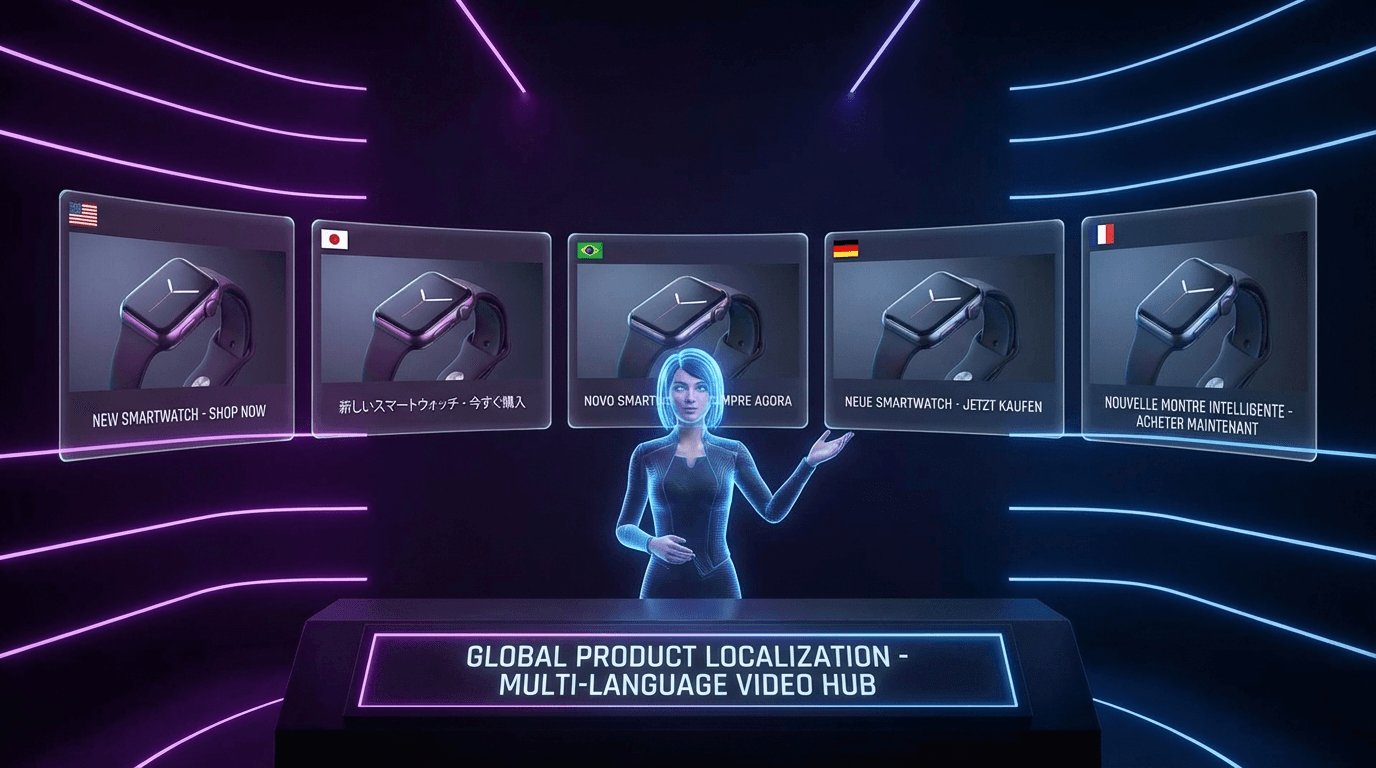
Cross-border sellers on Amazon, Shopify, eBay, and Etsy benefit most from AI dubbing. A product demonstration video dubbed into Spanish, German, and Japanese can triple your addressable market. Platforms like Keevx offer one-click URL-to-video conversion with built-in multilingual localization—turning product listings into AI product videos ready for global audiences.
Educational Content
Tutorials, how-to guides, and course materials translate exceptionally well because information matters more than cultural context. Online educators can expand their student base globally without creating separate courses for each market.
Corporate Training
HR departments producing onboarding and training materials can localize content for global teams. A training video created once in English becomes instantly available to offices in Brazil, France, Japan, and beyond.
YouTube Channel Growth
According to research, top creators like MrBeast and Mark Rober saw over 25% of their watch time come from non-primary language markets after implementing dubbing. YouTube's algorithm favors videos with higher engagement, and dubbed content increases watch time in new markets.
YouTube's Built-in Automatic Dubbing
YouTube now offers automatic dubbing powered by Google's Gemini AI for eligible creators. This feature transcribes, translates, and generates dubbed audio tracks automatically.
To enable it: Sign in to YouTube Studio, click Settings, go to Channel, then Advanced settings, and check "Allow automatic dubbing."
However, YouTube's built-in feature has limitations. Videos over 60 minutes, content with only music and no speech, and videos in unsupported languages won't qualify. For more control over voice quality, language options, and lip-sync, dedicated AI dubbing platforms offer superior results.
Frequently Asked Questions
How much does AI video dubbing cost compared to traditional dubbing?
AI dubbing costs a fraction of traditional methods. While hiring voice actors and studio time can run thousands of dollars per language, AI platforms typically charge per minute of video, making multilingual content accessible to small businesses and independent creators.
Does AI dubbing preserve my original voice?
Yes, modern voice cloning technology captures your unique vocal characteristics. With just a few seconds of reference audio, AI can generate speech in new languages that sounds like you—maintaining your brand voice across all markets.
How long does AI dubbing take?
Most platforms process videos in minutes rather than weeks. A 10-minute video can be dubbed into multiple languages within an hour, compared to traditional dubbing that might take weeks of coordination with voice actors and studios.
Can AI dubbing handle technical content accurately?
AI translation quality has improved dramatically, but technical content benefits from transcript review. Check that industry-specific terms, product names, and technical specifications translate correctly before publishing.
Conclusion
AI video dubbing has transformed from experimental technology into a practical tool for reaching global audiences. Whether you're an e-commerce seller expanding to new markets, a content creator growing your YouTube channel, or a business localizing training materials, you can now dub video with AI in 170+ languages without the traditional costs and delays.
The process is straightforward: upload your video, select languages, choose voice settings, and generate. Advanced features like lip-sync, voice cloning, and multi-speaker detection ensure professional results. For sellers on Amazon, Shopify, and other platforms, this means your product videos can reach customers in their native language—dramatically expanding your addressable market.
Start creating multilingual video content today and unlock global growth potential.
