
Turn Photo into Video: 5 Methods for Any Use Case
Transform static photos into engaging videos with 5 proven methods. Learn AI-powered tools, free converters, and automation solutions for social media and e-commerce success.
TL;DR: Transforming photos into videos has never been easier with modern AI tools. This guide covers five proven methods—from AI-powered platforms and online converters to slideshow makers and automation tools—helping you create engaging video content for social media, e-commerce, and marketing in minutes without technical skills.
Static images struggle to capture attention in today's fast-paced digital landscape. Video content generates 1200% more shares than text and images combined, making the ability to turn photo into video a critical skill for marketers, e-commerce sellers, and content creators. Whether you're showcasing Amazon products, creating TikTok ads, or building brand awareness, converting images into dynamic videos can dramatically boost engagement and conversions.
This guide explores five practical methods to turn photo into video, covering everything from AI-powered automation to manual editing tools. You'll discover which approach fits your specific use case, technical skill level, and budget constraints.
Method 1: AI-Powered Image to Video Platforms
AI platforms represent the fastest and most efficient way to turn photo into video. These tools leverage artificial intelligence to automatically animate static images, add motion effects, and generate professional-quality videos without requiring editing expertise.
Keevx: Best for E-Commerce and Multilingual Content
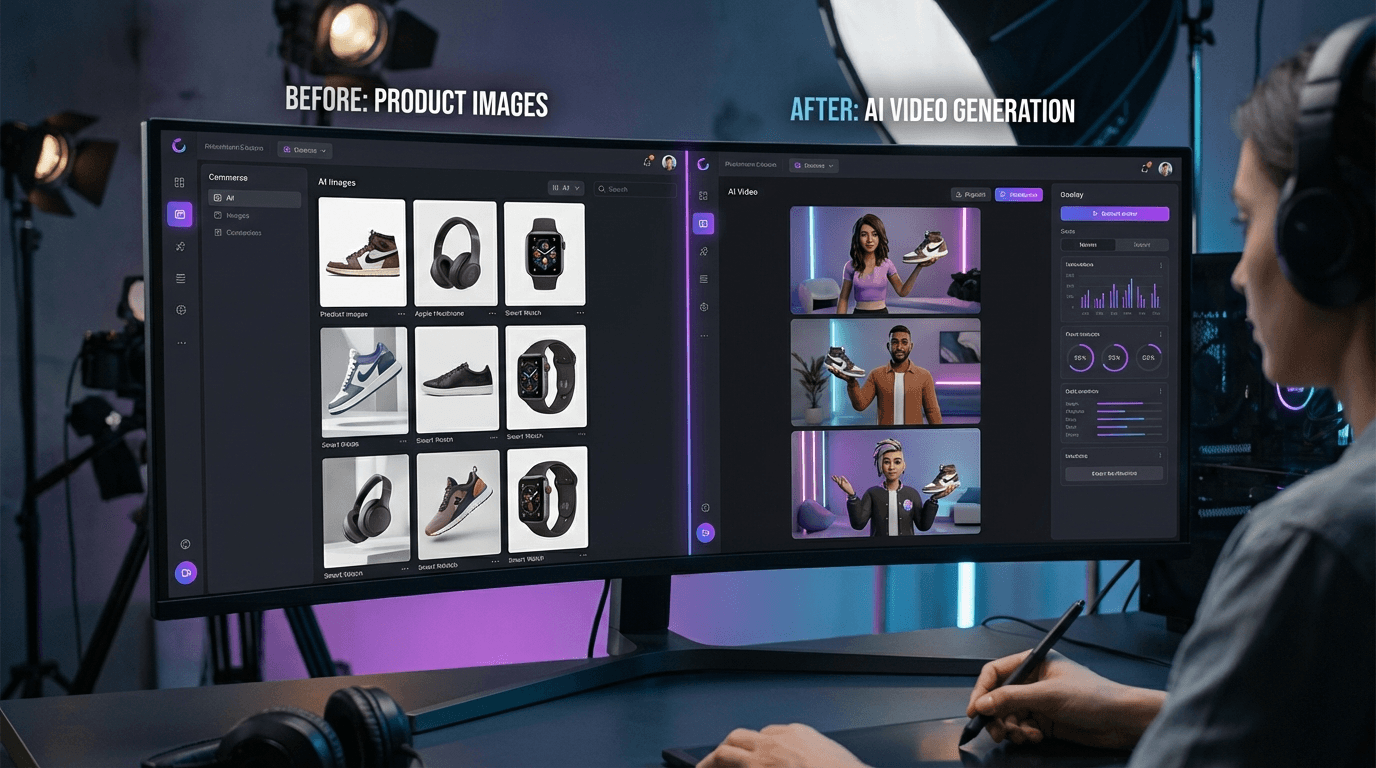
Keevx stands out as the premier choice for businesses requiring professional video content at scale. The platform specializes in transforming product images into conversion-ready videos featuring digital avatars.
Key capabilities:
- One-click conversion from Amazon, Shopify, eBay, and Etsy product URLs
- AI-powered product video generation from static images
- 234 diverse digital avatars with 169 voice options
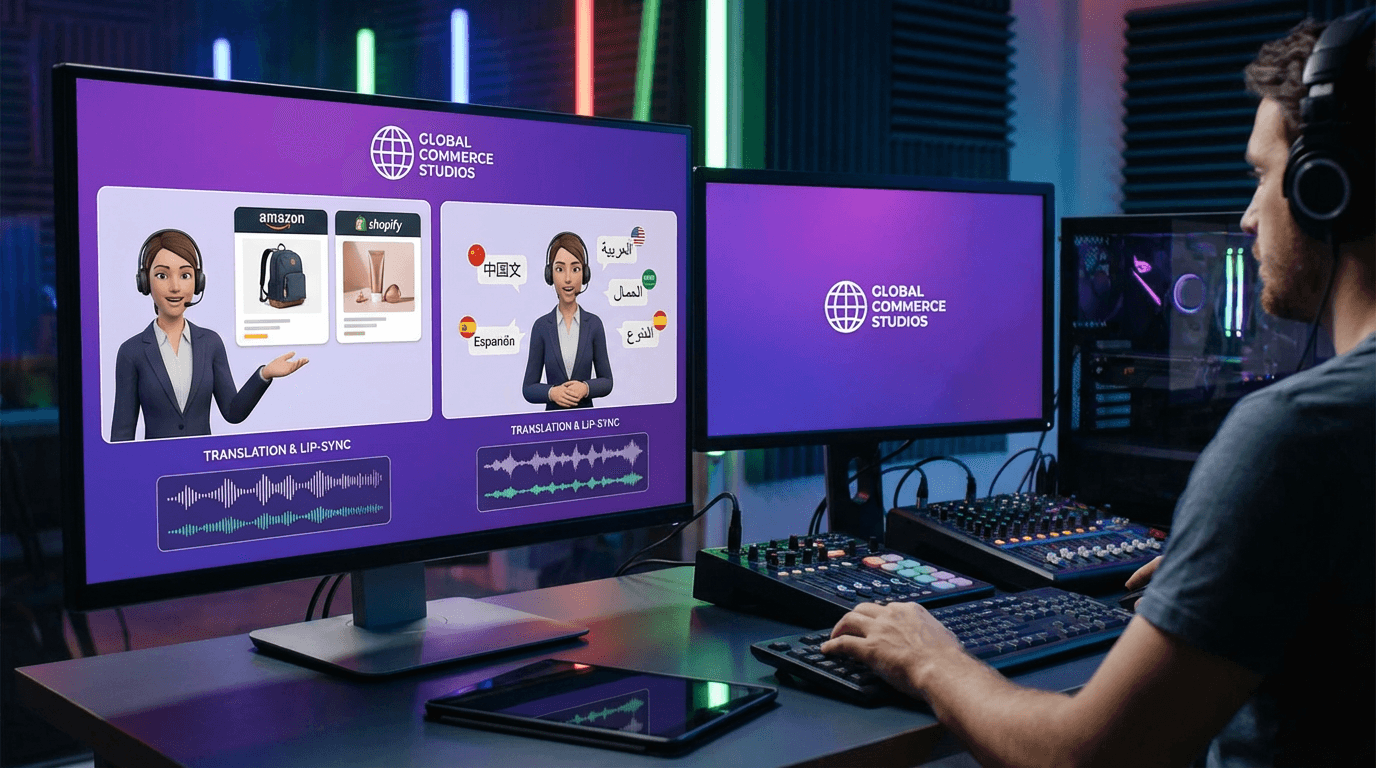
- Video translation and dubbing in 70+ languages with lip-sync
- Minute-level production with batch generation support
Best for: Cross-border e-commerce merchants, advertising agencies, enterprise marketing teams creating product demos and promotional content.
Pricing: Flexible plans with low trial barriers, designed for businesses of all sizes.
Adobe Firefly: Professional-Grade Animation
Adobe Firefly brings images to life with cinematic quality up to 1080p. The platform creates smooth videos in seconds with Creative Cloud integration, professional motion effects, and camera controls. Best for creative professionals in the Adobe ecosystem.
Method 2: Free Online Image to Video Converters
For users with limited budgets or occasional conversion needs, free online tools provide accessible solutions to turn photo into video without software installation.
Kapwing: Free with No Watermarks
Kapwing's Image to Video Converter offers completely free access without watermarks. The platform supports JPG, PNG, and WEBP formats, making it versatile for various image sources.
Features:
- Zero cost with unlimited usage
- Add music, transitions, and subtitles
- Cloud-based processing
- Collaborative editing features
Canva: Intuitive Design Interface
Canva's photo to video converter integrates seamlessly with its design platform. Users can upload photos, add animations, text overlays, and transition effects through an intuitive drag-and-drop interface.
Features:
- Extensive template library
- Built-in stock music and sound effects
- Social media format presets
- Brand kit integration for consistent styling
Best for: Social media managers creating content for Instagram, Facebook, and LinkedIn.
Method 3: Slideshow and Montage Makers
Slideshow tools excel at combining multiple photos into cohesive video narratives, perfect for storytelling, event recaps, and portfolio presentations.
Animoto: Photo Video Maker for Storytelling
Animoto specializes in creating polished video montages from photo collections with drag-and-drop editing, licensed music, automated transitions, and text tools. Perfect for wedding videos, corporate presentations, real estate listings, and educational content.
Best Practices for Slideshow Videos
Keep each photo at 3-5 seconds, use consistent transitions, match music tempo to pacing, and export in platform-specific aspect ratios. Research shows slideshow videos with synchronized music increase viewer retention by 40% compared to silent presentations.
Method 4: Motion Graphics and Animation Tools
Advanced users seeking maximum creative control can leverage motion graphics tools to add sophisticated animations, effects, and visual storytelling elements.
CapCut: Mobile and Desktop Flexibility
CapCut offers both mobile and desktop applications with powerful editing capabilities. The platform includes AI-powered features alongside manual editing tools.
Advanced features:
- Keyframe animation for precise control
- Green screen (chroma key) effects
- Multi-layer timeline editing
- Speed ramping and time manipulation
- Built-in effects library
Best for: Content creators producing TikTok, Instagram Reels, and YouTube Shorts who need professional editing tools without the learning curve of premium software.
Understanding Motion Effects
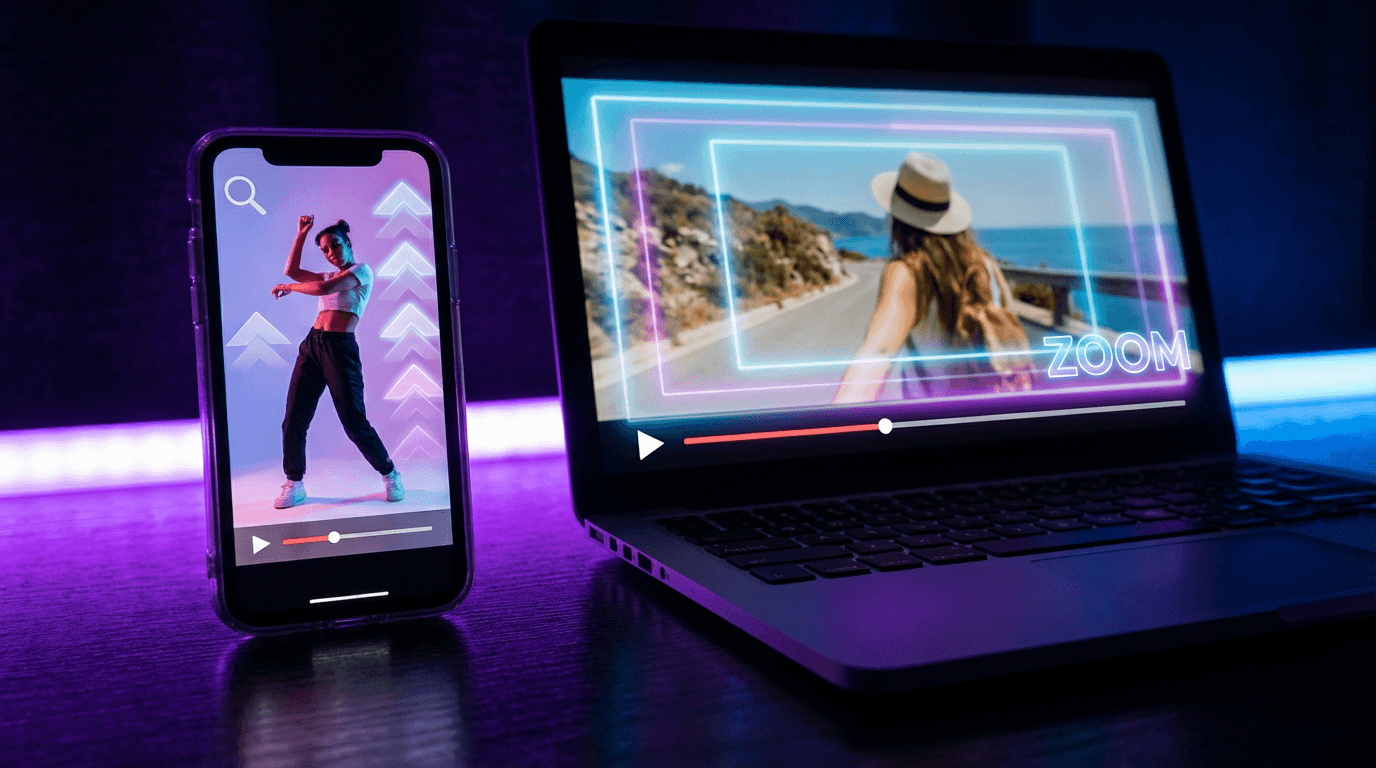
Professional videos use motion purposefully. Zoom effects create depth and focus, pan effects simulate camera movement, parallax effects add 3D depth, and the Ken Burns effect combines slow zoom with pan for cinematic storytelling.
Tip: Excessive motion appears amateur. Professional video uses motion purposefully to reveal information, create mood, or guide attention. A gentle zoom or slow pan often works better than aggressive camera moves.
Method 5: Automation and Batch Processing Solutions
For businesses and agencies managing high-volume content production, automation tools dramatically reduce time investment while maintaining consistent quality.
Keevx: URL to Video Automation
Keevx's automation capabilities extend beyond simple image conversion. The platform's AI Video Ads feature generates complete video advertisements from product URLs.
Automation workflow:
- Input Amazon, Shopify, eBay, or Etsy product URL
- AI extracts product images and generates conversion-focused script
- Select from 234 avatars and 169 voice options
- Platform automatically produces ready-to-publish video
- Optional: Generate multilingual versions with video translation and dubbing
Time savings: What traditionally takes hours of filming, editing, and production completes in minutes with batch generation supporting dozens of videos simultaneously.
Batch Processing Tips
Maintain consistent naming conventions, use template systems for brand consistency, and test sample outputs before batch processing. Optimize source images to minimum 1080p for HD quality.
Choosing the Right Method for Your Use Case
Selecting the optimal approach depends on several factors: budget, technical skill level, output volume, and quality requirements.
Decision Framework
E-commerce: Keevx provides comprehensive URL-to-video automation with multilingual support and AI product video generation targeting conversion optimization.
Social media: Free tools like Kapwing and Canva offer sufficient capabilities with template libraries and presets for Instagram, TikTok, and Facebook.
Professional work: Adobe Firefly delivers premium quality with advanced motion controls for agencies billing clients.
High-volume production: Automation platforms like Keevx dramatically reduce per-video costs through time savings and batch processing.
Creative storytelling: Motion graphics tools like CapCut provide maximum flexibility for unique, branded content with custom animations.
Quality vs. Speed Tradeoffs
AI automation delivers the fastest production in minutes with commercial-grade quality. Online converters offer quick setup for social media needs. Motion graphics tools require more time but deliver premium quality, while batch processing maximizes efficiency for high-volume production.
Technical Best Practices
Achieving professional results requires understanding key technical requirements.
Image requirements: Use minimum 1920x1080 pixels for HD output. PNG works best for graphics, JPEG for photographs. Match aspect ratios to target platforms: 16:9 for YouTube, 9:16 for TikTok and Reels, 1:1 for Instagram Feed.
Export settings: MP4 with H.264 codec provides optimal compatibility. Use 24-30fps for standard content, and always preview on mobile devices before publishing to catch quality issues.
Tip: Always preview exports on mobile devices before publication. Mobile screens reveal compression artifacts and readability issues invisible on desktop monitors.
Integrating Videos into Marketing Workflows
Creating videos represents only half the equation. Strategic distribution and optimization maximize content impact.
Cross-Platform Distribution Strategy
Tailor content to each platform: YouTube needs longer-form content (2-10 minutes), TikTok and Reels require short 15-60 second clips, Facebook and LinkedIn work best with 1-3 minute educational content, and e-commerce platforms need 30-90 second product demos. Ideas to Video tools can generate comprehensive scripts from topic outlines.
Performance Tracking
Monitor view duration, click-through rates, conversion rates, and social shares to refine your strategy. Platforms like Keevx integrate market trends analysis to identify high-performing content patterns for data-driven decisions.
Frequently Asked Questions
How do I turn a photo into a video for free?
Use free online converters like Kapwing, Canva, or Pixlr. Upload your image, select motion effects (zoom, pan, or fade), add optional music or text, and export as MP4. These platforms require no software installation and process videos directly in your browser within minutes.
What's the fastest way to convert multiple photos to video?
Automation platforms like Keevx offer the fastest batch processing. Upload multiple images or product URLs, apply consistent templates and settings, and generate dozens of videos simultaneously. This approach reduces per-video production time from hours to minutes.
Can I add voiceovers to image-based videos?
Yes, most platforms support voiceover integration. AI platforms like Keevx provide 169 voice options with avatar and voice cloning capabilities, while manual tools allow audio file uploads. For multilingual content, AI translation tools automatically generate localized voiceovers with lip-sync.
What video format works best for social media?
MP4 format with H.264 codec offers the best compatibility across all social platforms. Export vertical videos (9:16 aspect ratio) for TikTok, Instagram Reels, and YouTube Shorts, and landscape (16:9) for YouTube, Facebook, and LinkedIn.
How long should photo-based videos be?
Duration depends on platform and purpose. TikTok and Reels perform best at 15-30 seconds, YouTube content ranges from 2-10 minutes, and product videos should be 30-90 seconds. Keep slideshow transitions at 3-5 seconds per image for optimal pacing.
Do AI-generated videos require attribution?
Attribution requirements vary by platform. Most commercial AI video generators, including Keevx, grant full usage rights without attribution. Always review licensing terms, especially for free tools which may require watermarks or credits.
Conclusion
The ability to turn photo into video has transformed from a technical skill requiring expensive software into an accessible capability for anyone. Whether you choose AI-powered automation through platforms like Keevx, free online converters, or professional motion graphics tools, the right method depends on your specific needs, budget, and volume requirements.
For e-commerce sellers, marketers, and content creators seeking efficient, scalable video production, AI platforms deliver professional results without filming, editing skills, or technical expertise. The combination of automated script generation, digital avatars, multilingual localization, and batch processing enables businesses to compete in video-first digital environments.
Start with free tools to understand basic workflows, then scale to automation platforms as your content volume and quality requirements grow. Video content continues to dominate digital engagement metrics, making photo-to-video conversion an essential skill for modern marketing success.
