
Image to Video Generator: Top 10 Tools Compared (2026)
Discover the top 10 image to video generators in 2026. Compare features, pricing, and use cases to find the perfect AI tool for transforming static images into engaging videos.
TL;DR: Image to video generators use AI to transform static photos into dynamic video content in minutes. Top tools in 2026 include Keevx (best for e-commerce and multilingual content), Runway ML, Pika, Adobe Firefly, and Google Veo, each optimized for different use cases from product demos to cinematic animations.
The rise of AI-powered video creation has fundamentally changed how businesses produce visual content. An image to video generator takes your static photos and transforms them into engaging video clips without requiring technical skills or expensive production equipment. Whether you're showcasing products, creating social content, or producing client deliverables, these tools deliver professional results in minutes.
This comparison examines the top 10 image to video tools available in 2026, evaluating each platform's strengths, pricing, and ideal use cases to help you find the right solution for your workflow.
What Is an Image to Video Generator?
An image to video generator is an AI-powered tool that analyzes static images and creates animated video sequences with realistic motion, camera movements, and scene transitions. According to research from LetsEnhance, the quality jump from 2025 to 2026 has been substantial—what took hours or wasn't possible last year now generates in minutes with remarkable fidelity.
The generation process involves image analysis to identify objects and depth, motion prediction based on your prompts, frame generation at 24-60 fps, and quality enhancement for smooth transitions. Most platforms complete a 5-second clip in under 90 seconds.
Top 10 Image to Video Generators Compared
1. Keevx - Best for E-Commerce and Multilingual Content
Best For: Cross-border merchants, advertising agencies, marketing teams
Keevx delivers complete video production workflows specialized for e-commerce with built-in integration that converts Amazon, Shopify, eBay, or Etsy product URLs directly into conversion-ready videos.
Key Features:
- One-click URL to video conversion for major e-commerce platforms
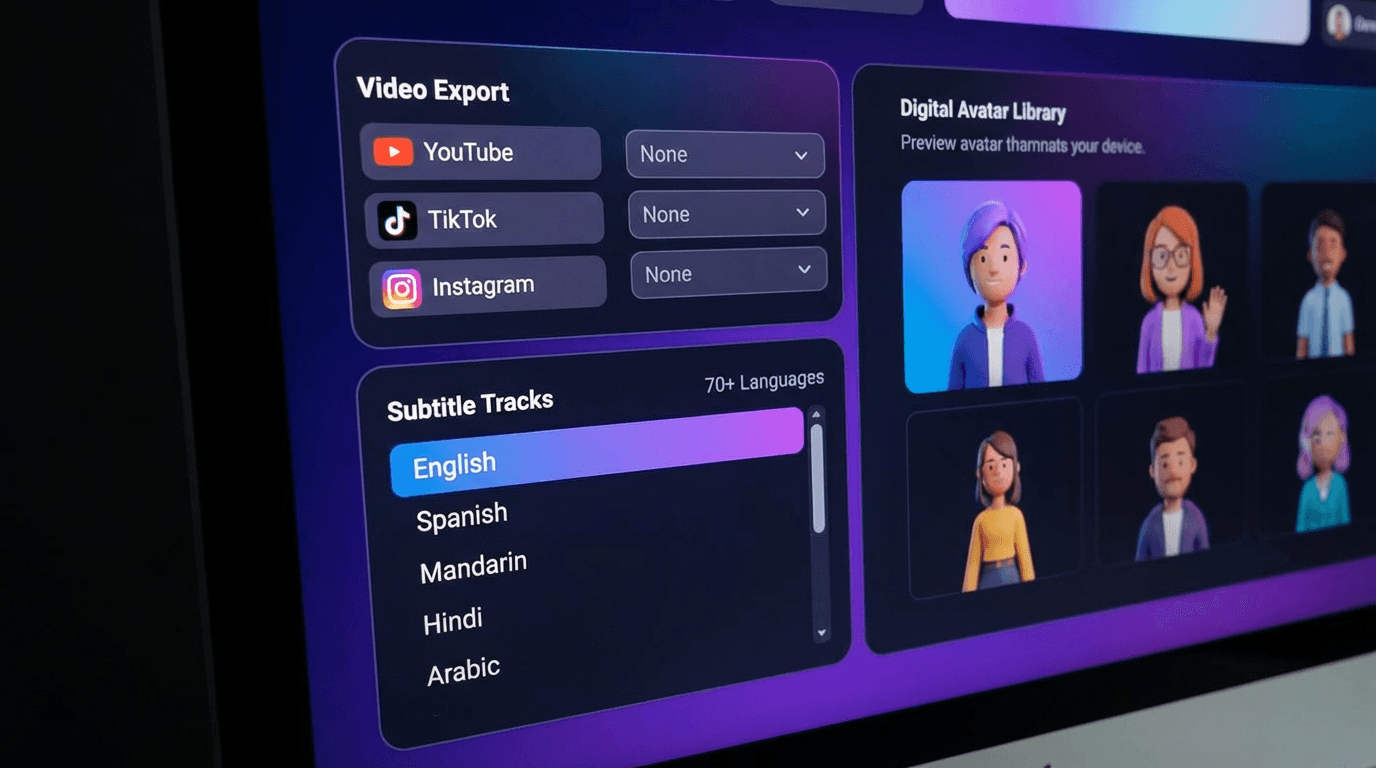
- 70+ language translation and dubbing with lip-sync technology
- 234 diverse digital avatars for presenter-style videos
- 40+ industry-specific video templates
- Batch generation for scaling content production
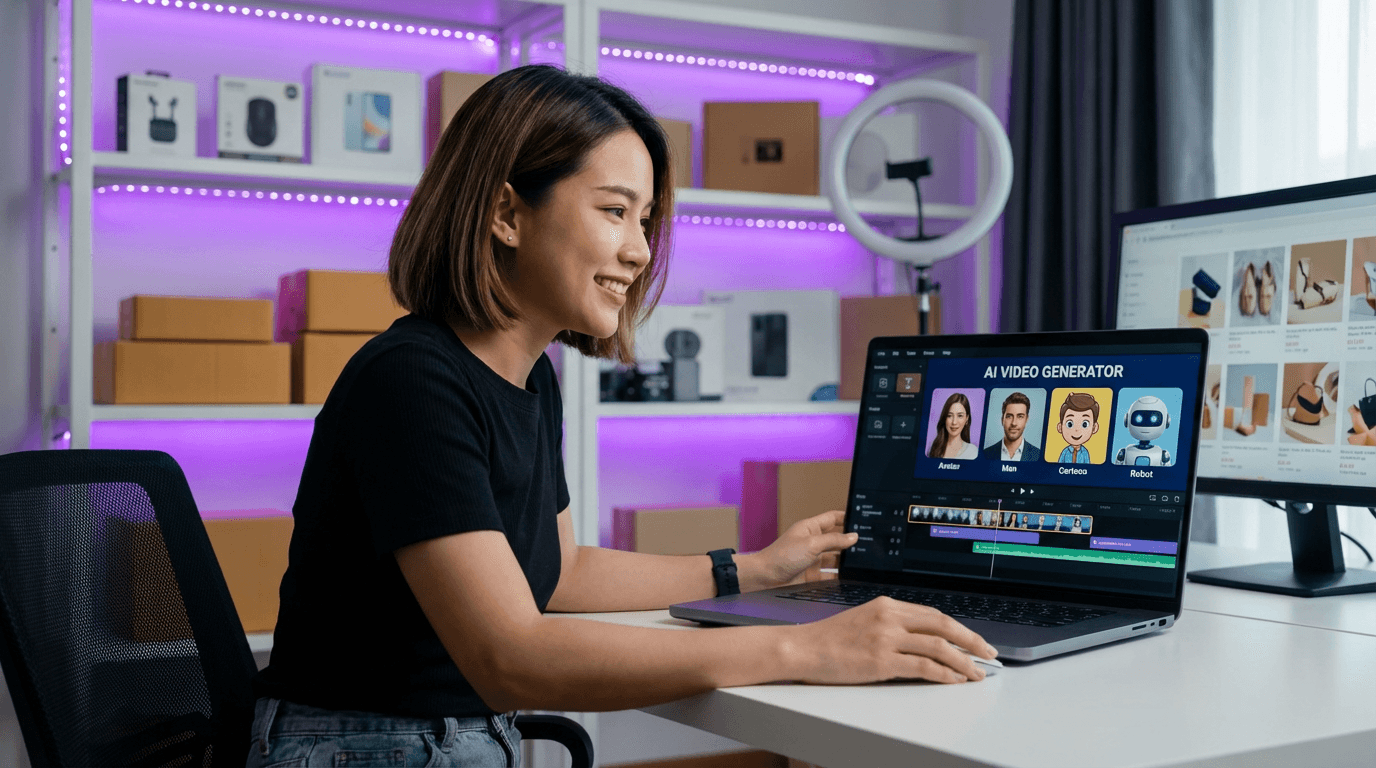
Why Choose Keevx: If you're producing product demos or multilingual marketing content, Keevx delivers minute-level production without filming or editing. The AI Product Video feature transforms static product images into dynamic showcases, while Translate & Dub Video enables instant localization for global audiences.
2. Runway ML - Best for Creative Professionals
Best For: Filmmakers, content studios, creative agencies
Runway ML's Gen-3 Alpha model delivers cinematic quality with precise camera controls and artistic expression. Best for projects requiring creative control over speed.
Key Features: Advanced motion controls, professional workflow integration, extended duration, consistent character generation
Pricing: Credit-based starting at $12/month for 625 credits
3. Pika 2.2 - Best for Quick Social Content
Best For: Social media managers, content creators
Pika focuses on fast generation with intuitive controls perfect for social media workflows, typically generating clips in under 60 seconds.
Key Features: Rapid generation, simple text prompts, social format presets, affordable pricing
Pricing: Free tier available; paid plans start at $8/month
4. Adobe Firefly Video - Best for Adobe Users
Best For: Designers using Adobe Creative Cloud
Adobe's Firefly brings enterprise-grade video generation with seamless Creative Cloud integration and commercial-safe content guarantees.
Key Features: Creative Cloud integration, 1080p output, commercial safety, familiar Adobe interface
Pricing: Included with Creative Cloud (starting at $54.99/month)
5. Google Veo 3.1 - Best for Realistic Physics
Best For: Projects requiring authentic motion
Google's Veo excels at creating videos where realistic physics and natural movement are critical, with advanced physics simulation and lighting preservation.
Key Features: Physics simulation, natural human movement, high consistency, extended duration
Pricing: Currently in limited beta
6. Luma Dream Machine - Best for Stylized Content
Best For: Artistic projects, music videos
Luma specializes in visually striking, stylized animations that prioritize aesthetic impact over photorealism.
Key Features: Artistic style controls, dream-like motion, color grading, music synchronization
Pricing: Free tier available; Pro starts at $29/month
7. Kling AI - Best for Human Motion
Best For: Videos featuring people, character animations
Kling AI has gained recognition for sophisticated human movement with authentic weight shifts, breathing, and body mechanics.
Key Features: Realistic human motion, facial consistency, natural micro-movements, clothing dynamics
Pricing: Credit-based with competitive rates
8. Claid.ai - Best for Product and Fashion
Best For: E-commerce product videos, fashion showcases
Claid.ai specializes in product video generation with features designed for e-commerce and catalog content.
Key Features: Product-optimized animation, background removal, 360-degree rotation, batch processing
Pricing: Starts at $49/month
9. LetsEnhance AI Video - Best for Speed
Best For: Portrait videos, brand content
LetsEnhance delivers exceptionally fast generation while maintaining character identity—completing 5-second clips in under 90 seconds.
Key Features: Fast generation, identity preservation, minimal artifacts, high reliability
Pricing: Credit-based with monthly subscriptions
10. InVideo AI - Best for Automation
Best For: Beginners, automated social content
InVideo offers the most automated approach, handling complete video assembly with text overlays, transitions, and music selection.
Key Features: Full automation, built-in text generation, music library, template workflows
Pricing: Free tier available; Premium starts at $20/month
Key Factors When Choosing a Tool
Motion Quality and Realism
Tools like Kling AI and Google Veo prioritize realistic physics, while Luma Dream Machine focuses on stylized effects. According to industry analysis, output quality directly correlates with input quality—cleaner keyframes produce more stable motion.
Identity and Consistency
For brand content, maintaining visual consistency is critical. LetsEnhance and Keevx both prioritize identity preservation, ensuring faces, logos, and product features remain recognizable throughout animations.
Speed and Throughput
Production timelines vary dramatically. Pika and LetsEnhance generate clips in under 90 seconds, while Runway may take several minutes. For high-volume production, speed translates to significant time savings.
Control vs. Automation
Creative professionals prefer platforms like Runway with granular controls. Business users benefit more from automated solutions like InVideo or Keevx that deliver results with minimal input.
Use Cases for Image to Video Generators
E-Commerce Product Videos
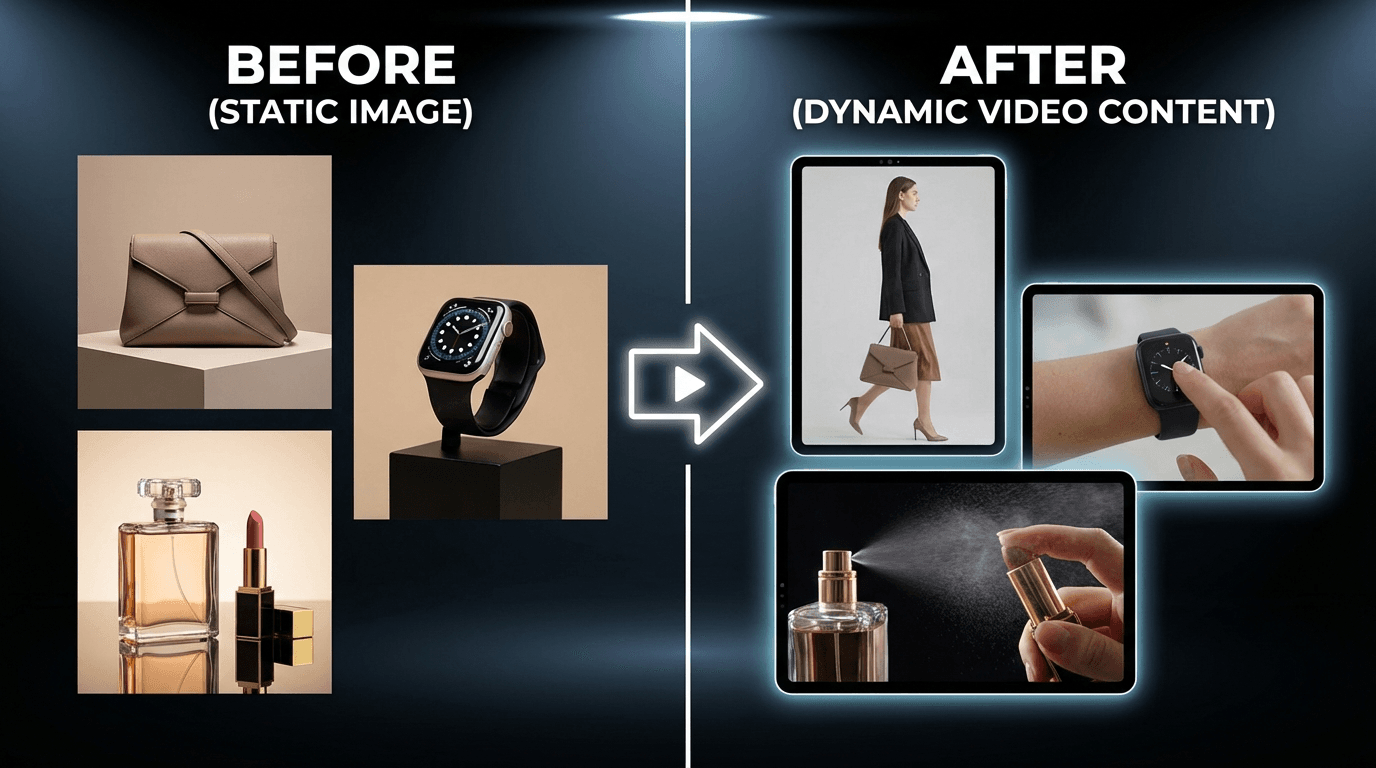
Static product photos convert better when animated. Tools like Keevx and Claid.ai transform marketplace products into dynamic showcases. The AI Video Ads feature automates ad creation, increasing click-through rates and conversions.
Cross-border merchants benefit from multilingual capabilities—create one video and automatically localize it into 70+ languages with synchronized voiceovers.
Social Media Content
Platforms like Instagram and TikTok favor video over static images. Image to video generators enable creators to produce engaging short-form content from existing photo libraries. Pika and InVideo excel at social workflows with preset aspect ratios.
Marketing and Advertising
Marketing teams scale campaign production across multiple channels and markets. The Market Trends feature helps identify viral content patterns for replication with branded content.
Corporate Communications
Training videos and product announcements become more engaging when presentations transform into dynamic content. Avatar & Voice Cloning enables presenter-style videos without filming.
Best Practices for Generation
Start with High-Quality Images
Use high-resolution images (minimum 1080p) with good lighting, clear focus, and clean composition. Avoid blurry or poorly lit source material.
Write Effective Prompts
For prompt-based tools, specificity improves results. Instead of "make it move," try "slow zoom in with subtle camera shake, natural breathing motion." Describe camera movements and desired effects clearly.
Match Tool to Content Type
Choose specialized tools that match your content category. Kling AI excels at human motion but may struggle with abstract content. Claid.ai optimizes product videos but isn't ideal for character work.
Test Motion Intensity
Start with subtle motion (20-30% intensity) and increase only if needed. Excessive motion creates unnatural results and increases artifacts.
Frequently Asked Questions
Can I use AI-generated videos commercially?
Most platforms allow commercial use, but licensing terms vary. Adobe Firefly explicitly guarantees commercial safety. Always review specific platform terms before using content in commercial projects.
How long do these tools take to generate videos?
Generation times range from 30 seconds to several minutes. Fast tools like Pika and LetsEnhance complete 5-second clips in under 90 seconds. Batch processing in tools like Keevx enables queuing multiple generations simultaneously.
Do I need video editing skills?
No. Image to video generators are designed for users without technical skills. Platforms like InVideo and Keevx automate the entire process—upload images, write prompts, and receive finished videos.
What image formats are supported?
Most platforms accept JPG, PNG, and WEBP formats. Resolution requirements typically start at 512x512 pixels, with 1080p recommended for best results.
Can these tools maintain brand consistency?
Yes. Keevx enables template creation with consistent brand elements. Many tools offer style reference features where you upload a reference video to guide visual aesthetics.
Conclusion
Image to video generators have evolved into production-ready solutions delivering professional quality in minutes. The right platform depends on your specific needs: e-commerce merchants benefit from Keevx's multilingual localization and e-commerce integration, creative professionals require Runway's artistic controls, while social creators value Pika's speed and affordability.
What seemed impossible in 2025—realistic human motion, facial consistency, complex lighting preservation—now happens automatically in 2026's leading platforms. For businesses looking to scale video production, these tools represent transformative efficiency gains.
Ready to transform your static images into engaging video content? Start Free Trial and experience minute-level video production with AI-powered automation and multilingual localization.
